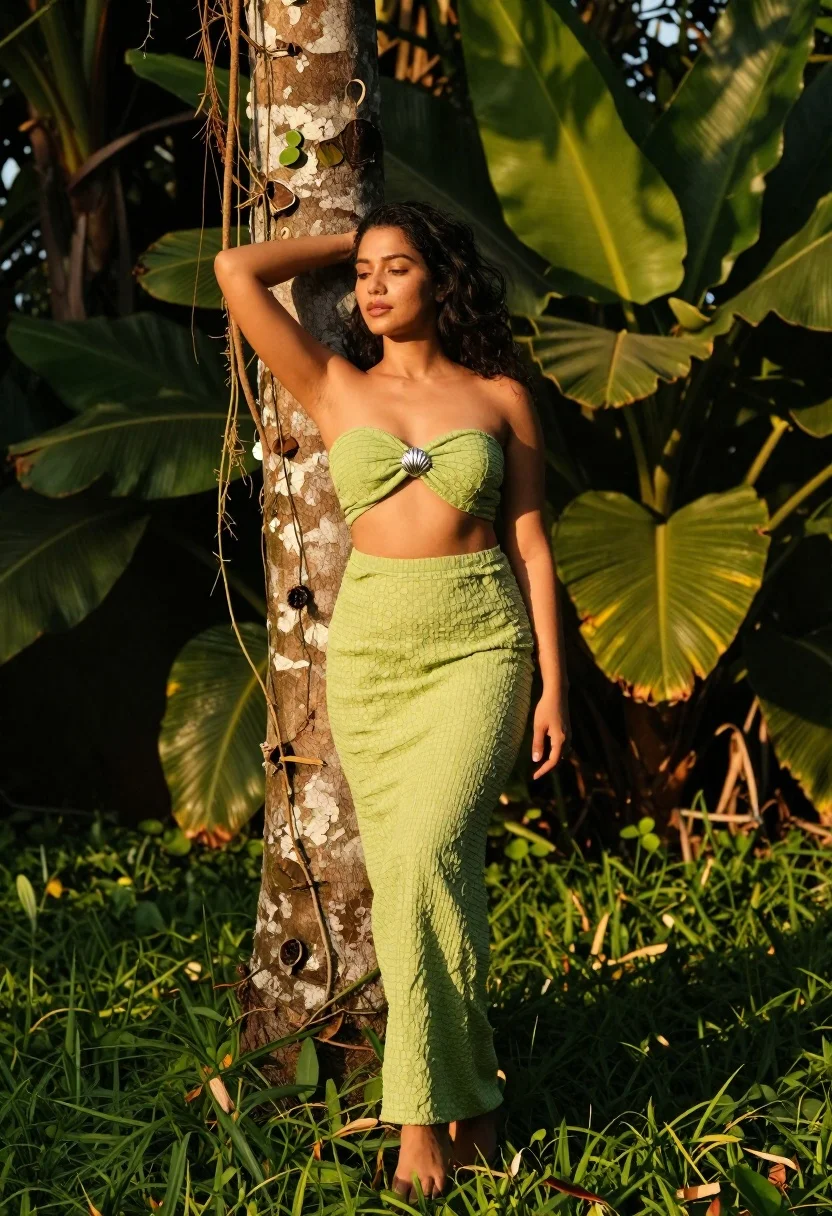
Woman in green outfit leaning on tree in lush garden at golden
Prompt
A woman stands gracefully in a lush garden, leaning against a tree trunk with one hand raised to her hair.

Subject: A woman with long dark wavy hair and a calm expression, wearing a light green two-piece outfit consisting of a strapless textured top and matching high-waisted pants.

Clothing: The outfit is made of a crinkled or woven fabric in a pale lime green shade, featuring a silver shell-shaped brooch at the center of the bustier top. She is barefoot on the grass.

Action: She leans her left shoulder against a tree trunk with vines hanging down, while her right arm hangs loosely by her side; she looks slightly downward with a serene expression.

Environment: The setting is a vibrant green garden with large tropical leaves and dense foliage in the background, illuminated by warm golden sunlight that casts soft shadows on the grass.

Camera: Medium full-body shot taken from a slightly low angle to emphasize height, with shallow depth of field blurring the background foliage to focus attention on the subject.

Lighting: Warm directional sunlight coming from the side creates a glowing effect on her skin and highlights the texture of her outfit, casting soft shadows that enhance the natural mood.

Style Details: Naturalistic photography style with rich color saturation, high contrast between light and shadow, and a cinematic feel enhanced by the golden hour lighting.
Description
This prompt is useful for creating editorial fashion spreads, lifestyle catalog imagery, and serene portraiture suitable for wellness branding. The combination of 'warm directional sunlight' casting soft shadows and the 'shallow depth of field blurring the background foliage' ensures the subject remains the focal point while the 'pale lime green shade' outfit harmonizes with the surrounding vibrant greens without clashing.
Suggestions
- Change 'pale lime green shade' to 'moss green' for a deeper autumnal feel.
- Add 'bokeh effect' to enhance the background blur further.
- Swap 'medium full-body shot' for 'full body portrait' to capture more of the environment.
Category
Tags
Brown HairBrunetteCasual WearFemaleFull BodyLow AngleMedium ShotNatureOutdoorsRealistic
Date added
June 19, 2026
Added by
PromptDexter Team
Related Prompts
More prompts with similar categories and tags.
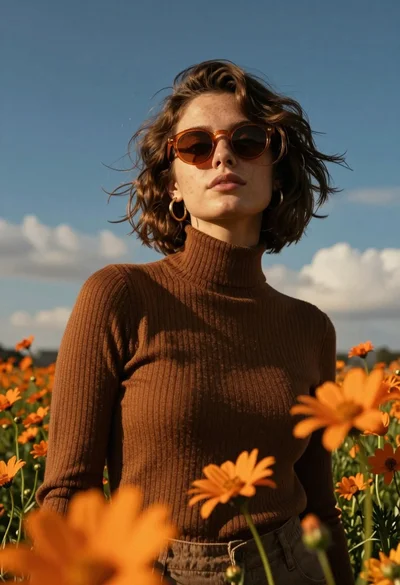
Young woman in brown sweater standing in orange flower field under deep
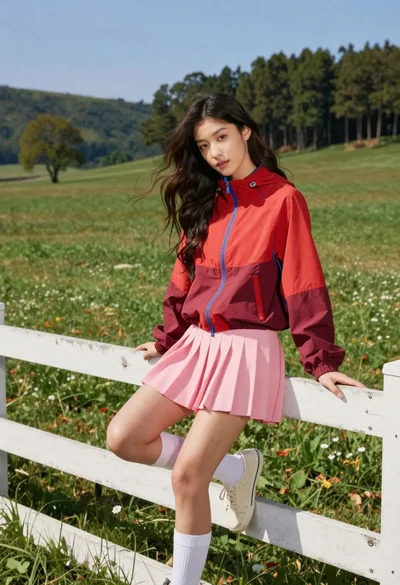
Young woman in red jacket on white fence in green meadow
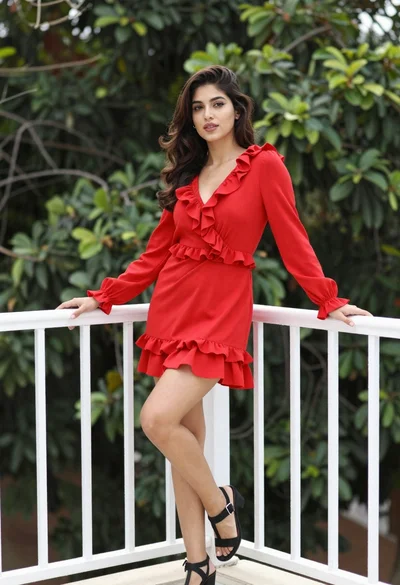
Young woman in vibrant red dress leaning on balcony railing outdoors
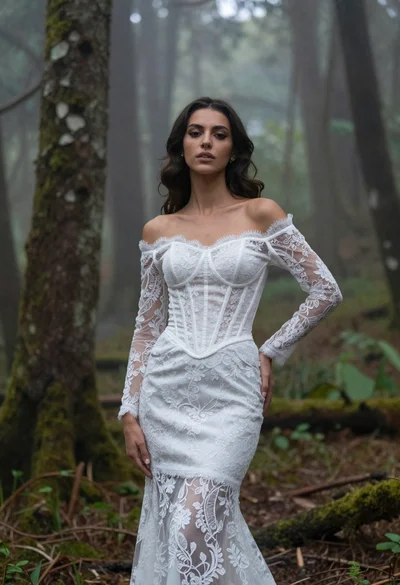
Woman in white lace gown standing in misty forest medium shot
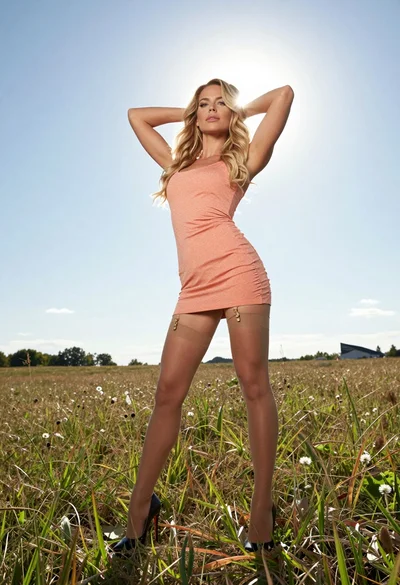
Fit blonde woman in peach dress standing in grassy field under bright
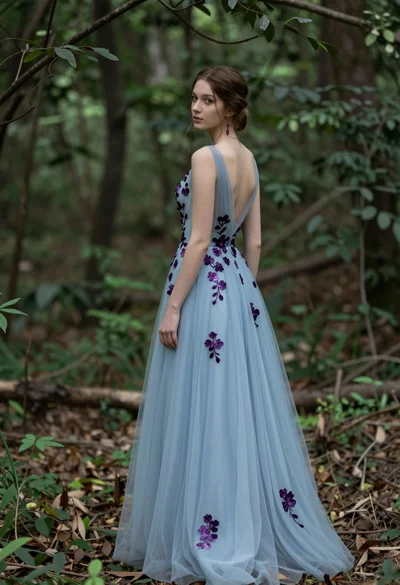
Young woman in light blue gown standing in a lush forest setting
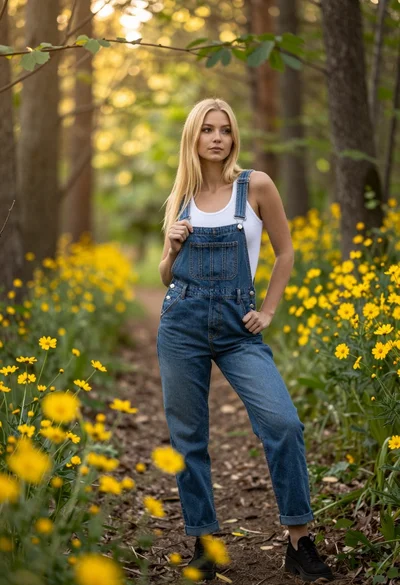
Blonde woman in denim overalls on a sunny forest path with wildflowers
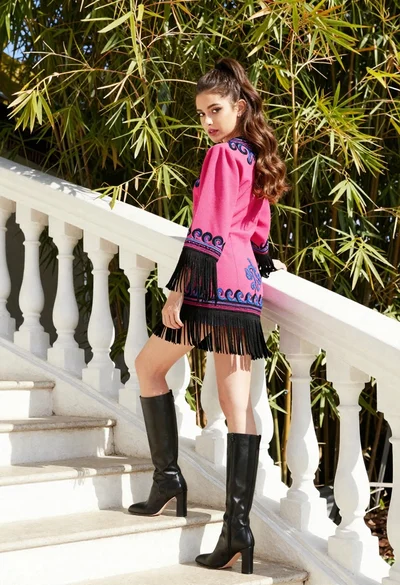
Young woman in pink embroidered dress on white stone staircase outdoors
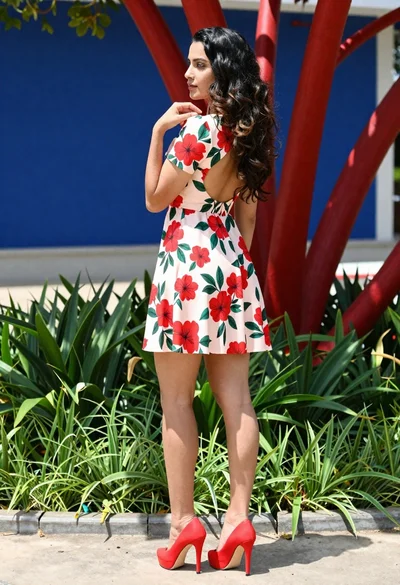
Young woman in floral mini dress standing outdoors near red sculptural branches
Young woman in white sweater sitting on log in grassy field