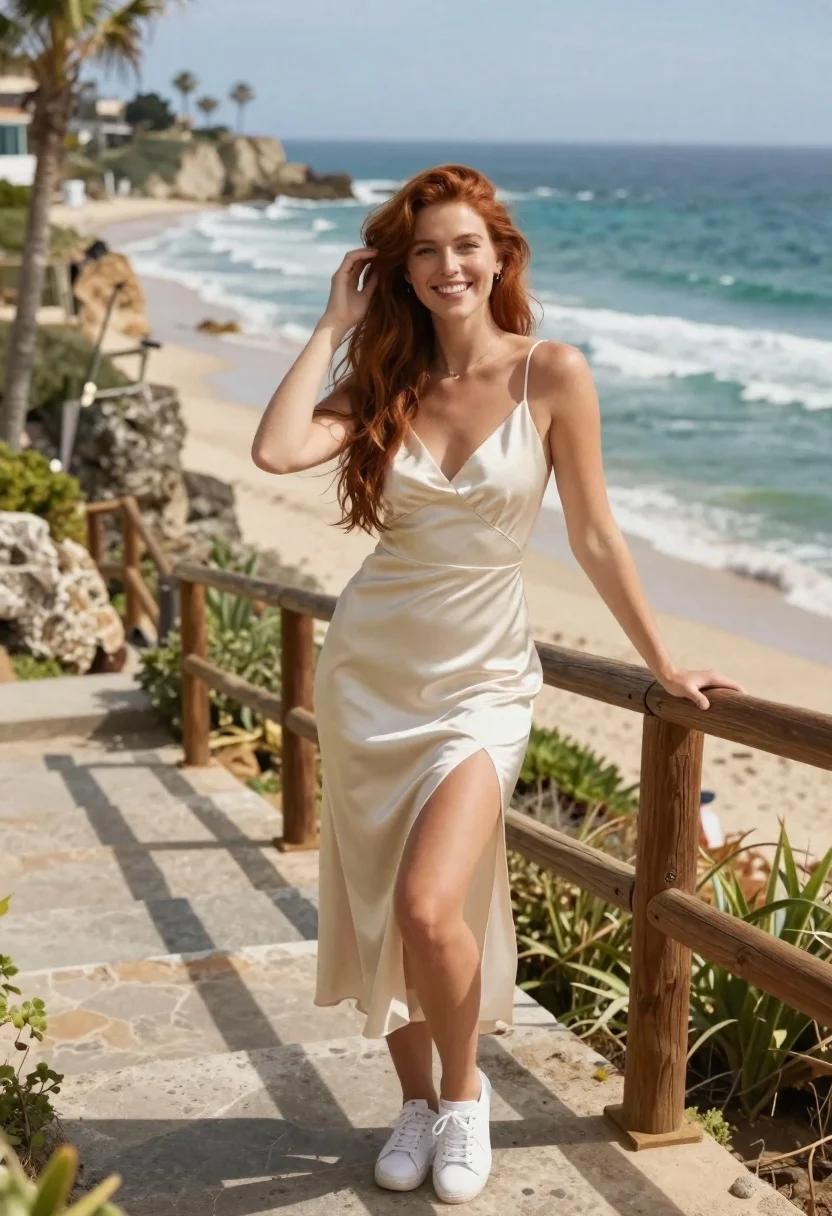
Smiling woman in cream dress on stone stairs by the ocean
Prompt
A smiling woman with long reddish-brown hair stands on a stone staircase overlooking the ocean.

Subject: A young woman with fair skin and long, wavy reddish-brown hair that falls over her shoulders. She has a bright smile and is looking directly at the camera.

Clothing: She wears a sleeveless, cream-colored slip dress with a deep V-neckline and a high side slit revealing her leg. The fabric appears to be satin or silk with a subtle sheen. She is wearing white sneakers.

Action: She stands in a relaxed pose on stone steps, leaning her left hand against a wooden railing while her right hand is raised to touch the hair behind her ear.

Environment: The setting is an outdoor coastal location featuring a wooden staircase built into a rocky cliffside. In the background, there is a turquoise ocean with gentle waves and a sandy beach lined with palm trees.

Lighting: The scene is illuminated by bright, natural sunlight coming from the side, casting soft shadows and highlighting the texture of her hair and dress.

Camera: The shot is taken at eye level with a medium framing that captures the subject from head to toe, utilizing a shallow depth of field to keep the background slightly blurred.

Style Details: The image has a high-resolution, polished photographic quality with vibrant colors and a warm, sunny atmosphere.
Description
This prompt is useful for creating travel magazine features, bridal destination shoots, and lifestyle blog headers capturing breezy vacation moments. The combination of 'satin or silk' fabric against the 'turquoise ocean' background ensures that the dress catches light beautifully without looking flat, while the 'shallow depth of field' isolates the subject's smile from the busy coastal elements.
Suggestions
- Change 'reddish-brown hair' to 'golden blonde hair' for a different color palette.
- Swap 'white sneakers' for 'woven espadrilles' to better match the setting.
- Adjust 'bright, natural sunlight' to 'late afternoon diffused light' for softer shadows.
Category
Tags
BeachBrown HairFair SkinFemaleFull BodyMedium ShotOutdoorsPortrait ShotRealisticRed Hair
Date added
June 21, 2026
Added by
PromptDexter Team
Related Prompts
More prompts with similar categories and tags.
Young woman with long dark hair sitting on a traditional boat
Young woman in maroon gown on beach looking back at sunset golden

Woman in white dress on sunny beach looking at turquoise ocean waves
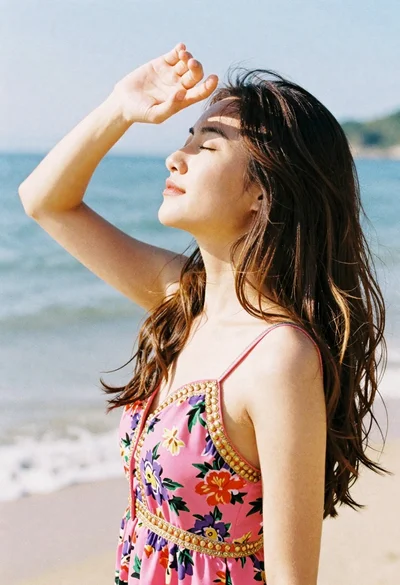
Woman in pink floral dress shielding eyes outdoors on sunny day
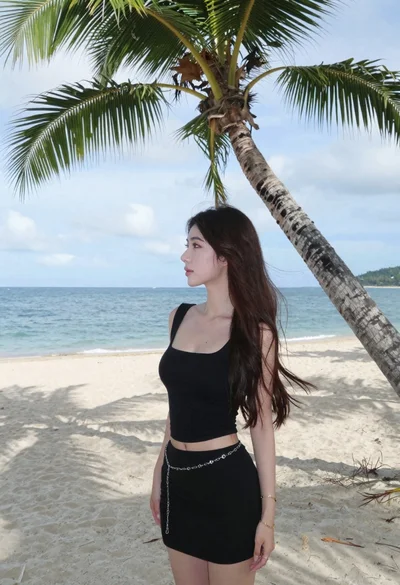
Young woman in black outfit standing on tropical beach near palm tree
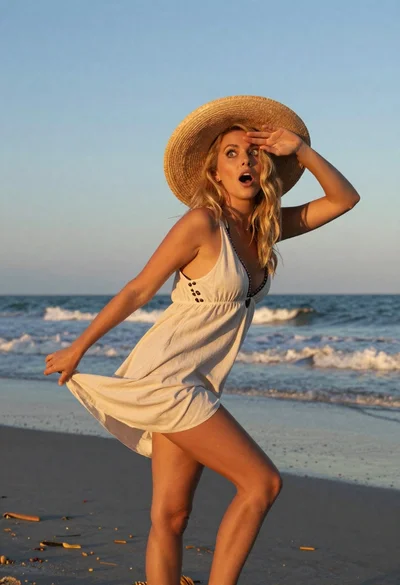
Blonde woman in light dress on beach at golden hour sunset

Young woman in blue bikini on beach at dusk near city lights

Young woman in green jacket holding plush toy at festive carousel