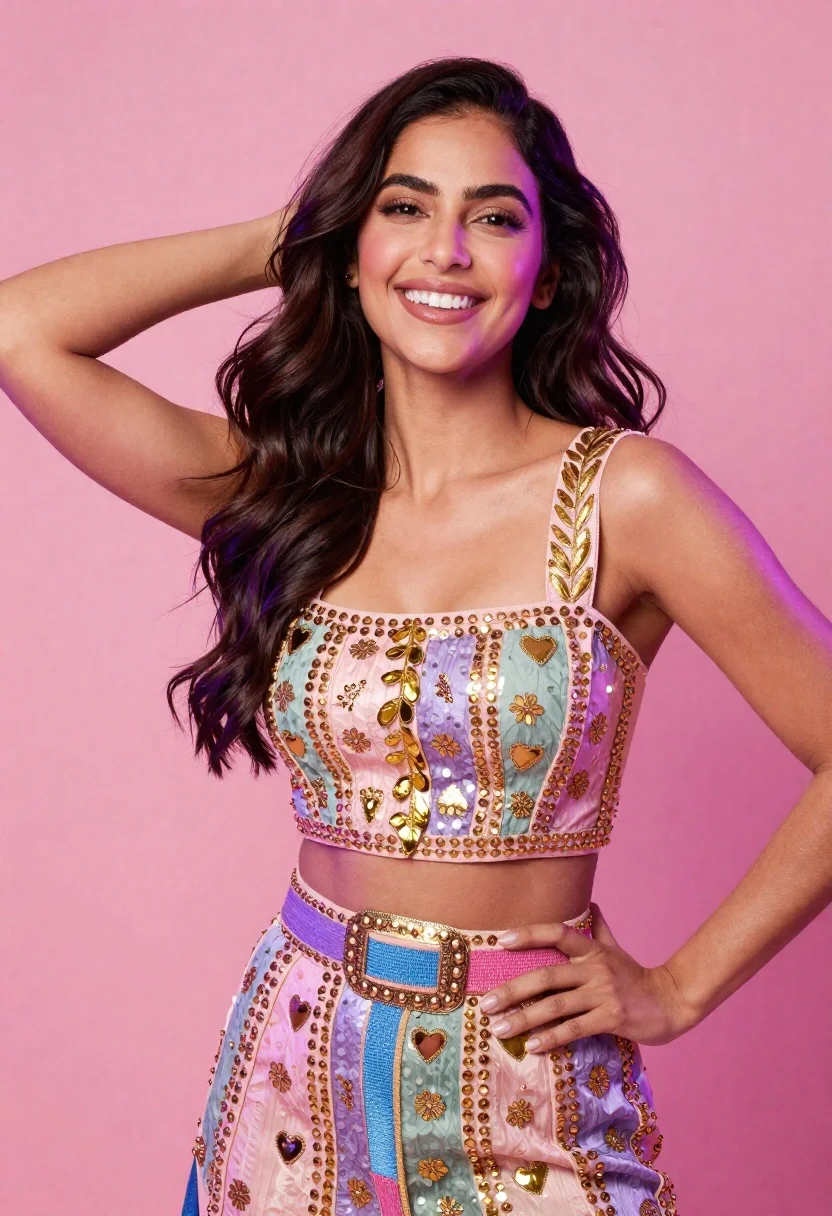
Smiling woman in elaborate embroidered two piece outfit against pink background
Prompt
A smiling woman with long wavy dark hair posing against a solid pink background.

Subject: A woman with long, voluminous dark brown wavy hair that has subtle purple highlights near the roots and ends. She is looking directly at the camera with a bright, engaging smile showing her teeth. Her skin tone is warm and glowing.

Clothing: She wears an elaborate two-piece outfit consisting of a sleeveless crop top and a matching skirt or pants. The top features a square neckline and wide straps adorned with gold leaf-like embroidery. The bodice is decorated with vertical panels in pastel pink, lavender, and sage green, embellished with gold sequins, small floral motifs, and metallic heart shapes. A wide, colorful belt made of beaded fabric in shades of purple, blue, and pink cinches her waist, featuring a large ornate gold buckle and a row of gold studs.

Action: She is posing confidently with one hand raised to the back of her head, gently touching or running fingers through her hair, while her other arm rests on her hip. Her expression is joyful and direct.

Environment: The background is a smooth, solid wall painted in a vibrant shade of pink that matches the lighting mood.

Lighting: The scene is illuminated with soft, diffused studio lighting that creates a warm glow on her skin and hair. There are subtle purple and pink color casts on her face and body, suggesting colored gels or ambient light sources used to create a dreamy, romantic atmosphere. Shadows are soft and minimal, highlighting the contours of her face and the texture of her outfit.

Style Details: The image has a high-fashion editorial quality with vibrant colors and a polished, glamorous aesthetic. The rendering is sharp and detailed, emphasizing the textures of the sequins, embroidery, and fabric.
Description
This prompt is useful for creating high-fashion editorial moodboards, character concept art featuring elaborate costuming, and vibrant portrait photography showcasing intricate textiles. The combination of 'gold leaf-like embroidery' against a 'solid pink background,' coupled with the soft, diffused studio lighting, ensures that the detailed textures—like sequins and metallic heart shapes—are visible without harsh shadows, which is crucial for conveying luxury in editorial contexts.
Suggestions
- Change 'pastel pink, lavender, and sage green' to specific Pantone codes for color accuracy.
- Swap 'gold leaf-like embroidery' for 'beaded rococo embroidery' to increase perceived opulence.
- Adjust the lighting by adding 'rim light from the upper right' to separate the hair more dramatically.
Category
Tags
Brown HairBrunetteCasual WearFemaleFull BodyPortrait ShotRealisticStudio
Date added
June 19, 2026
Added by
PromptDexter Team
Related Prompts
More prompts with similar categories and tags.
Confident woman with brown hair in denim jacket against deep red textured
Poised woman in white top touching collarbone against dark studio background
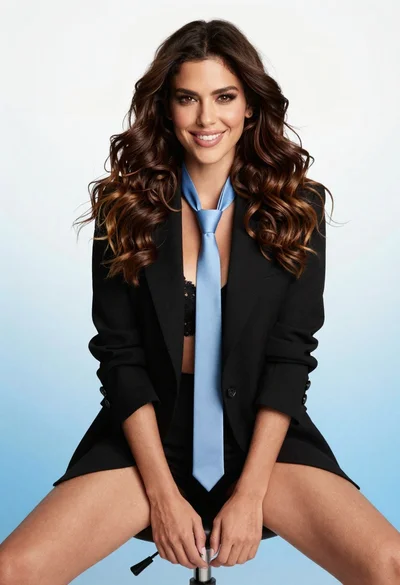
Poised woman in black blazer sitting on stool against blue gradient background
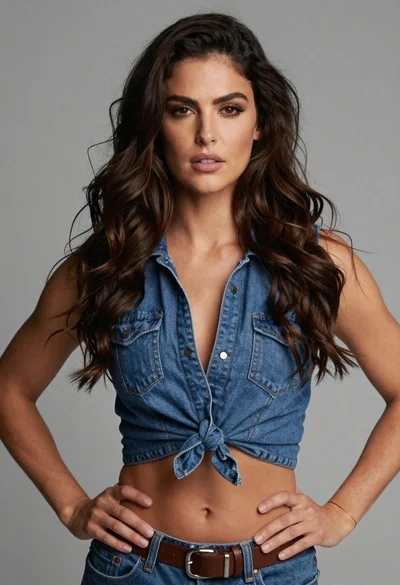
Medium close up of woman in denim crop top against gray studio

Woman in rust gown posing on white step and repeat backdrop
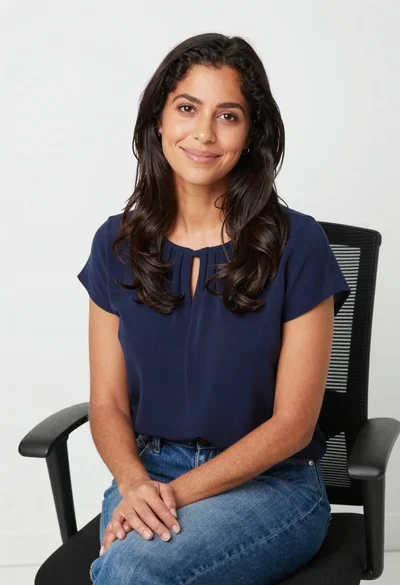
Smiling woman in navy top sitting on black chair against white wall
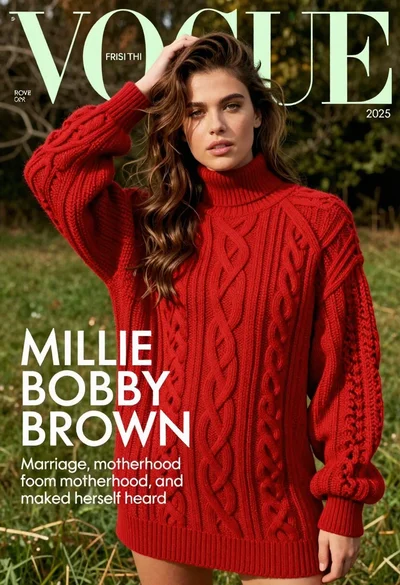
Young woman in red sweater dress standing in grassy field fashion shoot
Photorealistic portrait of young woman with green eyes
Poised woman in pantsuit seated on leather armchair

Young woman in black velvet dress looking over shoulder at event