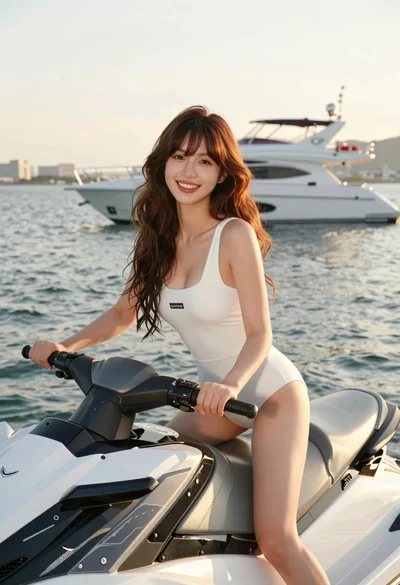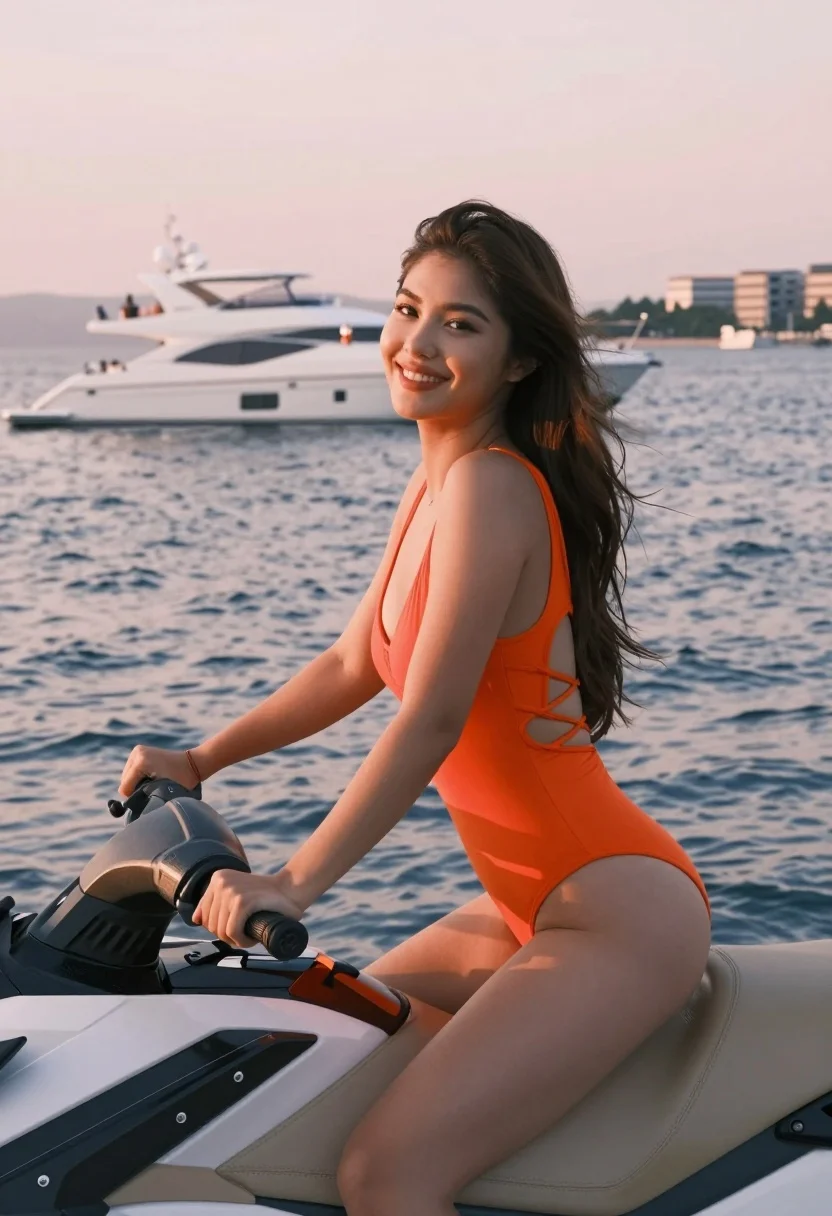
Smiling woman in orange swimsuit riding jet ski near luxury yacht at
Prompt
A smiling woman with long dark hair riding a white jet ski on calm water during sunset.

Subject: A young woman with long brown hair tied back in a ponytail, fair skin, and a bright smile looking over her shoulder at the camera.

Clothing: She is wearing a vibrant orange one-piece swimsuit featuring a deep V-neckline and intricate crisscross lacing on the sides of the torso.

Action: She is seated on the jet ski with her hands gripping the handlebars, leaning slightly forward in a relaxed pose.

Environment: The scene takes place on a body of water with gentle ripples, set against a backdrop of a large white luxury yacht and distant coastal buildings under a soft pink sky.

Camera: A medium shot capturing the subject from the waist up, framed to include the jet ski handlebars and the background yacht, creating a sense of depth.

Lighting: Soft, warm golden hour sunlight illuminates the scene from the side, casting gentle highlights on her skin and the water while maintaining a pleasant exposure.

Style Details: High-resolution photography with realistic textures, vibrant color saturation, and a polished commercial aesthetic.
Description
This prompt is useful for creating resort advertising campaigns, swimwear lookbooks, and aspirational travel blog imagery. The combination of 'vibrant orange one-piece swimsuit' against the soft backdrop ensures the subject remains the focal point while the 'soft, warm golden hour sunlight' sculpts her form with gentle highlights, preventing harsh shadows that would distract from the commercial aesthetic.
Suggestions
- Change 'vibrant orange' to 'deep emerald green' for a more sophisticated palette.
- Add 'Canon EOS R5, 85mm lens' for increased subject isolation.
- Replace 'gentle ripples' with 'slight wake pattern' to imply motion.
Category
Tags
Brown HairCasual WearFair SkinFemaleMedium ShotOutdoorsRealisticSwimwear
Date added
August 5, 2026
Added by
PromptDexter Team
Related Prompts
More prompts with similar categories and tags.

Blonde woman in swimsuit by yacht window overlooking blue sea

Woman on beach daybed under beige umbrella

Young woman in white coverup on balcony with palm trees background

Young woman in green dress on rooftop by water feature under cloudy

Young woman in green jacket holding plush toy at festive carousel
Young woman in lavender swimsuit standing in clear turquoise ocean water

Smiling young woman in knit cardigan standing in an outdoor market

Woman in blue macrame bikini on terrace overlooking scenic coastal bay
Young woman in coral swimsuit sitting on beach chair at sunny resort
Woman with brown hair sitting on rocks by deep blue sea at