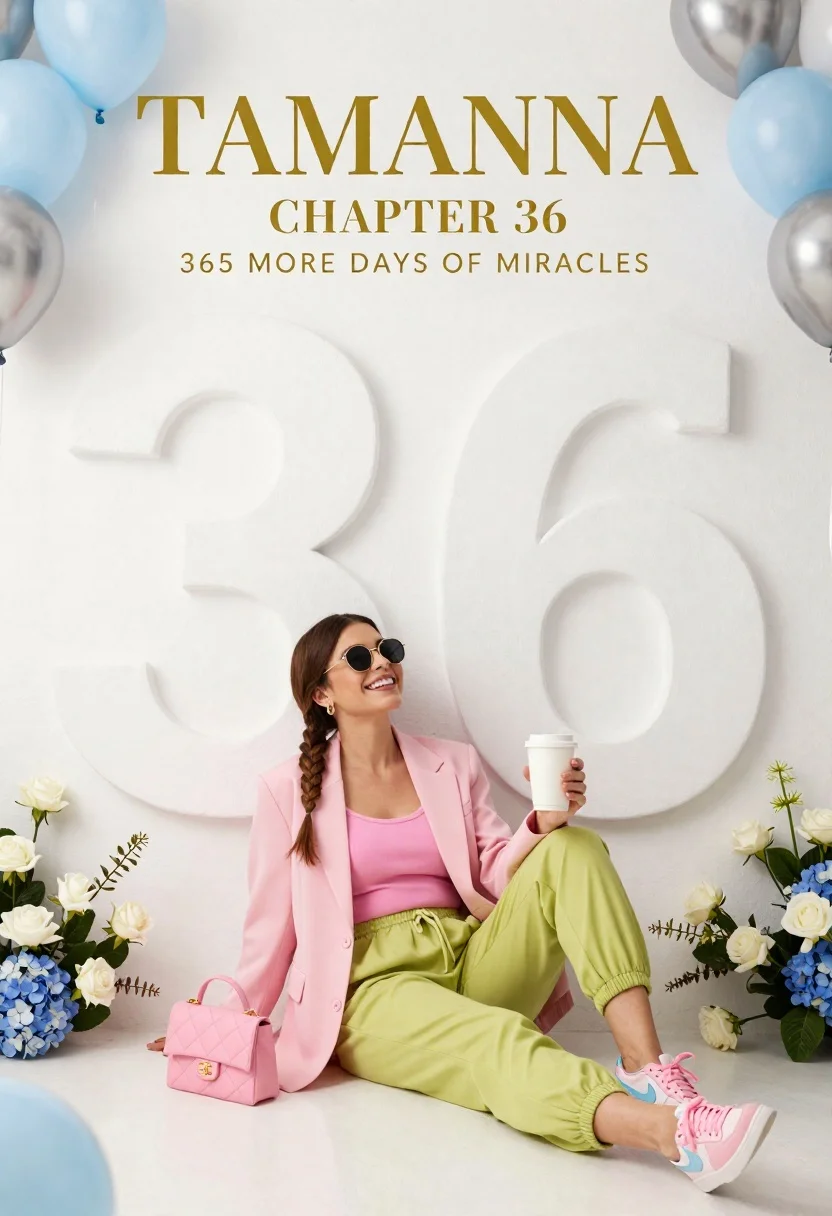
Smiling woman in pink blazer sitting against white wall with number 36
Prompt
A woman sits casually against a large, textured white wall featuring a massive embossed number "36".

Subject: A smiling woman with long brown hair styled in a side braid, wearing round dark sunglasses and looking upwards with a joyful expression.

Clothing: She wears a pastel pink blazer over a matching pink ribbed tank top, paired with loose-fitting lime green jogger pants with elastic cuffs. Her footwear consists of pink sneakers with light blue swoosh accents. A small quilted pink handbag rests on the floor beside her.

Action: The woman is seated in a relaxed pose, leaning back against the wall while holding a white disposable coffee cup in her right hand.

Environment: The setting is a studio backdrop featuring a large, matte white surface with a giant sculpted number "36". The scene is framed by floral arrangements of white roses and blue hydrangeas, along with clusters of light blue and silver balloons at the corners.

Camera: A medium shot capturing the subject from the knees up, utilizing a wide-angle perspective to include the large background typography and surrounding decor elements.

Lighting: Soft, diffused studio lighting creates gentle shadows and highlights, emphasizing the pastel color palette and the texture of the wall.

Text/Graphics: Gold serif text at the top reads "TAMANNA", followed by "CHAPTER 36" and the phrase "365 MORE DAYS OF MIRACLES".

Style Details: High-fashion editorial aesthetic with a clean, minimalist composition, soft focus on background elements, and a cohesive pastel color scheme.
Description
This prompt is useful for creating anniversary announcements, personal milestone portraits, or lifestyle branding materials that require a celebratory yet refined feel. The combination of 'pastel pink blazer' with the 'matte white surface' ensures the subject remains the focal point while the 'gold serif text' provides an immediate sense of occasion and luxury.
Suggestions
- Change 'lime green jogger pants' to 'cream wide-leg trousers' for a more elevated look.
- Swap 'blue hydrangeas' for 'white peonies' to maintain color harmony.
- Adjust 'wide-angle perspective' to 'medium close-up' to focus more on the expression.
Category
Tags
Brown HairCasual WearFemaleMedium ShotOutdoorsRealisticSide ProfileStudio
Date added
June 26, 2026
Added by
PromptDexter Team
Related Prompts
More prompts with similar categories and tags.

Young woman sitting among colorful clothes in minimalist studio setting
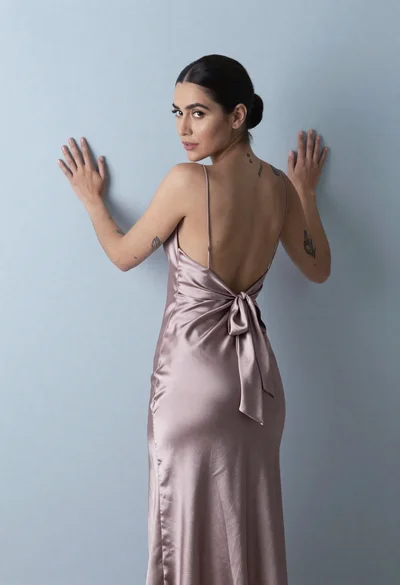
Woman in dusty rose slip dress looking over shoulder against light blue
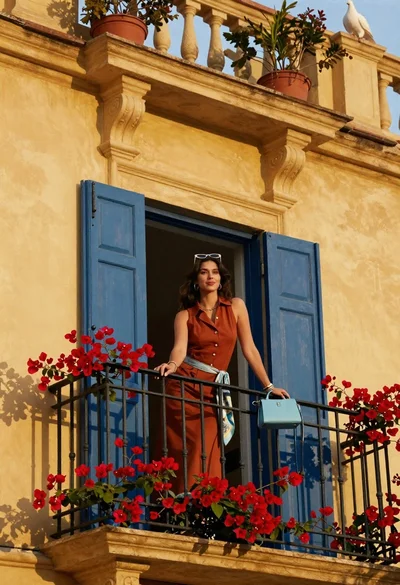
Woman in rust dress on balcony with red flowers and blue shutters
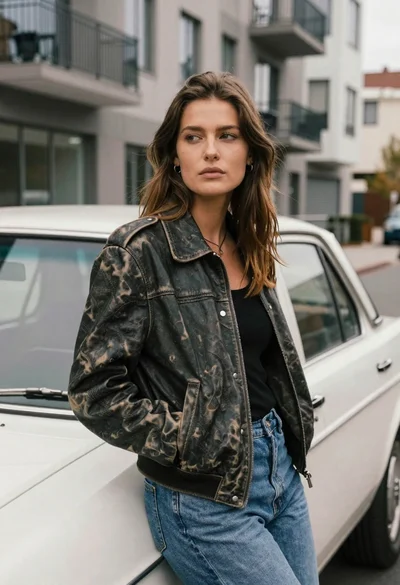
Young woman in dark leather jacket leaning against vintage white car on
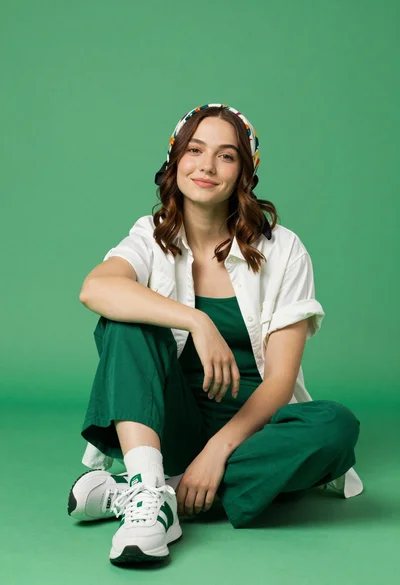
Young woman seated cross legged on solid green floor in studio setting
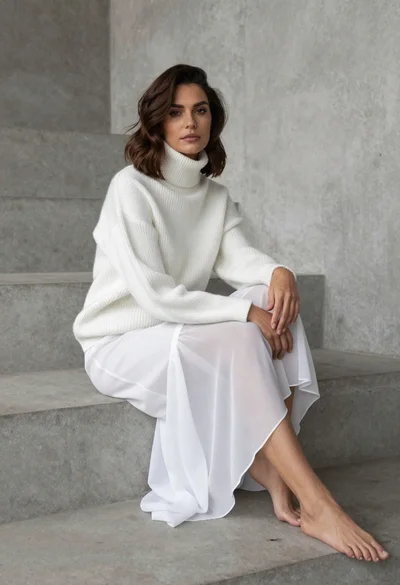
Woman in white ribbed sweater sitting on concrete steps fashion portrait

Blonde woman in rust knit sweater leaning against textured wall
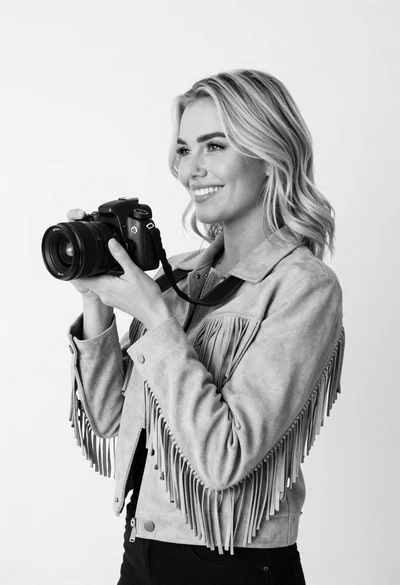
Smiling blonde woman holding camera against plain white background