
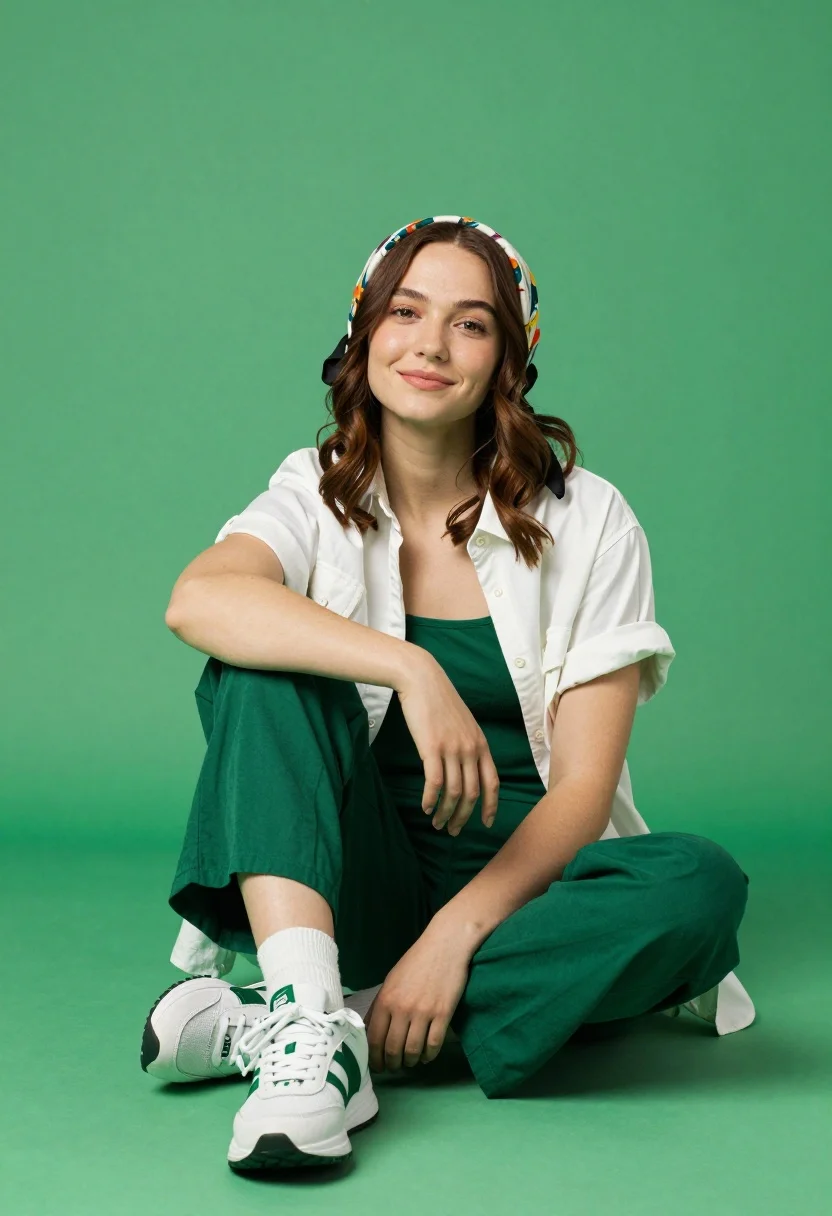
Young woman seated cross legged on solid green floor in studio setting
Prompt
A young woman sits cross-legged on a solid green floor against a matching green background.

Subject: A young woman with fair skin and wavy brown hair that falls over her shoulders. She wears a colorful patterned headscarf tied around her head with black ribbons at the sides. Her expression is calm and pleasant, featuring a soft smile as she looks directly at the camera.

Clothing: She is dressed in a layered casual outfit consisting of a white short-sleeved button-up shirt worn open over a solid green tank top. She wears loose-fitting wide-leg trousers in a matching dark green shade. Her footwear consists of white athletic sneakers with green accents and thick white socks pulled up to her calves.

Action: The woman is seated on the ground with her legs folded, leaning slightly forward with her right arm resting on her knee and her left hand placed gently on her thigh. Her posture is relaxed and casual.

Environment: The setting is a minimalist studio space featuring a seamless solid green background that extends to the floor, creating a monochromatic backdrop.

Lighting: The scene is evenly lit with soft, diffused lighting that minimizes harsh shadows and highlights the subject clearly against the flat background.

Camera: The shot is framed as a medium-full length view capturing the subject from head to toe, utilizing a straight-on eye-level angle.

Style Details: The image features high-definition clarity with smooth skin textures and vibrant, saturated colors, presenting a clean commercial fashion photography aesthetic.
Description
This prompt is useful for creating e-commerce product showcases, minimalist lifestyle editorials, and mood boards requiring strong color blocking. The combination of 'solid green background' with 'soft, diffused lighting' ensures that the subject remains clearly visible against the monochromatic backdrop without harsh shadows distracting from the 'colorful patterned headscarf'.
Suggestions
- Change 'solid green floor' to 'textured concrete floor' for more visual interest.
- Swap 'white athletic sneakers' for 'barefoot' to change the overall mood.
- Adjust 'soft smile' to 'pensive gaze' for a more editorial feel.
Category
Tags
Brown HairCasual WearFair SkinFemaleFull BodyMedium ShotOutdoorsRealisticStudio
Date added
August 5, 2026
Added by
PromptDexter Team
Related Prompts
More prompts with similar categories and tags.
Poised woman in black blazer standing in a lush flower garden
Young woman in brown knit cardigan sitting on bench in studio

Stylish woman in zebra print suit standing on sun dappled forest path
Woman in white bathrobe standing thoughtfully inside spacious walkin closet
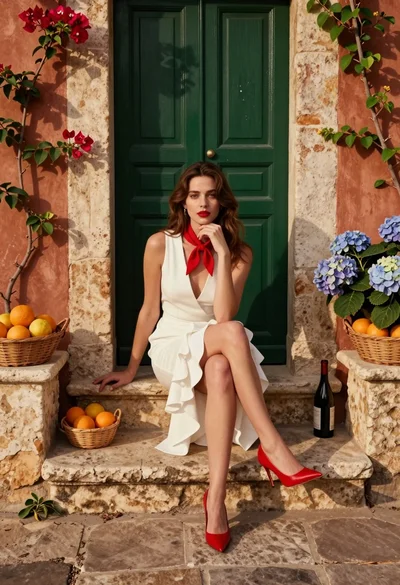
Young woman seated on stone ledge before terracotta building with green door
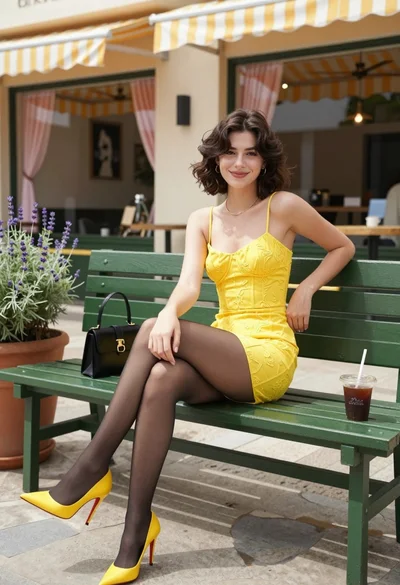
Young woman in yellow dress sitting on park bench outside cafe patio
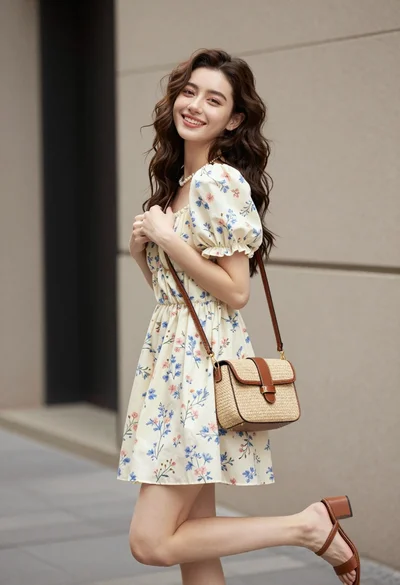
Young woman in floral mini dress standing against beige wall outdoors

Woman in gold sequin slip dress looking over shoulder in forest
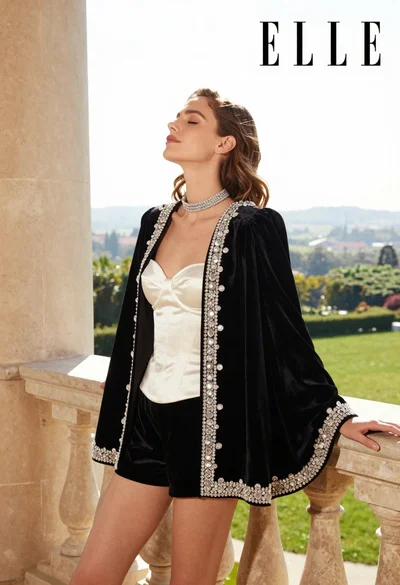
Woman in black velvet jacket on stone balcony against green hills

Woman in black dress by window overlooking ocean at golden hour
