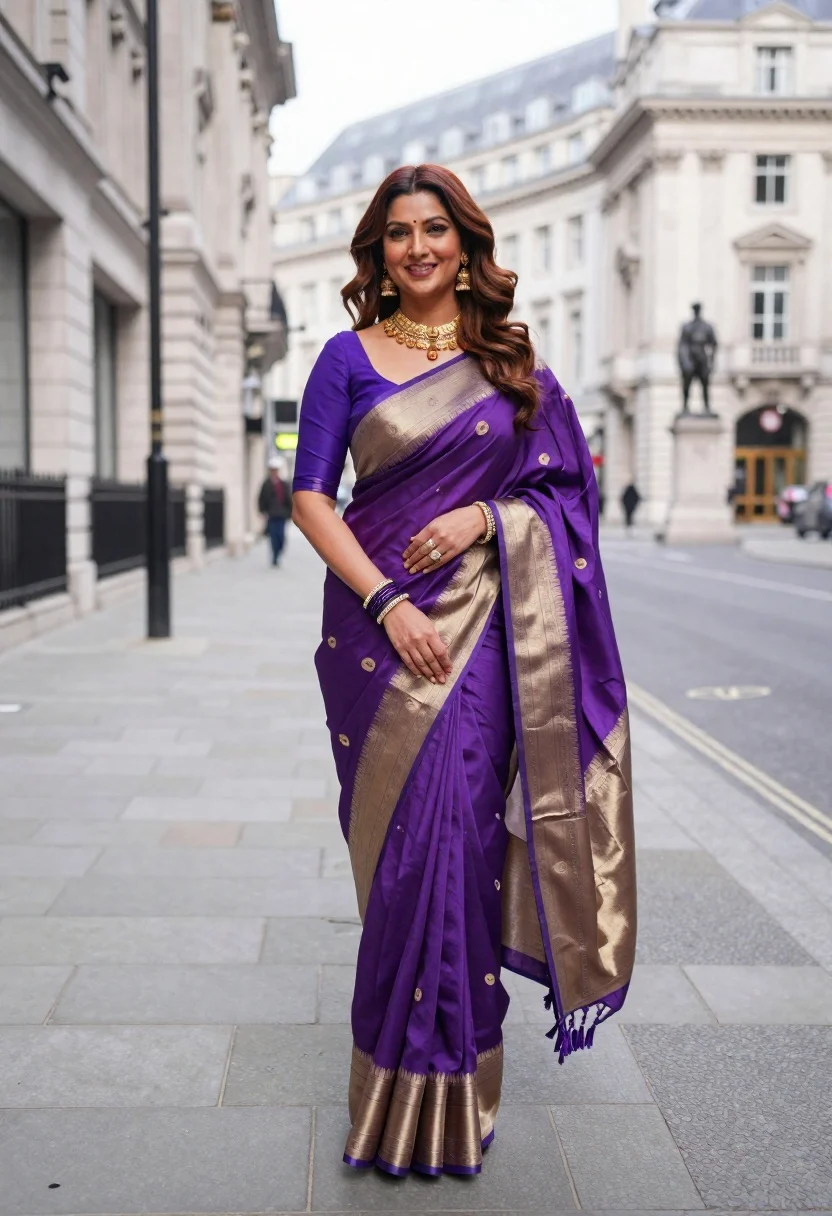
Smiling woman in purple silk saree on a london city street
Prompt
A smiling woman stands in the middle of a wide city street wearing an elegant purple and gold silk saree.

Subject: A woman with long wavy brown hair featuring reddish highlights, fair skin, and a bright smile. She has a small bindi on her forehead and is looking directly at the camera.

Clothing: She wears a rich purple Banarasi-style silk saree with intricate gold woven patterns and a wide beige border. The blouse is solid deep purple with three-quarter sleeves. She accessorizes with heavy traditional gold jewelry, including a layered necklace, large dangling earrings, a maang tikka, and multiple bangles on her wrists.

Action: She stands in a relaxed pose with one hand resting gently on the fabric of her saree near her waist and the other arm bent at the elbow. Her posture is confident and poised.

Environment: The setting is an urban street paved with grey asphalt, likely in London given the architecture. In the background, there are large, light-colored stone buildings with classical architectural details and rows of windows. A statue on a plinth is visible further down the street.

Camera: The shot is taken from a slightly low angle looking up at the subject, utilizing a shallow depth of field to keep her in sharp focus while blurring the background architecture.

Lighting: The scene is lit by soft, diffused natural daylight that evenly illuminates the subject without creating harsh shadows, highlighting the sheen on her saree and jewelry.

Style Details: High-resolution fashion photography with a polished, elegant aesthetic, emphasizing texture and color contrast between the vibrant purple attire and the neutral urban background.
Description
This prompt is useful for creating editorial travel features, cultural portraiture spreads, and high-end lifestyle advertising campaigns set in historic cities. The combination of 'soft, diffused natural daylight' with a 'low angle' shot ensures the subject remains luminous against the detailed background architecture, while the focus on 'sheen on her saree and jewelry' captures the luxurious texture necessary for fashion storytelling.
Suggestions
- Change 'purple and gold silk saree' to 'emerald green Banarasi-style silk saree' for a different color contrast.
- Swap 'grey asphalt' for 'cobblestone street' to enhance the historical feel.
- Adjust 'shallow depth of field' to 'deep focus' if you want more background context.
Category
Tags
Brown HairFair SkinFemaleFull BodyLow AnglePortrait ShotRealisticStreetTraditional WearUrban
Date added
June 19, 2026
Added by
PromptDexter Team
Related Prompts
More prompts with similar categories and tags.

Woman in traditional thai dress standing before a grand golden temple

Young east asian woman by convenience store with mount fuji backdrop

Woman in black shirt on urban street at sunset

Female singer performing dramatically on stage under bright lights
Profile portrait of woman holding lotus buds against bright blue sky
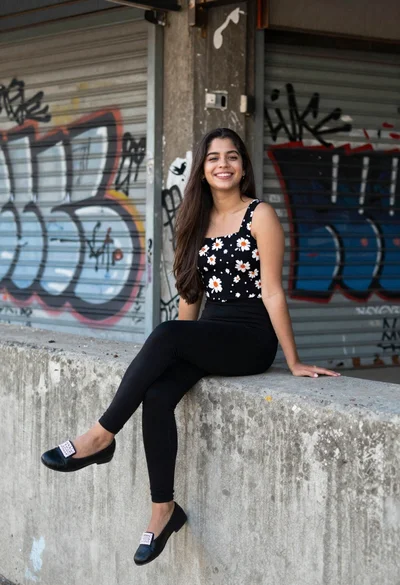
Young woman smiling on concrete ledge against graffiti covered shutters
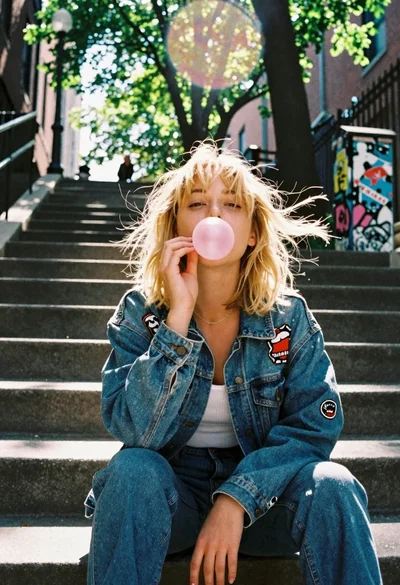
Blonde woman blowing bubblegum on outdoor concrete steps

Young woman taking selfie in a grimy urban alleyway

Young woman with brown hair holding mug on snowy european street
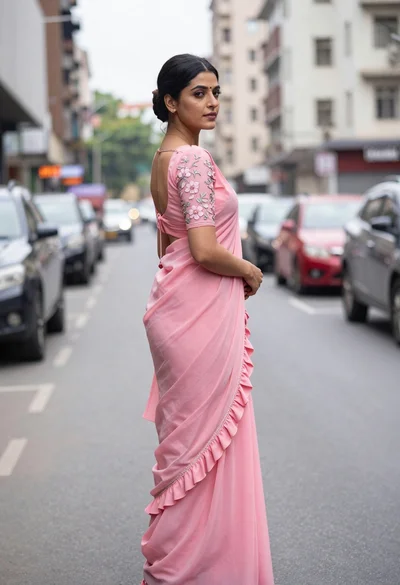
Young woman in pink saree looking back over shoulder on city street