Female singer performing dramatically on stage under bright lights
Prompt
A female singer with long brown hair in a high ponytail performs on stage while holding a microphone and bending forward at the waist.

Subject: A young woman with long wavy brown hair tied up in a high ponytail, fair skin, and an expressive open-mouthed singing expression.

Clothing: She wears a black sleeveless mini-dress featuring a sheer mesh back with silver sequin embellishments on the bodice, paired with black thigh-high boots that have distinctive red soles.

Action: The subject is captured mid-performance in a dynamic pose, bending forward at the waist with her left hand resting near her knee and her right hand holding a microphone close to her mouth.

Environment: A dark stage setting with horizontal rows of bright white and blue lights in the background and a reflective floor surface showing faint reflections.

Camera: Shot from a low angle looking up at the performer, emphasizing her silhouette against the stage lighting with a shallow depth of field blurring the background.

Lighting: Dramatic stage lighting with strong highlights on the sequins and hair, creating high contrast between the dark outfit and the bright background strips.

Style Details: High-energy concert photography aesthetic with sharp focus on the subject, vibrant colors, and a polished commercial look.
Description
This prompt is useful for creating live music album artwork, dramatic event promotion materials, and high-impact performance portfolio shots. The combination of 'low angle looking up' and 'dramatic stage lighting with strong highlights on the sequins' forces the viewer to look up at the subject, maximizing the visual impact of her silhouette against the bright background strips while the 'sheer mesh back' adds necessary textural contrast to prevent the outfit from appearing monolithic.
Suggestions
- Change 'black sleeveless mini-dress' to 'velvet jumpsuit' for a different texture.
- Swap 'bright white and blue lights' for 'deep purple and cyan spotlights' for a moodier feel.
- Adjust 'low angle looking up' to 'eye-level medium shot' if you want more facial detail.
Category
Tags
Black HairBrown HairFair SkinFemaleFull BodyLow AnglePortrait ShotRealistic
Date added
June 19, 2026
Added by
PromptDexter Team
Related Prompts
More prompts with similar categories and tags.
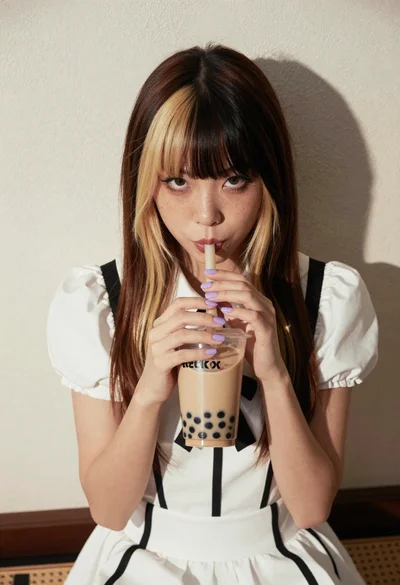
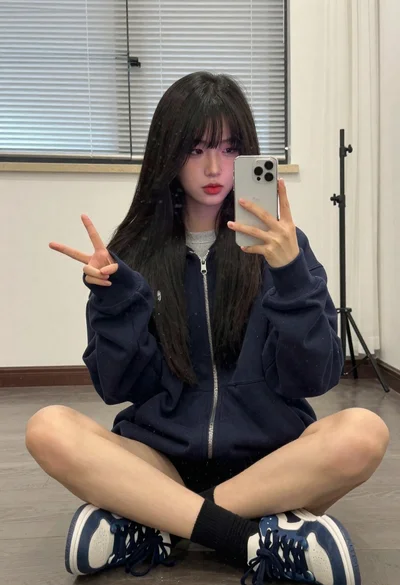
Young woman with twotoned hair drinking bubble tea indoors

Smiling woman in purple silk saree on a london city street

Anime girl holding toy blaster against bright blue sky
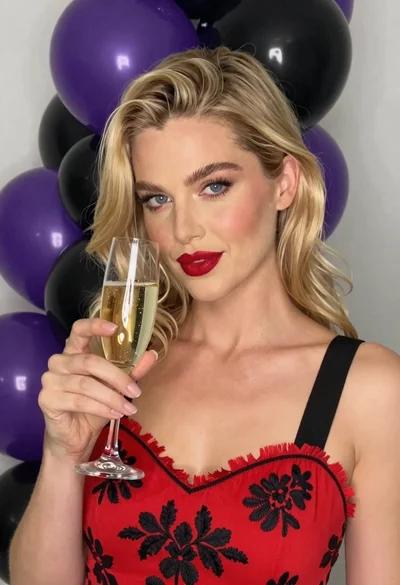
Close up portrait of blonde woman with champagne against purple balloons
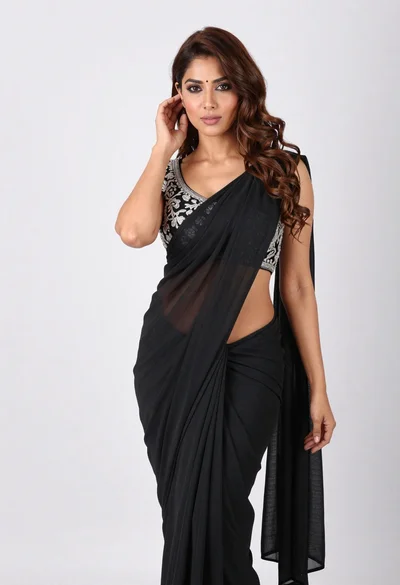
Full body portrait of woman in black saree against white seamless background
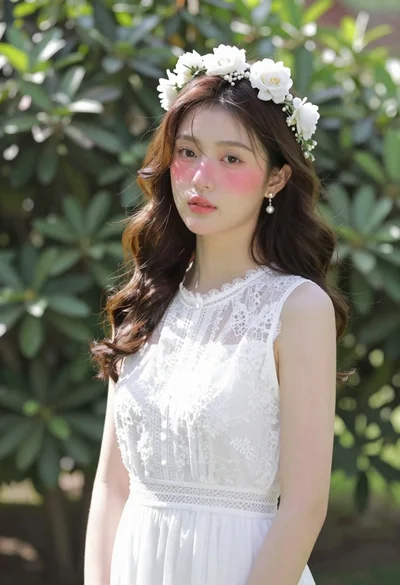
East asian woman in white lace dress in lush garden
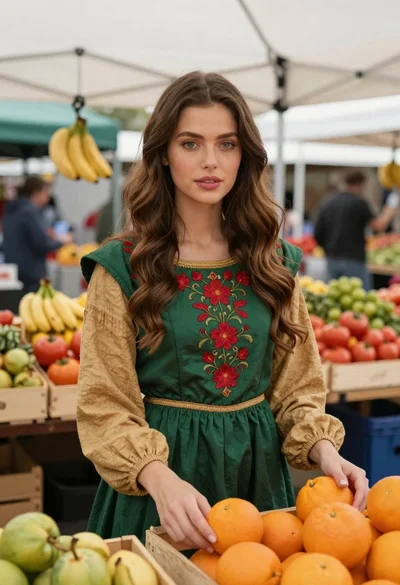
Woman in green dress at outdoor fruit market

Young woman in black crop top and cream trousers indoors looking over
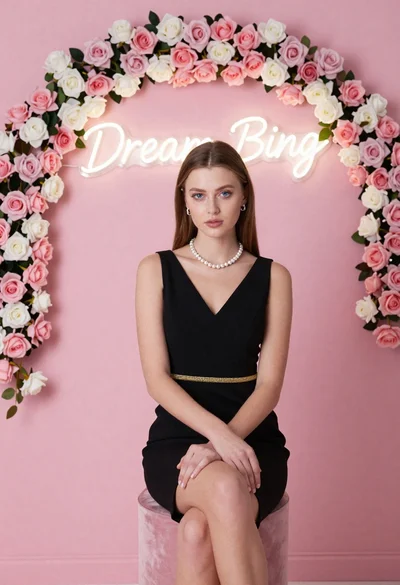
Portrait of woman in black dress with rose arch backdrop
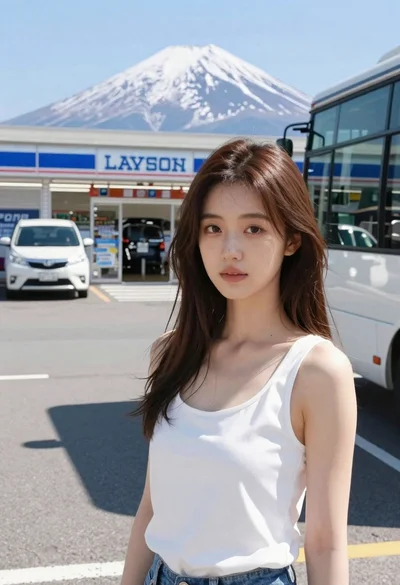
Young east asian woman by convenience store with mount fuji backdrop