Smiling young woman in black dress seated at upscale restaurant table
Prompt
A smiling woman with long brown hair looks back over her shoulder at the camera while seated in a restaurant.

Subject: A young woman with long wavy brown hair and a bright smile looking back over her left shoulder.

Clothing: She wears a black sleeveless dress or top that exposes her upper arm and shoulder.

Action: She is seated and turning her head to look directly at the viewer with a happy expression.

Environment: The setting is an upscale restaurant featuring a dark leather booth, a white tablecloth with cutlery and glasses in the foreground, and a mirrored wall reflecting shelves of wine bottles in the background.

Lighting: Warm ambient lighting creates soft highlights on her skin and hair, suggesting an evening atmosphere.

Camera: Medium shot capturing the subject from the waist up with a shallow depth of field that blurs the background slightly.

Style Details: The image has a candid, high-quality portrait aesthetic with natural-looking skin tones and a polished finish.
Description
This prompt is useful for creating intimate editorial portraits, sophisticated lifestyle advertising, and character studies set in upscale dining environments. The combination of 'warm ambient lighting' and the 'dark leather booth' grounds the subject while the 'shallow depth of field' ensures that the viewer's focus remains sharply on her smiling expression rather than being distracted by the detailed background elements like the wine bottles.
Suggestions
- Change 'black sleeveless dress or top' to 'velvet slip dress' for a richer texture.
- Add 'bokeh effect' to enhance the background blur.
- Swap 'warm ambient lighting' for 'low tungsten lighting' to deepen the evening mood.
Category
Tags
Black HairBrown HairCasual WearFemaleIndoorsMedium ShotRealistic
Date added
June 19, 2026
Added by
PromptDexter Team
Related Prompts
More prompts with similar categories and tags.

Woman in black dress seated in dimly lit diner booth
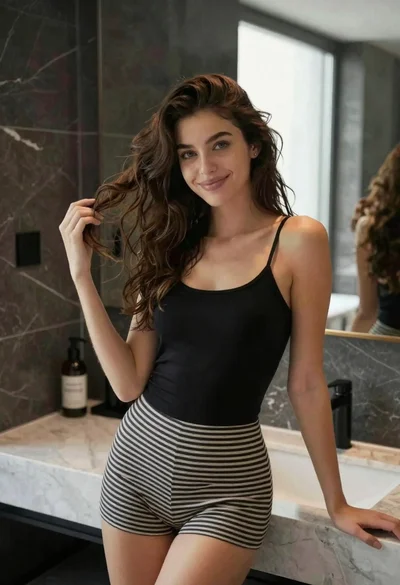
Young woman with brown hair in modern bathroom holding strand of hair
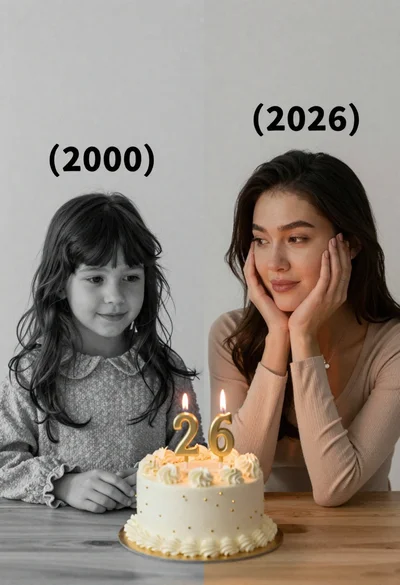
Split screen portrait of girl and woman looking at birthday cake
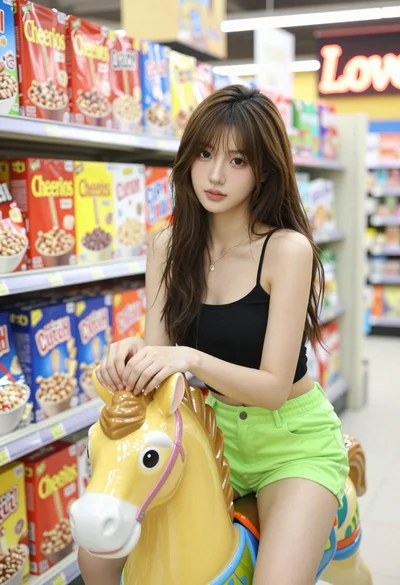
Young woman with brown hair on carousel horse inside brightly lit grocery
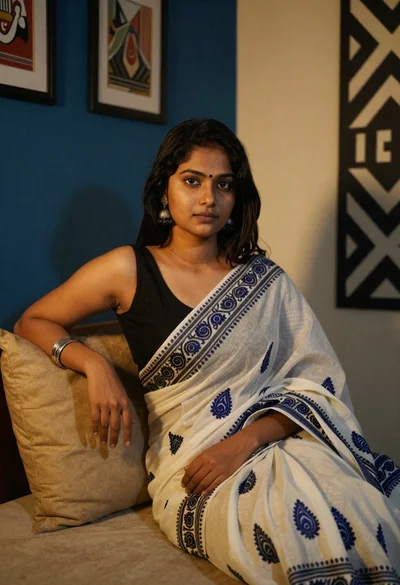
Young woman in white sari seated on bed in dimly lit bedroom
Young woman in grey sweatshirt and maroon skirt looking over shoulder

Young woman in floral dress seated indoors by a window with greenery
Portrait of young woman in black corset top against soft blue background

Young woman with dark hair at wooden table in open air setting
Woman with black hair leaning indoors by glass railing in bright modern