
Smiling young woman in floral dress looking over shoulder indoors
Prompt
A smiling young woman with long dark wavy hair turns her head over her shoulder to look back at the camera.

Subject: A young woman with a bright, toothy smile and expressive eyes looking back over her left shoulder. She has a small red bindi on her forehead and wears a simple stud earring in her visible ear. Her skin is warm-toned and she appears relaxed and happy.

Clothing: She wears a white sleeveless dress featuring a gathered bodice and thin straps. The lower part of the dress displays a vibrant floral print with large red hibiscus flowers, green leaves, and smaller white blossoms.

Action: The woman stands in a casual pose, turning her upper body slightly away from the camera while twisting her head to face forward. Her expression is joyful and engaging, capturing a candid moment of connection.

Environment: She stands indoors against a blurred background featuring vertical wooden panels or doors with dark trim, suggesting a hallway or room entrance. The setting appears warm and domestic.

Lighting: Soft, diffused indoor lighting illuminates her face and hair evenly, creating gentle highlights on her skin and hair without harsh shadows. The light source seems to come from the front-left, enhancing the warmth of the scene.

Camera: Shot with a shallow depth of field that keeps the subject sharp while blurring the background significantly. The angle is slightly low, capturing her from the waist up as she turns toward the viewer.

Style Details: Naturalistic photography style with warm color tones and soft focus in the background to emphasize the subject’s expression and attire.
Description
This prompt is useful for creating lifestyle portraiture, intimate character studies, and editorial features emphasizing joy and connection. The combination of 'soft, diffused indoor lighting' and a 'shallow depth of field' ensures that the subject’s 'bright, toothy smile' remains the absolute focal point by eliminating distracting background detail while maintaining a warm, domestic atmosphere.
Suggestions
- Change 'red hibiscus flowers' to 'tropical orchid pattern' for a more delicate feel.
- Swap 'white sleeveless dress' for 'ivory cotton sundress' to soften the contrast.
- Adjust 'slightly low angle' to 'eye-level shot' for a more direct connection.
Category
Tags
Brown HairCasual WearDark SkinFemaleIndoorsMedium ShotRealistic
Date added
June 19, 2026
Added by
PromptDexter Team
Related Prompts
More prompts with similar categories and tags.

Smiling young woman with dark hair inside vehicle sunlight portrait
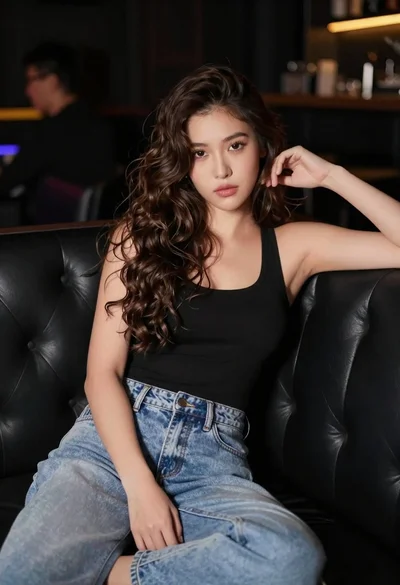
Young woman with wavy brown hair sitting on leather sofa in lounge

Woman in dark green mini dress smiling indoors near glowing neon love
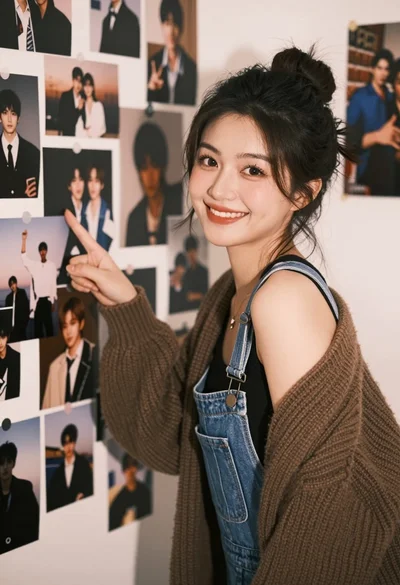
Young woman pointing at photo collage on wall in warm indoor setting

Two smiling women holding purple drinks in front of glass windows

Young woman in grey sweatshirt and maroon skirt looking over shoulder

Young woman in brown crop top on rooftop terrace with red scarf
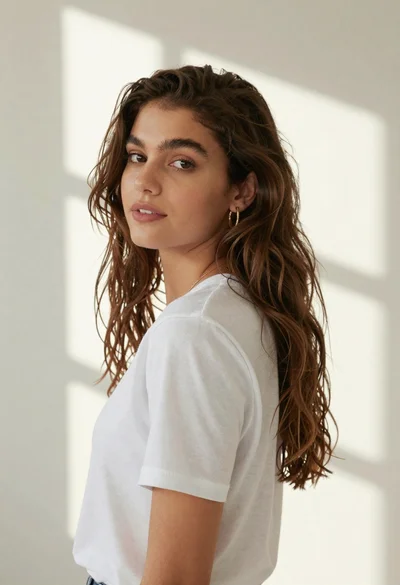
Woman in white tshirt against striped sunlight backdrop

Young woman with brown hair holding red wine at striped table setting
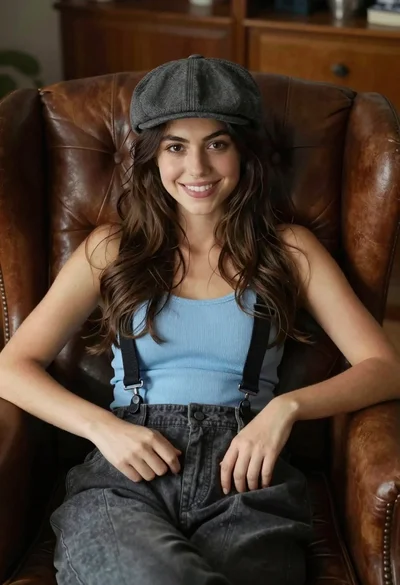
Young woman with brown hair sitting in a leather armchair indoors
