
Young woman with brown hair sitting in a leather armchair indoors
Prompt
A young woman with long brown hair sits comfortably in a large leather armchair, smiling warmly at the camera.

Subject: A young woman with long, wavy brown hair and expressive eyes wearing a grey flat cap.

Clothing: She wears a light blue ribbed tank top under dark grey overalls with black straps, paired with matching dark trousers.

Action: She is seated in a relaxed pose with one hand resting on her lap near the overalls strap and the other arm draped casually over the back of the chair.

Environment: The setting appears to be an indoor room featuring a large brown leather armchair and a blurred background suggesting wooden furniture or cabinetry.

Lighting: Soft, natural light illuminates her face from the side, creating gentle highlights on her skin and hair while casting subtle shadows that add depth to the portrait.

Camera: A medium close-up shot with a shallow depth of field keeps the focus sharply on her face and upper body while softly blurring the background elements.

Style Details: The image has a warm, cinematic quality with rich textures visible in the leather chair and fabric clothing, rendered in high definition with a natural color palette.
Description
This prompt is useful for creating character portraits for literary magazines, cozy lifestyle branding materials, or vintage-inspired editorial spreads. The combination of 'soft, natural light' side illumination and the 'shallow depth of field' ensures that the rich textures of the leather chair and ribbed tank top remain palpable while keeping the focus tightly on her face, preventing the background from competing with the subject.
Suggestions
- Change 'large brown leather armchair' to 'oxblood Chesterfield sofa' for a more dramatic feel.
- Swap 'grey flat cap' for 'tweed newsboy cap' to enhance the vintage aesthetic.
- Adjust 'natural color palette' to 'muted autumnal tones' for seasonal consistency.
Category
Tags
Brown HairBrunetteCasual WearFemaleIndoorsMedium ShotPortrait ShotRealistic
Date added
June 19, 2026
Added by
PromptDexter Team
Related Prompts
More prompts with similar categories and tags.

Young woman in red velvet gown standing indoors against white wall

Woman in dark green mini dress smiling indoors near glowing neon love
Young woman pointing at photo collage on wall in warm indoor setting
Young woman in white embroidered saree smiling indoors with soft natural light

Young woman with brown hair in beige cardigan smiling indoors at camera
Young woman with brown hair in white dress holding brushes in sunlit

Smiling woman in red dress sitting in white macrame hanging chair
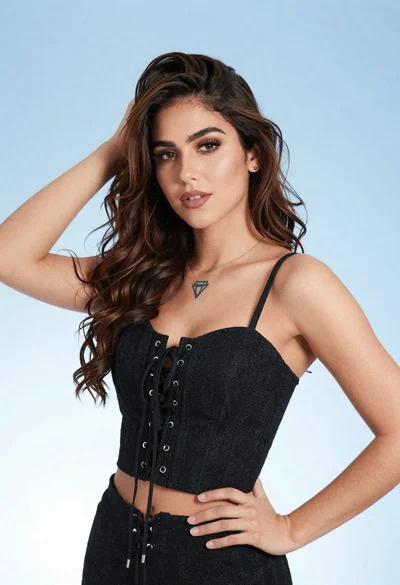
Portrait of young woman in black corset top against soft blue background
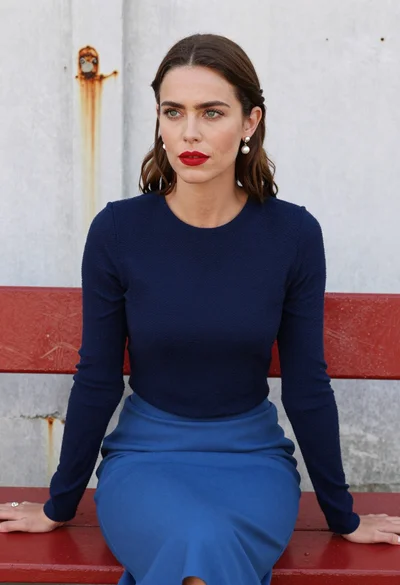
Woman with brown hair seated on red bench against weathered white wall

Young woman in olive saree leaning on railing outdoors during golden hour
