
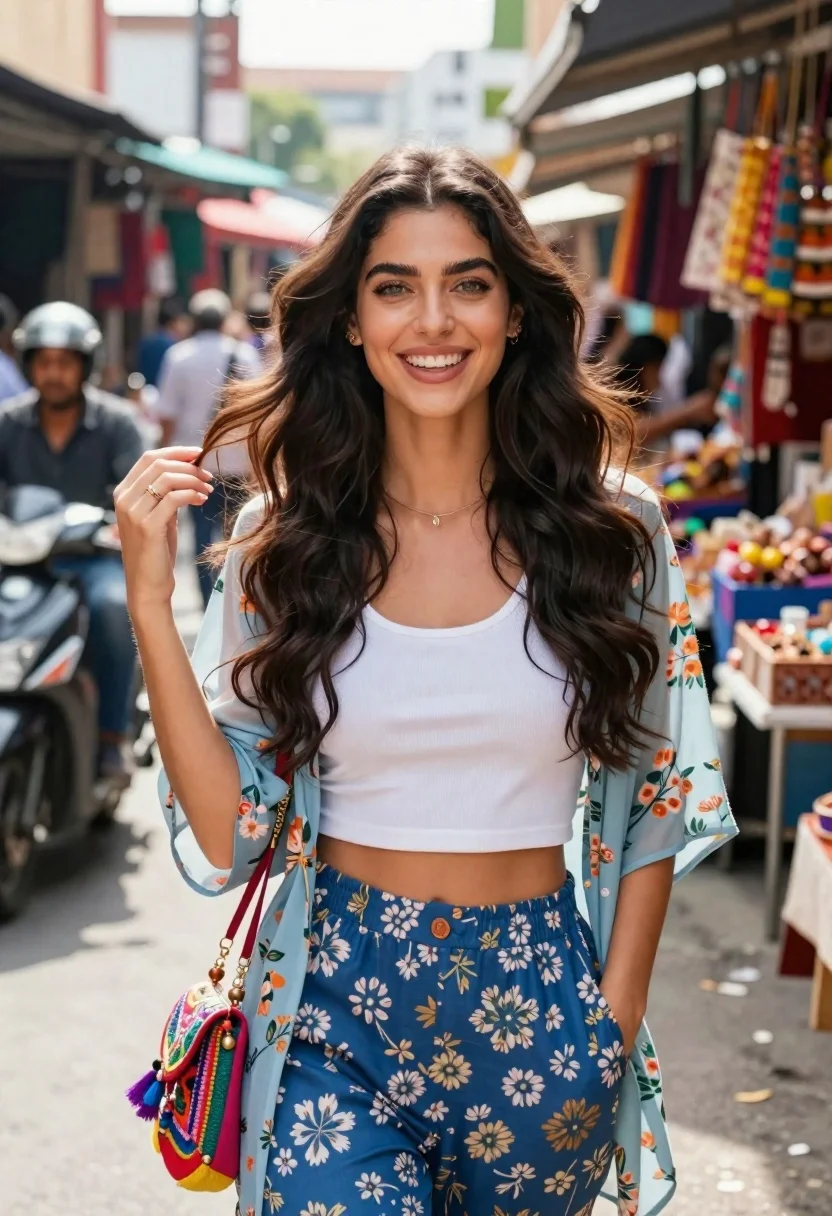
Smiling young woman in floral jacket standing in a busy outdoor market
Prompt
A smiling young woman with long dark wavy hair stands in a bustling outdoor market.

Subject: A beautiful young woman with fair skin and long, voluminous dark brown wavy hair that flows loosely around her shoulders. She has bright green eyes and is looking directly at the camera with a wide, happy smile showing her teeth.

Clothing: She wears a white ribbed crop top tucked into high-waisted blue floral patterned trousers. Over this, she wears a sheer light blue floral kimono-style jacket with short sleeves. A colorful embroidered crossbody bag with tassels and beads hangs across her torso.

Action: She stands facing forward with her left hand casually in her pocket and her right hand raised slightly near her shoulder as if brushing hair from her face or gesturing. Her expression is joyful and engaging.

Environment: The background shows a busy street market scene with blurred figures of people, including a man on a scooter to the left and colorful hanging goods and stalls to the right.

Camera: Shot at eye level with a shallow depth of field that keeps the woman in sharp focus while softly blurring the busy background.

Lighting: Bright natural daylight illuminates the scene from above, casting soft shadows and highlighting the textures of her clothing and hair.

Style Details: High-resolution photography with vibrant colors and a warm, lively atmosphere typical of street fashion photography.
Description
This prompt is useful for creating editorial street style features, lifestyle blog headers, and character portraits capturing spontaneous joy. The combination of 'shallow depth of field' against the 'busy street market scene' ensures the subject remains the clear focus while the background elements—like the scooter and hanging goods—provide contextual energy without distracting from her joyful expression.
Suggestions
- Change 'blue floral patterned trousers' to 'earth tone wide-leg pants' for a more muted palette.
- Swap 'bright green eyes' for 'hazel eyes' if you want a warmer gaze.
- Add 'Kodak Portra 400 film grain' to enhance the vintage street photography feel.
Category
Tags
Brown HairFair SkinFemaleMedium ShotOutdoorsPortrait ShotRealisticStreetUrban
Date added
June 21, 2026
Added by
PromptDexter Team
Related Prompts
More prompts with similar categories and tags.

Smiling woman in cycling gear making peace sign on forest road
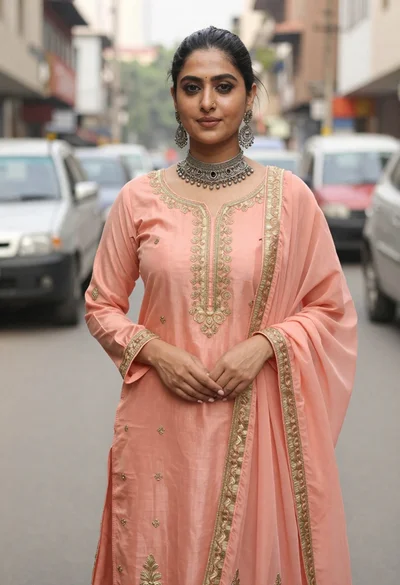
Woman in peach traditional outfit with gold embroidery on city street

Woman in traditional thai dress standing before a grand golden temple

Smiling young woman in pink cardigan standing before a grand castle
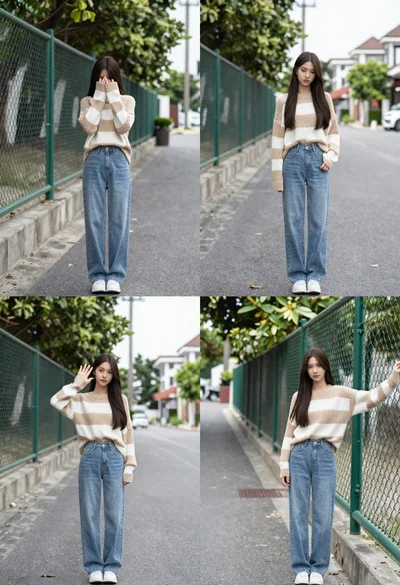
Young woman in striped sweater posing on a residential street
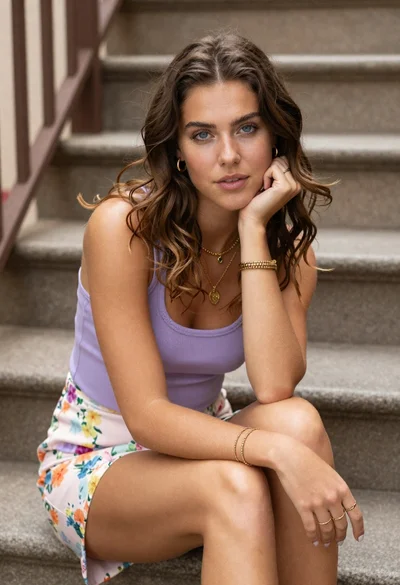
Young woman with brown hair sitting on stone steps in lavender top

Young woman in white dress throwing colorful powder at outdoor festival

Young woman in green jacket holding plush toy at festive carousel
