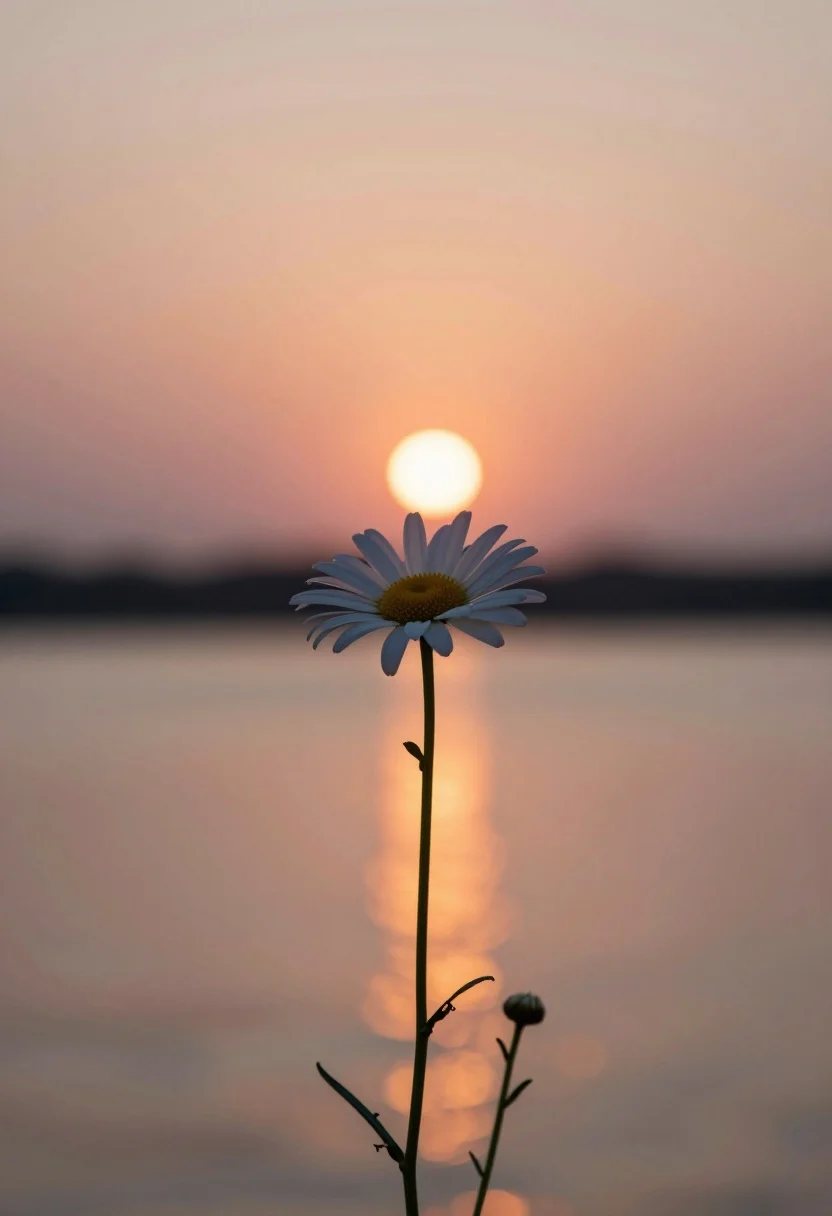
Solitary white daisy in sharp focus against soft sunset over tranquil water
Prompt
A single daisy stands in sharp focus against a soft-focus sunset over water.

Subject: A solitary white daisy with delicate petals and a yellow center stands tall on a thin stem, accompanied by smaller buds lower down the stalk.

Action: The flower remains still while the background suggests a calm, serene atmosphere.

Environment: The setting is a tranquil body of water reflecting the sky during sunset or sunrise, with a blurred horizon line separating the warm sky from the darkening water surface.

Camera: A shallow depth of field isolates the flower in sharp detail while rendering the sun and its reflection as a soft, glowing orb on the water's surface.

Lighting: Warm golden hour light bathes the scene in orange and pink hues, creating a gentle backlight that silhouettes the flower stem and highlights the petals with a soft glow.

Style Details: The image features a dreamy, painterly aesthetic with smooth gradients and a focus on natural beauty and tranquility.
Description
This prompt is useful for creating delicate botanical studies, serene landscape compositions, and fine art nature prints. The combination of 'shallow depth of field' isolating the flower against the 'soft-focus sunset over water' ensures that the viewer's eye immediately locks onto the daisy while the warm golden hour light bathes the scene in complementary orange and pink hues.
Suggestions
- Change 'white daisy' to 'blue forget-me-nots' for a cooler color contrast.
- Add 'bokeh effect' to enhance the background glow.
- Swap 'tranquil body of water' for 'misty marshland' to alter the foreground.
Category
Tags
Macro ShotNatureOutdoorsRealistic
Date added
August 5, 2026
Added by
PromptDexter Team
Related Prompts
More prompts with similar categories and tags.
Macro photograph of delicate white wildflowers with yellow centers on dark green

Hyperrealistic view of massive ocean wave forming a perfect barrel at sea
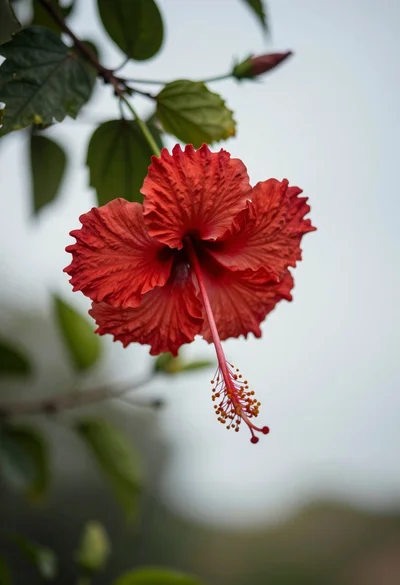
Close up photograph of vibrant red hibiscus flower against soft green bokeh
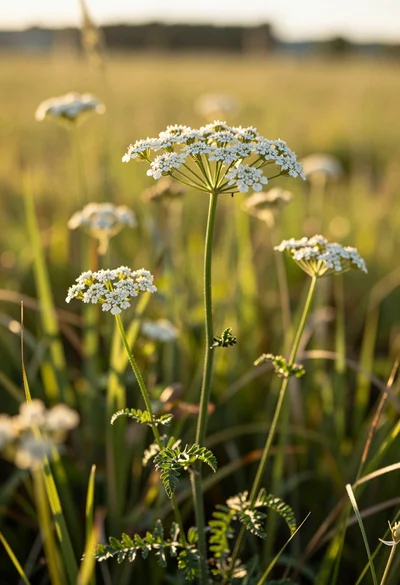
Close up view of white wildflowers in a sunlit grassy meadow field
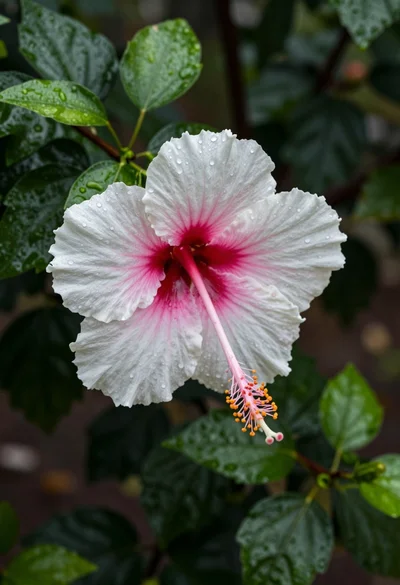
Close up photograph of hibiscus flower with raindrops on green foliage
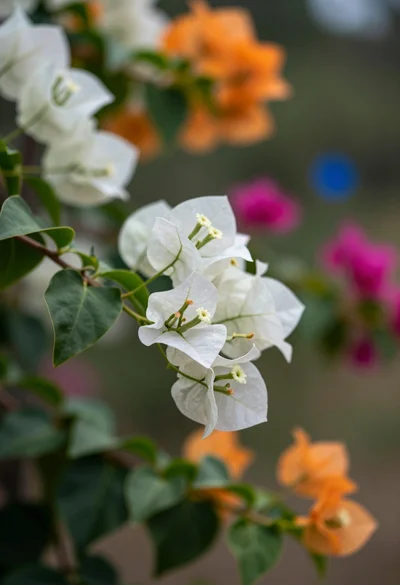
Macro photograph of bougainvillea branch with white flowers in lush garden setting
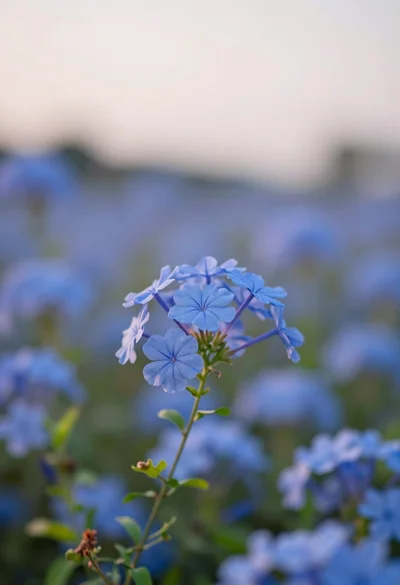
Close up of vibrant blue flowers in soft focus against a dreamy
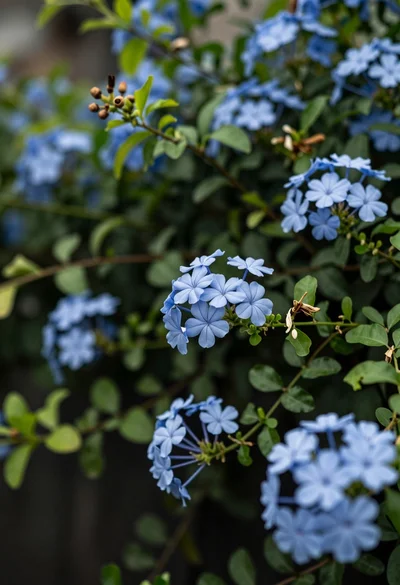
Close up of delicate light blue flowers blooming among dark green foliage
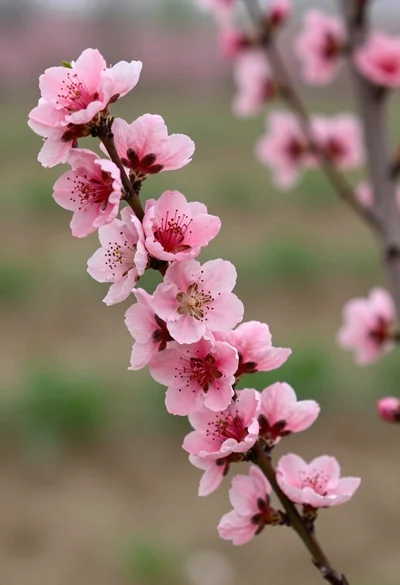
Close up view of vibrant pink peach blossoms on dark branches in
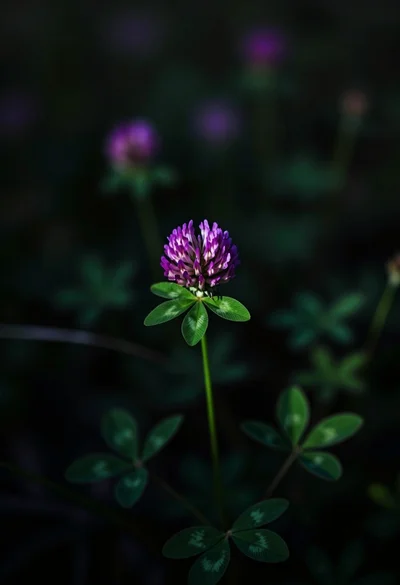
Close up photograph of vibrant purple clover flower on dark moody background