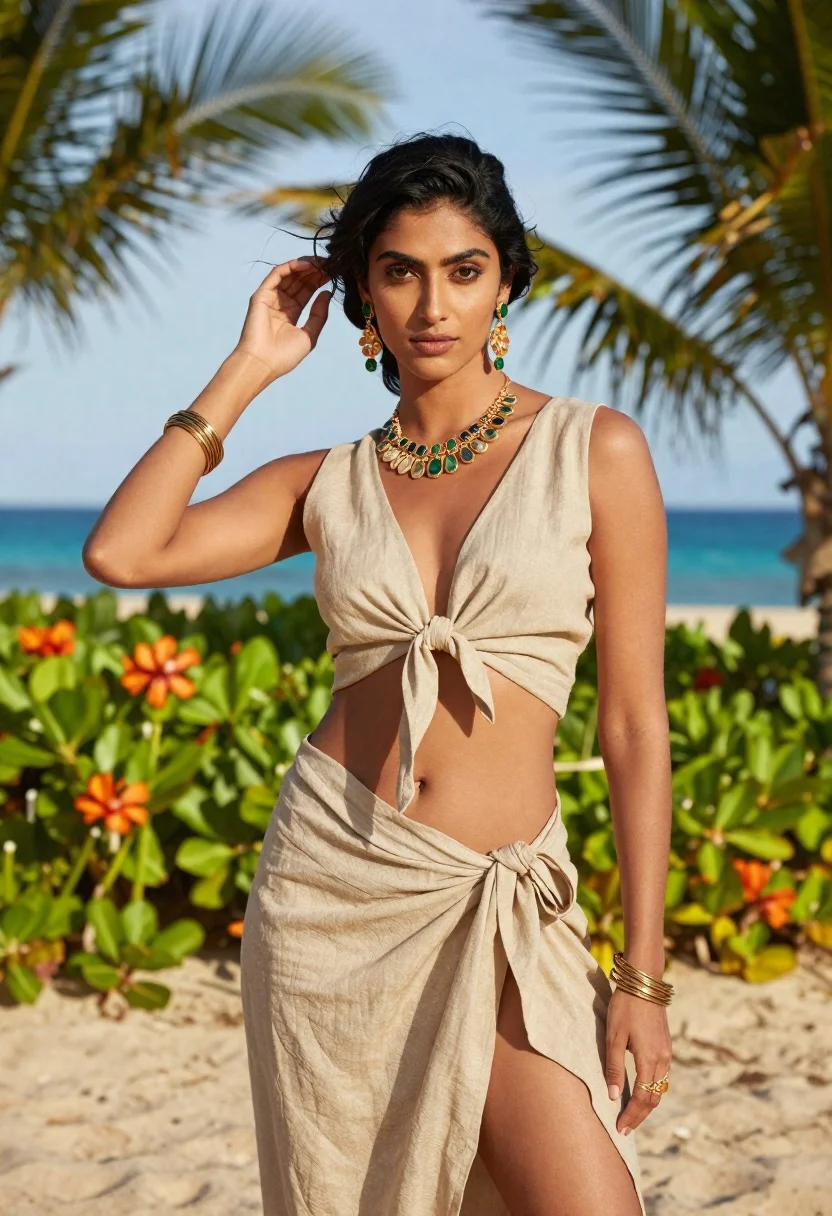
South asian model in beige linen outfit on sunny beach
Prompt
High-resolution fashion portrait of a woman standing on a sunny beach with palm fronds and turquoise ocean in the blurred background

Subject: A confident young South Asian model with dark, windswept hair styled in an elegant updo featuring loose tendrils framing her face. She has deep brown eyes looking directly at the camera.

Clothing: A beige linen two-piece outfit consisting of a V-neck crop top tied into a knot at the midriff and a matching wrap skirt that ties around her hip, exposing part of her navel. The fabric appears soft with natural folds. Accessories: She wears elaborate gold jewelry including large dangling earrings with green stones, a heavy statement necklace composed of irregular gemstones, thick bangles on both wrists, and a ring on one finger.

Action: Her left hand is raised to gently brush strands of hair behind her ear while she stands facing forward with poise. Her expression is calm but serious.

Environment: A tropical beach setting featuring sandy ground in the foreground, lush green foliage, orange flowering plants (possibly ginger lilies) at mid-level depth, and palm trees framing both sides of the image against a clear blue sky above distant turquoise water.

Lighting: Bright natural sunlight creating warm highlights on her skin and clothing with soft shadows defining facial features and body contours; overall mood is golden-hour inspired yet evenly lit for clarity.
Description
This prompt is useful for creating resort wear lookbooks, editorial beach editorials, and high-end lifestyle advertising featuring natural light. The combination of 'bright natural sunlight' with 'soft shadows defining facial features' ensures that the texture of the 'beige linen' remains visible while still achieving a luminous quality suitable for showcasing jewelry details against the vibrant backdrop.
Suggestions
- Change 'orange flowering plants' to 'white plumeria blossoms' for a more classic tropical feel.
- Swap 'gold jewelry' for 'oxidized silver jewelry' to give a different metallic tone.
- Adjust 'golden-hour inspired yet evenly lit' to 'midday sun, high contrast' for a punchier look.
Category
Tags
BeachCasual WearFemaleFull BodyOutdoorsPortrait ShotRealistic
Date added
June 19, 2026
Added by
PromptDexter Team
Related Prompts
More prompts with similar categories and tags.

Woman on beach daybed under beige umbrella
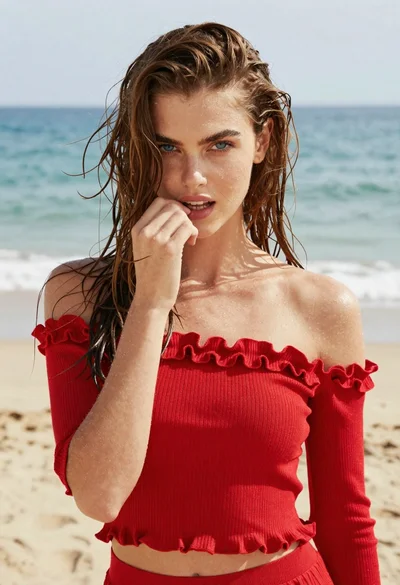
Young woman in red knit top on beach with wet brown hair

Young woman with braided hair in misty woodland setting
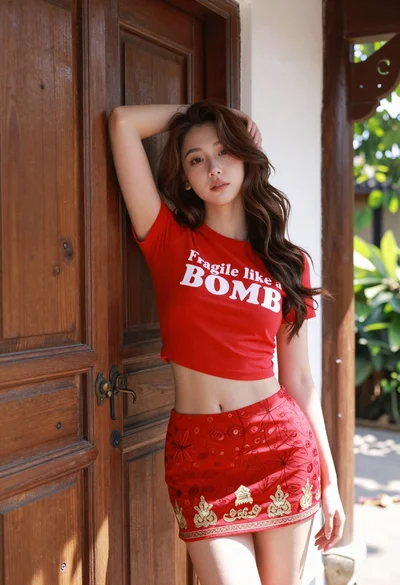
Young woman leaning against ornate wooden door with green foliage background
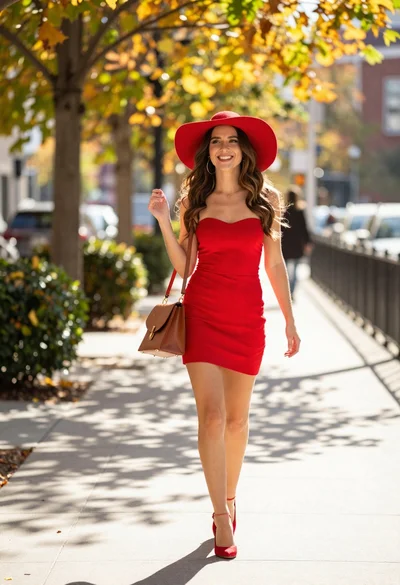
Woman walking on autumn sidewalk in bright sunlight
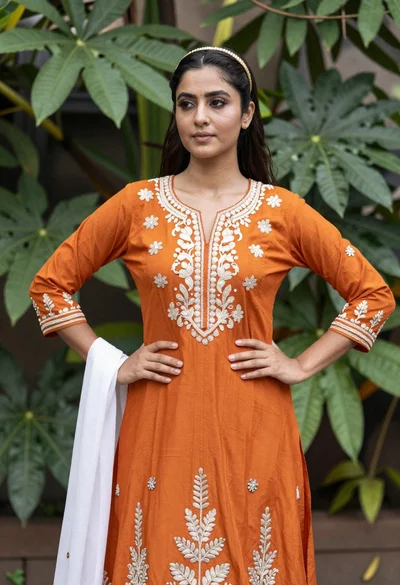
Young woman in orange embroidered dress standing confidently in lush green foliage
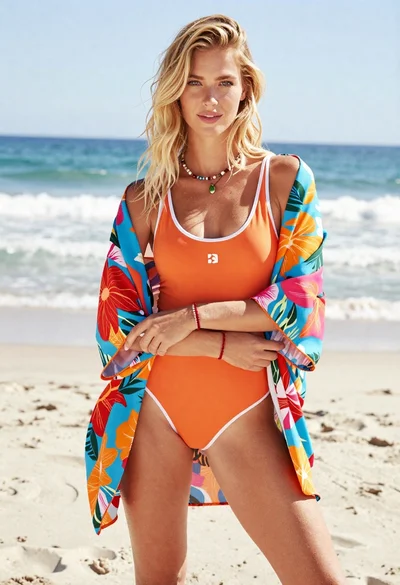
Blonde woman in floral kimono swimsuit on sunny beach setting
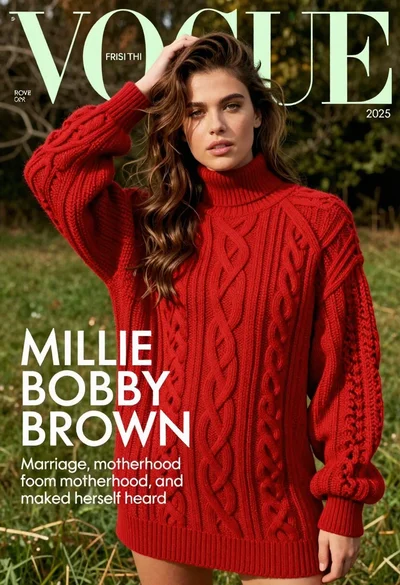
Young woman in red sweater dress standing in grassy field fashion shoot