
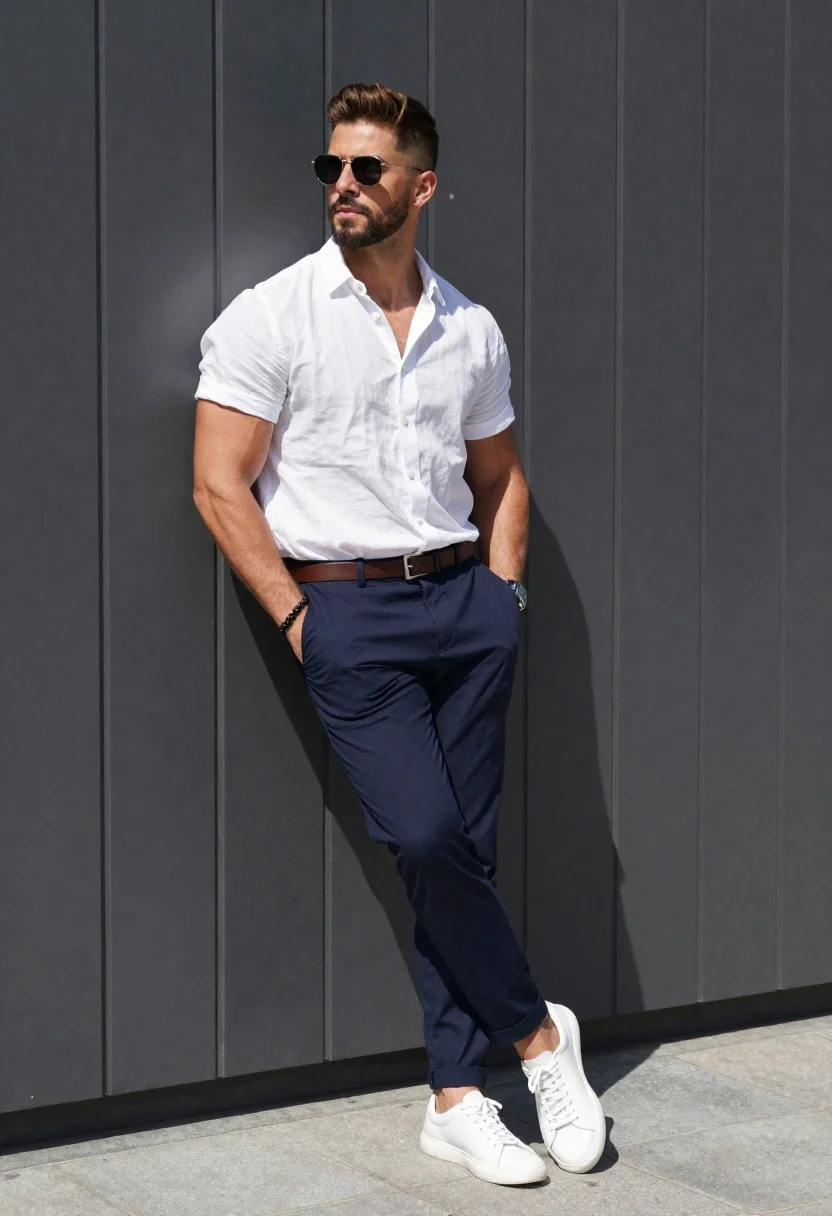
Stylish man against a dark paneled wall in daylight
Prompt
A stylish man leaning casually against a dark gray paneled wall in bright daylight

Subject: muscular build with short brown hair and beard wearing sleek sunglasses

Clothing: crisp white unbuttoned short-sleeve linen shirt, navy blue trousers tucked into clean white leather sneakers, fitted brown belt

Accessories: silver watch on left wrist, black beaded bracelet on right wrist

Action: relaxed pose leaning back with both hands in pockets, legs crossed at ankles, gaze directed to the side

Lighting: sharp midday sunlight casting strong shadows and highlighting textures

Environment: modern architectural background of vertical dark panels and paved ground.
Description
This prompt is useful for creating streetwear lookbooks, menswear editorial spreads, and high-contrast lifestyle photography. The combination of 'sharp midday sunlight casting strong shadows' against the 'dark gray paneled wall' emphasizes the sharp lines of the outfit—like the crisp white linen shirt and navy trousers—by using deep contrast that prevents the subject from looking flat against a monolithic background.
Suggestions
- Change 'dark gray paneled wall' to 'charcoal concrete panels' for more texture.
- Swap 'sleek sunglasses' for 'aviator sunglasses' for a different shape.
- Adjust 'sharp midday sunlight' to 'harsh side lighting' to emphasize musculature.
Category
Tags
3/4 AngleBrown HairCasual WearFull BodyMaleOutdoorsRealisticStreetwearStudio
Date added
June 19, 2026
Added by
PromptDexter Team
Related Prompts
More prompts with similar categories and tags.
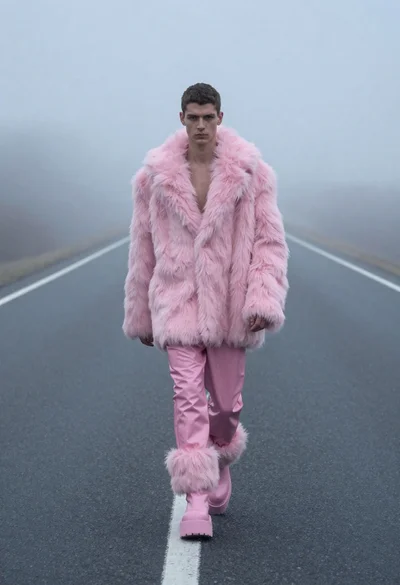
Man in pink coat walking on foggy empty highway
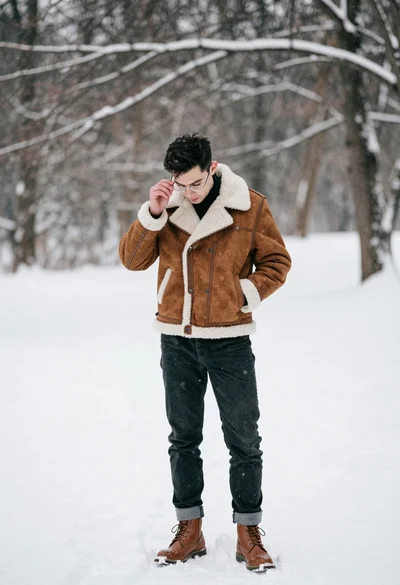
Man in brown shearling jacket standing in snowy landscape adjusting glasses
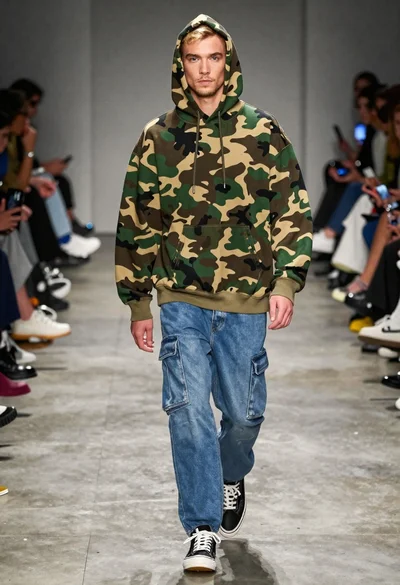
Male model walking down an indoor fashion runway
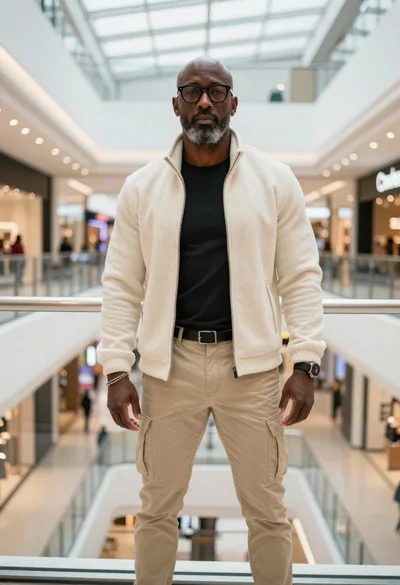
Stylish man standing on a modern shopping mall walkway
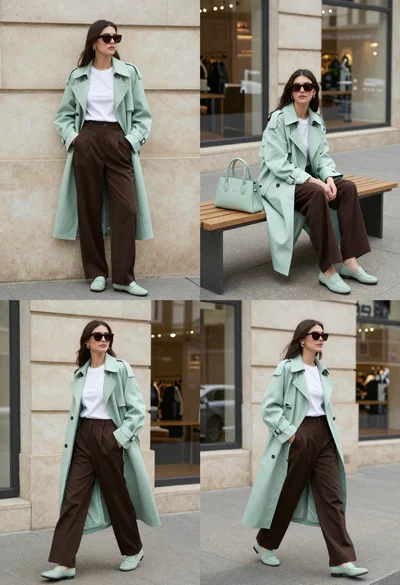
Woman modeling mint coat and brown trousers in city
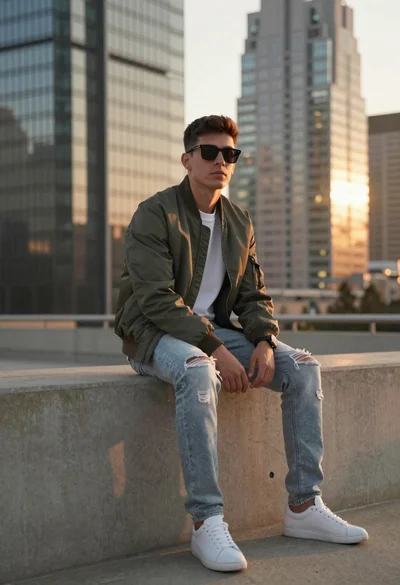
Young man sitting on ledge in modern cityscape at golden hour
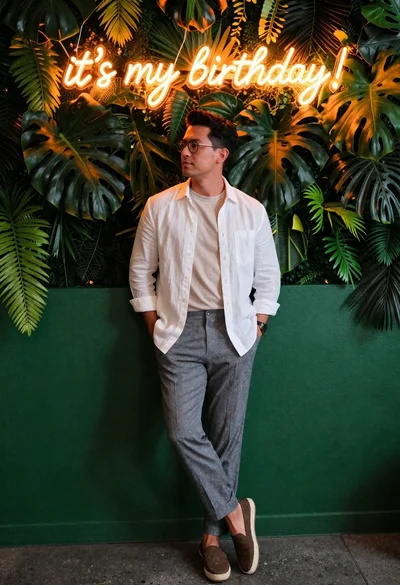
Stylish man against green wall with neon glow

Man sitting on floor in minimalist white studio setting
