Man sitting on floor in minimalist white studio setting
Prompt
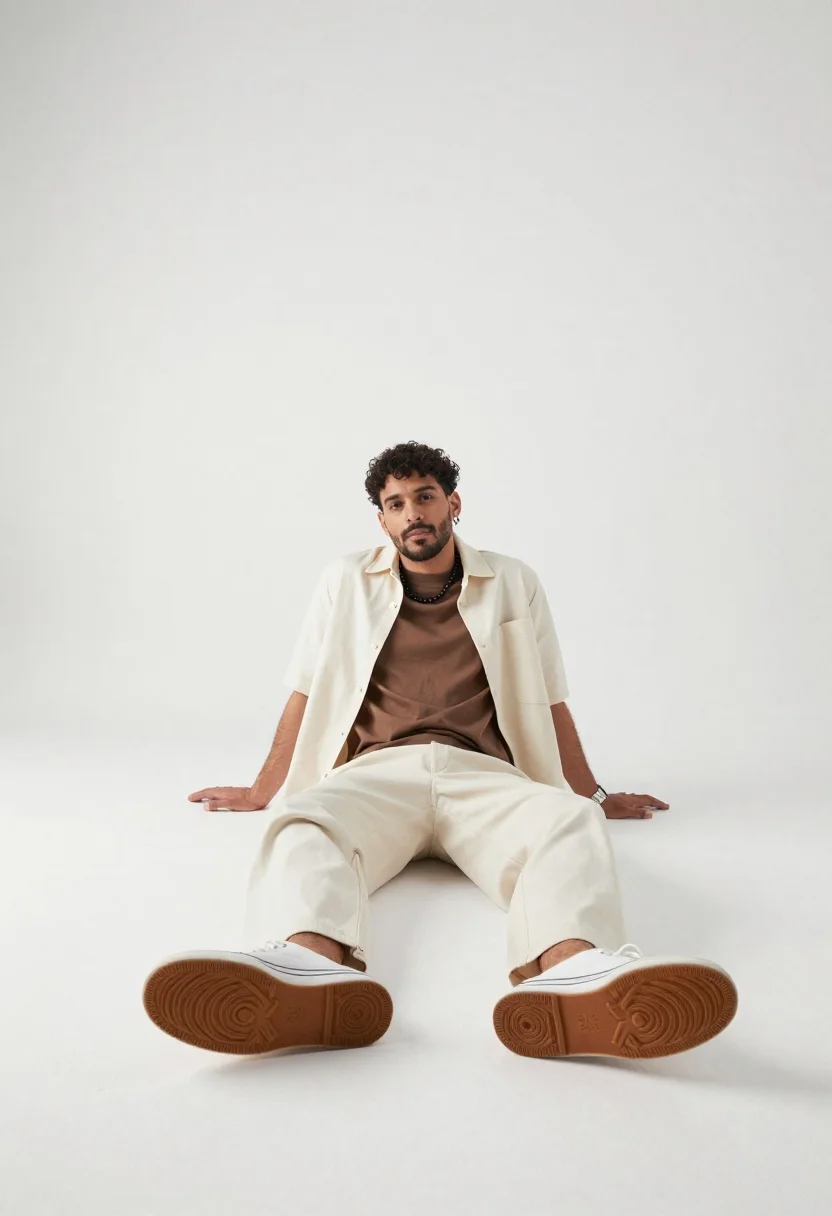
A studio fashion portrait of a young man seated casually on the floor in a minimalist white photography space

Subject: confident young man with short dark curly hair, stubble beard, black beaded necklace, and silver watch

Clothing: open cream-colored button-up shirt over a brown t-shirt paired with loose-fitting wide-leg trousers and thick-soled sneakers

Action: sitting cross-legged on the floor looking up toward the camera while resting one arm behind him for support, legs spread forward with sneaker soles prominently visible in the foreground

Environment: minimalist indoor studio with seamless white backdrop and pure white walls, empty space surrounding the subject creating a clean high-end commercial photography aesthetic

Camera: low-angle fashion perspective emphasizing the oversized sneaker soles in the foreground while keeping the subject centrally framed within negative space

Lighting: bright soft diffused overhead lighting creating gentle shadows beneath the body and feet, adding depth and dimensionality without harsh contrast

Style Details: contemporary urban fashion editorial style, minimalist composition, clean commercial studio photography aesthetic, sharp sneaker sole texture detail, modern lifestyle branding aesthetic, high-end fashion campaign look; do include realistic fabric folds, subtle skin texture, clean white seamless background, balanced proportions, natural pose, detailed sneaker sole patterns; don't include extra objects, cluttered background, harsh shadows, overexposed highlights, distorted anatomy, exaggerated facial features, blur, watermark, text, logo, low resolution, cropped limbs
Description
This prompt is useful for creating high-end streetwear lookbooks, minimalist lifestyle branding campaigns, and editorial menswear spreads. The combination of 'low-angle fashion perspective' emphasizing the 'oversized sneaker soles in the foreground' grounds the image compositionally, while the 'bright soft diffused overhead lighting' ensures that the 'realistic fabric folds' on the clothing are visible without creating harsh shadows that would distract from the clean white seamless background.
Suggestions
- Change 'cream-colored button-up shirt' to 'charcoal open button-up shirt' for more contrast.
- Swap 'thick-soled sneakers' for 'retro runner sneakers' to change the silhouette.
- Adjust 'low-angle fashion perspective' to 'eye-level medium shot' if you want a less dramatic feel.
Category
Tags
3/4 AngleBrown HairCasual WearDark SkinFull BodyIndoorsMaleRealisticStreetwearStudio
Date added
June 19, 2026
Added by
PromptDexter Team
Related Prompts
More prompts with similar categories and tags.
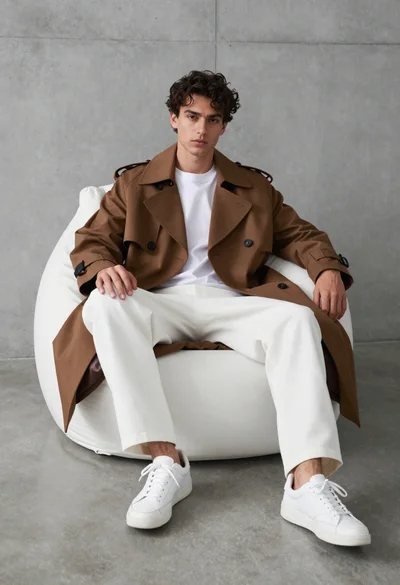
Young man in trench coat sitting on white beanbag chair against grey
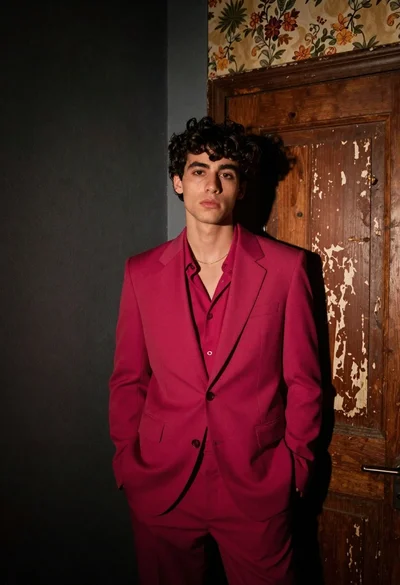
Young man in magenta suit jacket standing in dimly lit room with

Muscular man in blue blazer on solid deep blue background
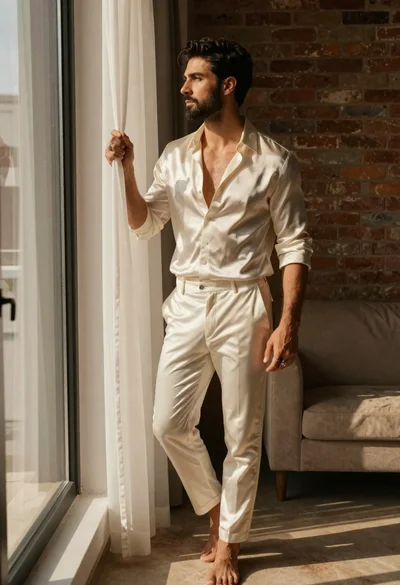
Handsome man in cream shirt by large window
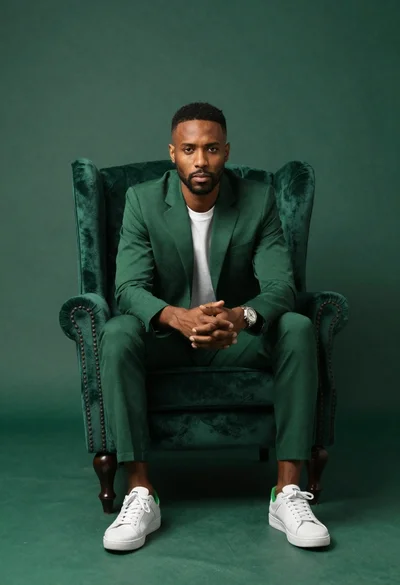
Darkskinned man in emerald suit seated in green armchair
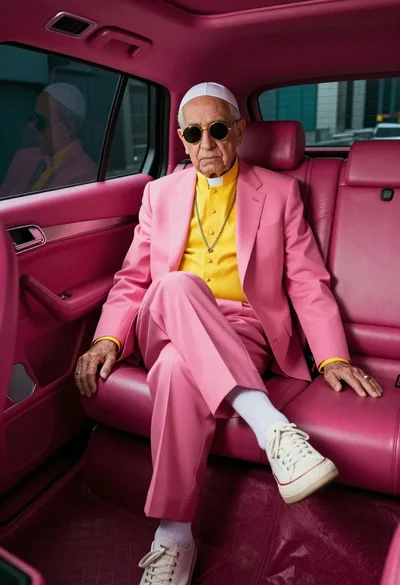
Senior man in pink suit seated inside luxury vehicle
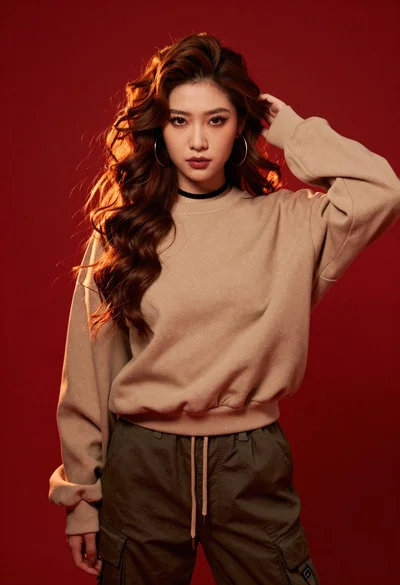
Portrait of young woman in beige sweatshirt against red background
Stylish man against a dark paneled wall in daylight