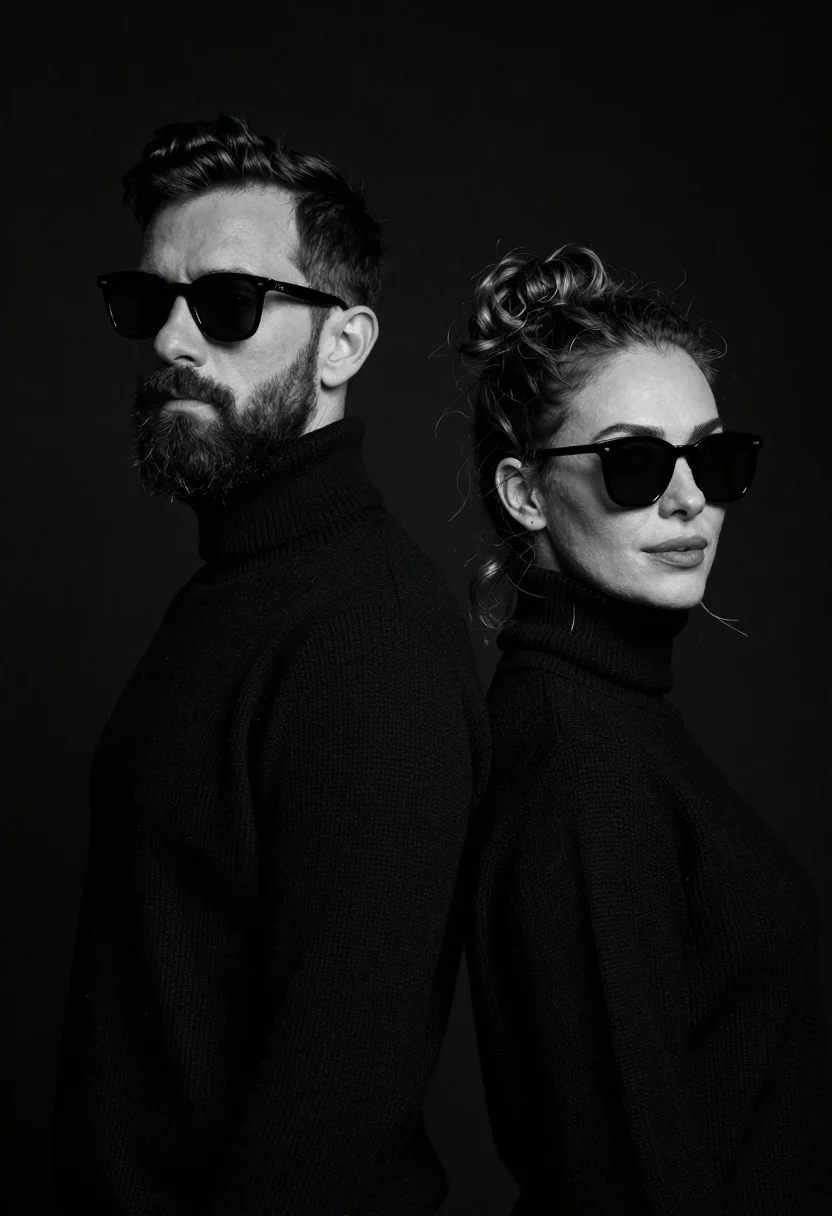
Stylish man and woman back to back in black turtlenecks against black
Prompt
A high-contrast black and white studio portrait of a stylish man and woman standing back-to-back against a solid black background.

Subject: A handsome man with short dark hair and a full beard stands in the foreground wearing dark sunglasses, while a beautiful woman with wavy hair pulled up stands slightly behind him to the right, also wearing dark sunglasses.

Clothing: Both subjects are dressed in matching high-necked black knitwear or turtleneck sweaters that blend into the dark background.

Action: The man faces forward with a neutral expression and direct gaze, while the woman turns her head slightly toward the camera with a confident, cool demeanor.

Environment: A stark, featureless black void serves as the backdrop to emphasize the subjects.

Camera: Shot with a medium close-up framing that captures both heads and shoulders, utilizing a shallow depth of field to keep the focus sharp on their faces while softening the edges.

Lighting: Dramatic studio lighting creates high contrast, illuminating the contours of their faces and hair while casting deep shadows in the background.

Style Details: The image features a monochromatic black and white aesthetic with a cinematic, moody atmosphere and a polished fashion photography look.
Description
This prompt is useful for creating high-concept editorial spreads, minimalist advertising campaigns, and mood boards emphasizing silhouette. The combination of 'high-contrast black and white' aesthetics with 'dramatic studio lighting' ensures that the subjects' facial contours and hair texture are sharply defined against the 'solid black background,' preventing any visual noise from distracting from the intended moody focus.
Suggestions
- Change 'dark sunglasses' to 'no visible eyewear' for a more direct gaze.
- Swap 'medium close-up framing' to 'headshot composition' for tighter focus.
- Add 'rim lighting on hair' to further separate subjects from the void.
Category
Tags
B&wCasual WearDark SkinFemaleLight SkinMaleRealisticStudio
Date added
June 26, 2026
Added by
PromptDexter Team
Related Prompts
More prompts with similar categories and tags.
High contrast black and white studio portrait of muscular man and woman
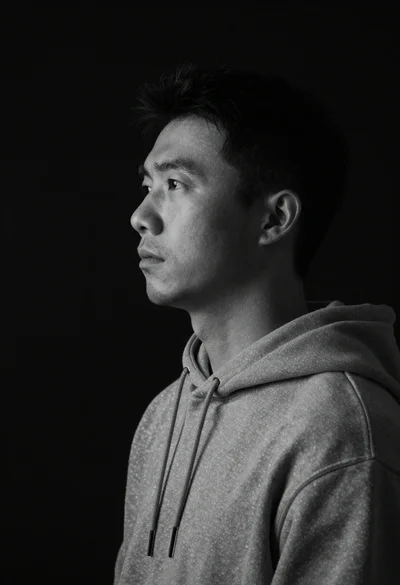
Monochrome portrait of asian man in profile
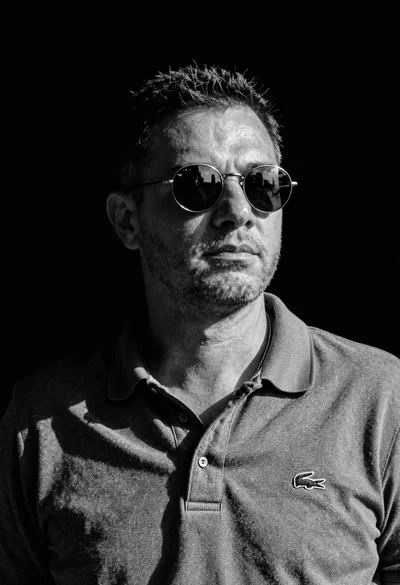
Black and white portrait of man in polo shirt
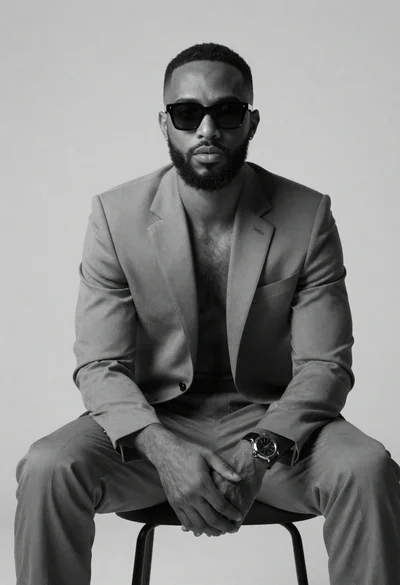
Black and white portrait of confident man in studio

Black and white portrait of young man in turtleneck sweater
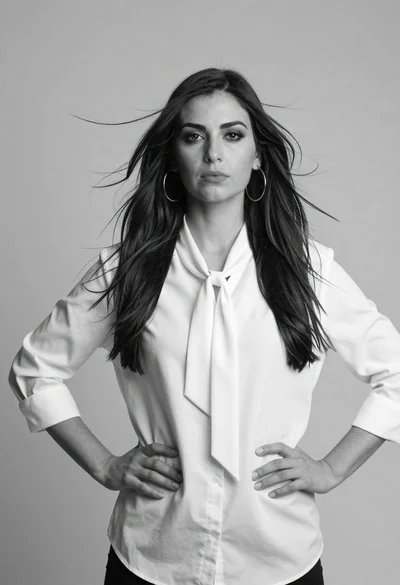
Confident woman in white shirt standing against a plain studio background

Black and white portrait of man with beard studio shot

Woman seated in armchair near large windows with greenery