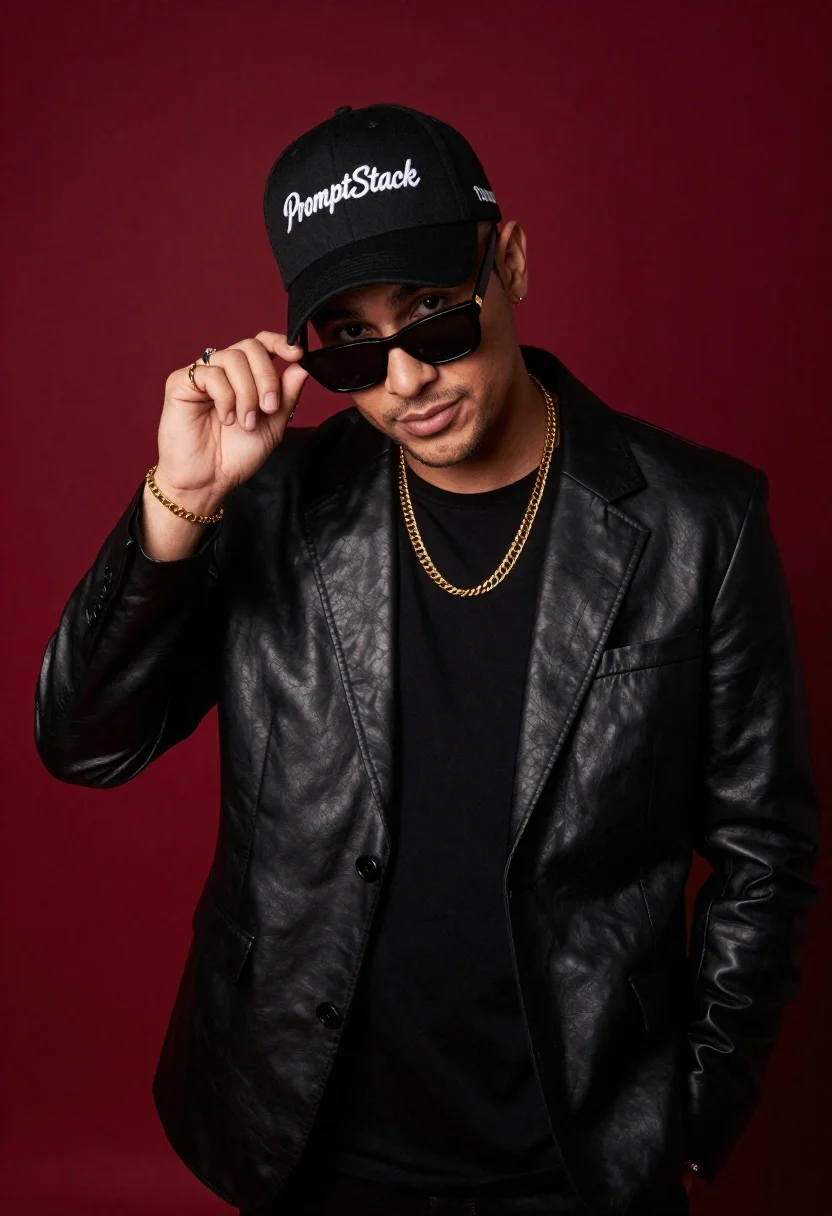
Stylish man in black blazer against deep red background
Prompt
Studio portrait of a stylish young man against a deep red background

Subject: confident male with short facial hair and dark sunglasses perched on his nose as he adjusts them with one hand, wearing a black baseball cap embroidered in white cursive script reading 'PromptStack'

Clothing: sleek black leather blazer over a plain black t-shirt, layered gold chain necklaces, rings on fingers, matching bracelet on wrist

Action: standing casually but posing for the camera from an elevated angle, looking directly forward with subtle smirk and relaxed posture.
Description
This prompt is useful for creating edgy streetwear lookbooks, high-contrast advertising campaigns, and stylized character portraits. The combination of a 'deep red background' contrasting with the 'sleek black leather blazer' ensures maximum visual punch, while the specific action—adjusting sunglasses—gives the subject an immediate narrative focus that prevents the pose from feeling static.
Suggestions
- Change 'deep red background' to 'oxblood velvet backdrop' for a richer texture.
- Add 'cinematic volumetric lighting' to enhance the blazer's sheen.
- Swap 'black baseball cap' for a 'structured black fedora' for more formality.
Category
Tags
Black HairCasual WearFull BodyMalePortrait ShotRealisticStreetwearStudio
Date added
June 19, 2026
Added by
PromptDexter Team
Related Prompts
More prompts with similar categories and tags.
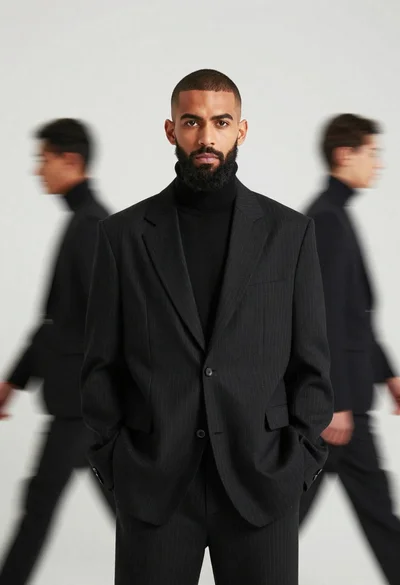
Male model in black pinstriped suit against white backdrop
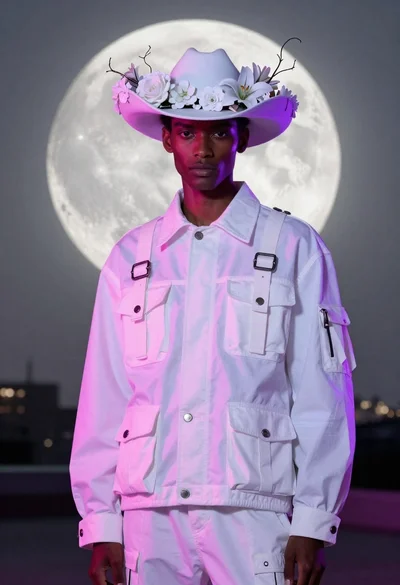
Model in white cargo jacket under luminous full moon

Studio portrait of smiling black man in white tuxedo

Woman in black dress posing with finger on lips
Glamorous woman in black sequined gown against a white studio background
Man in black suit adjusting sunglasses against orange background

Stylish man in black sweater and cream trousers on city sidewalk

Stylish man in black blazer against vibrant city skyline at night
