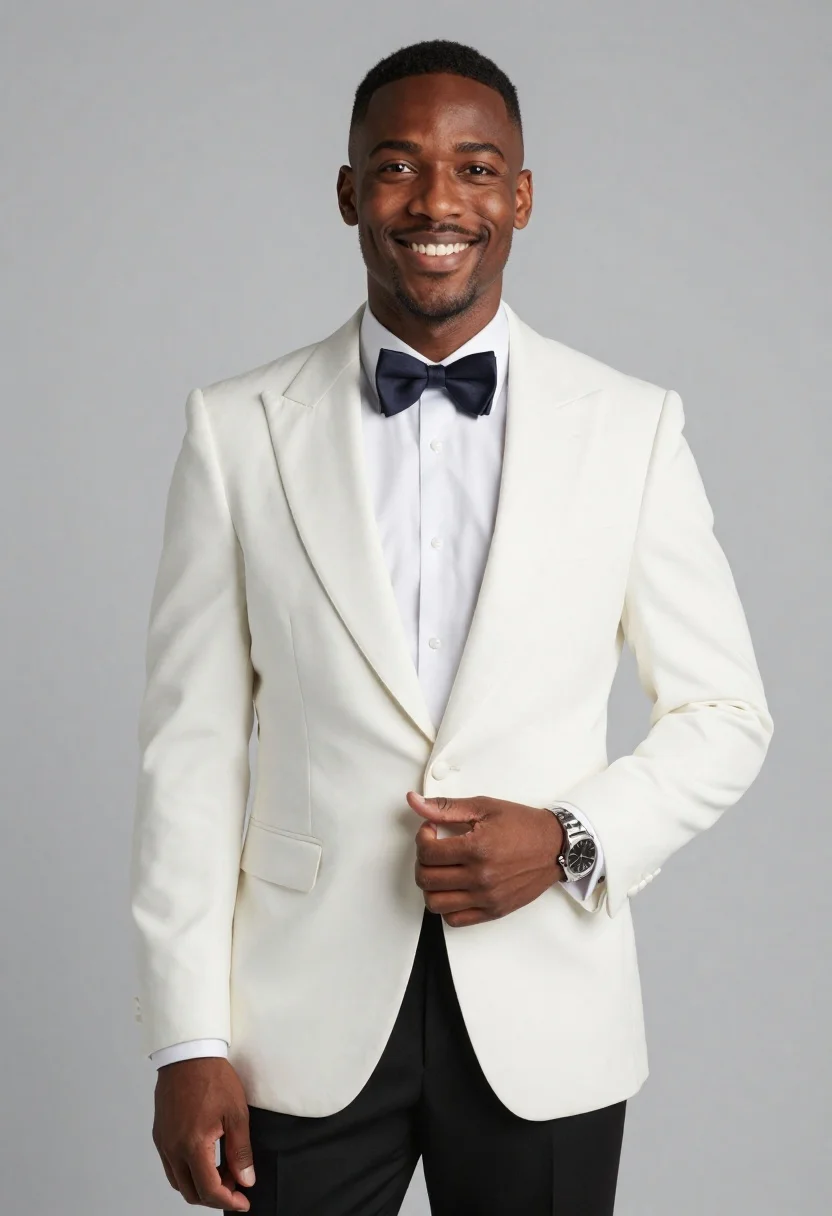
Studio portrait of smiling black man in white tuxedo
Prompt
A high-quality studio portrait of a smiling Black man in formal wear, with clean skin and short hair

Clothing: elegant white dinner jacket tuxedo with satin lapels over black trousers, crisp white dress shirt underneath, dark bow tie at the neck, silver wristwatch on left arm resting near waistcoat pocket

Action: standing confidently facing camera directly, slight head tilt upward toward viewer's eye level, subtle warm smile showing teeth, hands relaxed but poised one hand partially tucked into jacket front conveying charm and sophistication

Environment: minimalist solid light gray seamless backdrop with soft diffused lighting creating gentle shadows under chin and shoulders for depth without harshness

Lighting: frontal key source slightly elevated to highlight facial features while maintaining even tone across white fabric, fill from opposite side reduces contrast subtly for flattering effect

Camera: medium close-up framing capturing upper body down to hips, centered composition balanced around subject's vertical axis with slight rule-of-thirds offset toward right edge allowing negative space on left

Style Details: photorealistic rendering typical of professional fashion photography or AI-generated portraiture mimicking real-world texture fidelity in fabric sheen and skin detail.
Description
This prompt is useful for creating high-end menswear lookbooks, formal event advertising campaigns, and sophisticated personal branding imagery. The combination of 'elegant white dinner jacket tuxedo with satin lapels' against a 'minimalist solid light gray seamless backdrop' ensures the subject remains the focal point while the specified 'frontal key source slightly elevated' sculpts the face without creating distracting harsh shadows.
Suggestions
- Change 'dark bow tie at the neck' to 'black silk bow tie' for more visual weight.
- Adjust 'medium close-up framing capturing upper body down to hips' to 'waist up shot' for a tighter focus on the smile.
- Replace 'photorealistic rendering' with 'Kodak Portra 400 film grain' for an analog texture.
Category
Tags
Black HairBrown SkinFormal WearFull BodyMaleMedium ShotPortrait ShotRealisticStudio
Date added
June 19, 2026
Added by
PromptDexter Team
Related Prompts
More prompts with similar categories and tags.
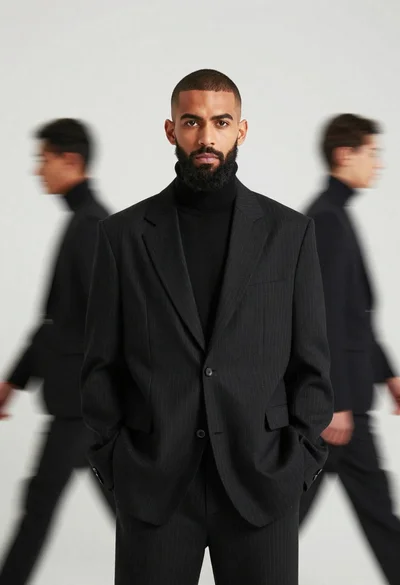
Male model in black pinstriped suit against white backdrop
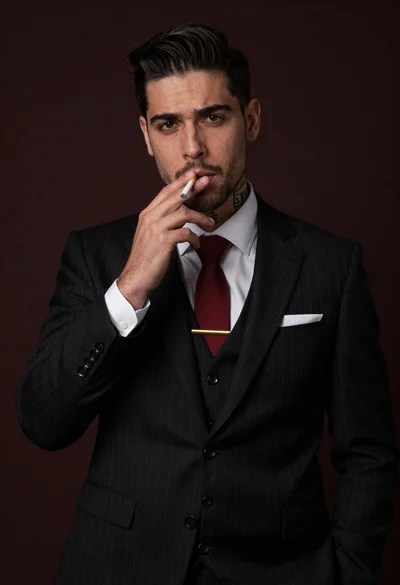
Handsome man in black pinstripe suit holding cigarette in studio portrait
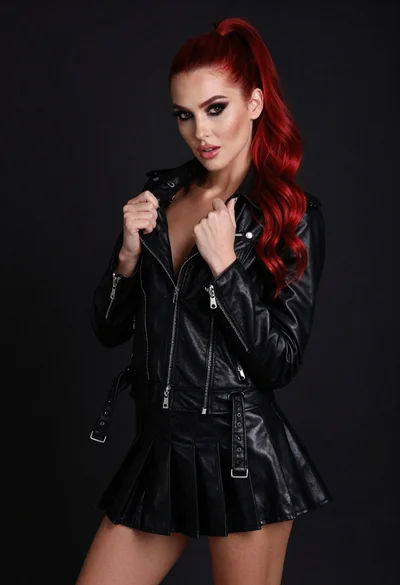
High fashion portrait of woman with red hair in black jacket
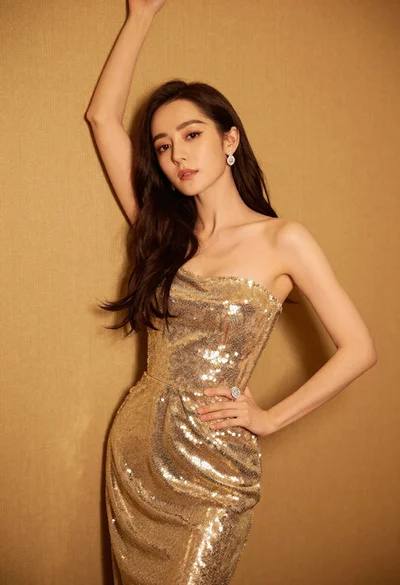
Glamorous woman in shimmering gold gown posing against warm textured wall
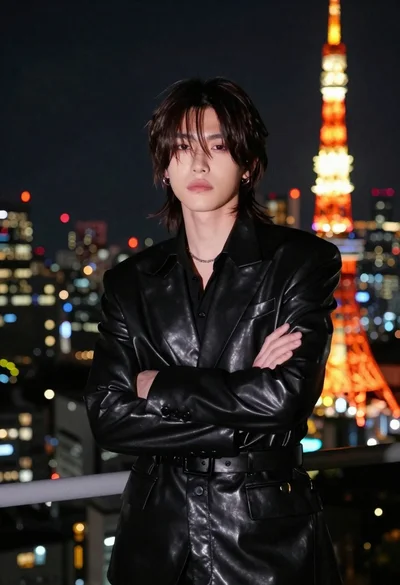
Man in black suit facing camera near tokyo tower

Portrait of woman in elaborate red feathered gown against vivid blue background
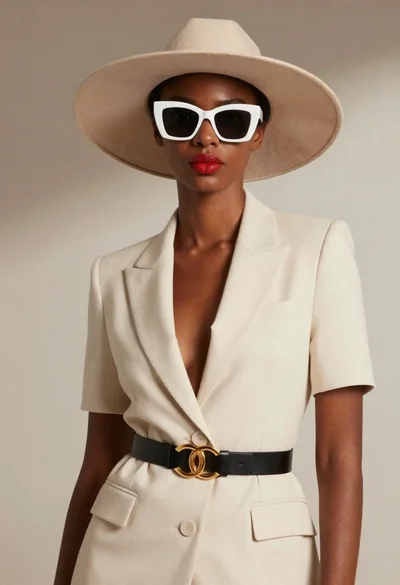
Black woman in cream suit wearing wide brim hat

Man in suit sitting in car at night