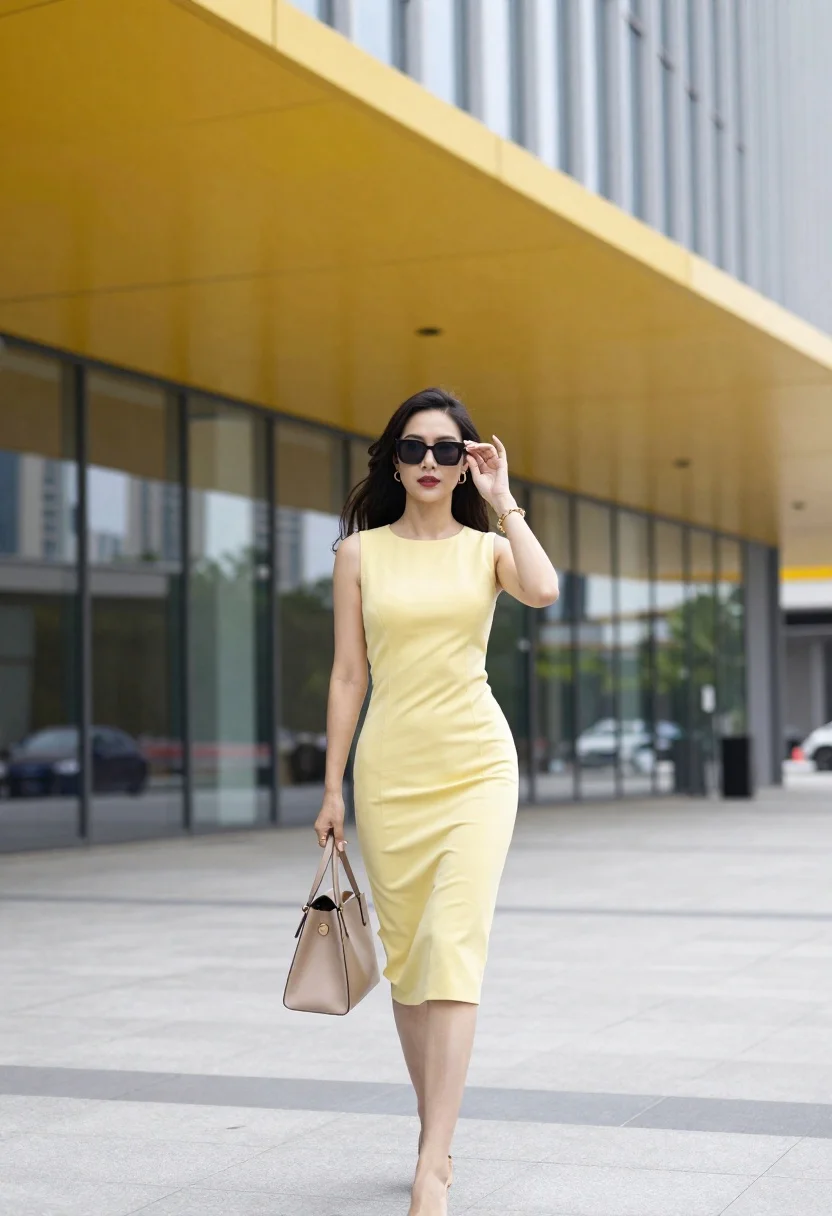
Stylish woman in pale yellow dress walks on paved area near modern
Prompt
A stylish woman walks confidently in front of a modern building with a vibrant yellow curved roof.

Subject: A woman with long dark wavy hair and sunglasses walking forward.

Clothing: She wears a sleeveless pale yellow midi dress that fits closely to her body, paired with gold jewelry including earrings, bracelets, and a ring.

Action: She holds a beige handbag in one hand while raising the other near her face as if adjusting her glasses or shielding her eyes from the sun.

Environment: The setting is an outdoor paved area in front of a contemporary building featuring large glass windows and a striking yellow architectural canopy overhead.

Camera: Shot at eye level with a medium-full body framing that captures the subject clearly against the architectural backdrop.

Lighting: Bright natural daylight illuminates the scene evenly, casting soft shadows and highlighting the vibrant colors of the dress and roof.

Style Details: The image has a clean, fashion-forward aesthetic with high clarity and a polished urban vibe.
Description
This prompt is useful for creating lifestyle magazine spreads, architectural feature editorials, and modern commercial lookbooks showcasing apparel. The combination of 'bright natural daylight' ensuring even illumination across the subject and the 'vibrant yellow curved roof' provides a high-contrast pop against the pale yellow dress, which prevents the entire scene from looking washed out under direct sun.
Suggestions
- Change 'pale yellow midi dress' to 'mustard yellow slip dress' for a deeper autumnal tone.
- Add 'bokeh background' to soften the large glass windows.
- Swap 'medium-full body framing' to 'full length shot' to emphasize the architecture.
Category
Tags
Casual WearFemaleFull BodyMedium ShotOutdoorsRealisticUrban
Date added
June 23, 2026
Added by
PromptDexter Team
Related Prompts
More prompts with similar categories and tags.
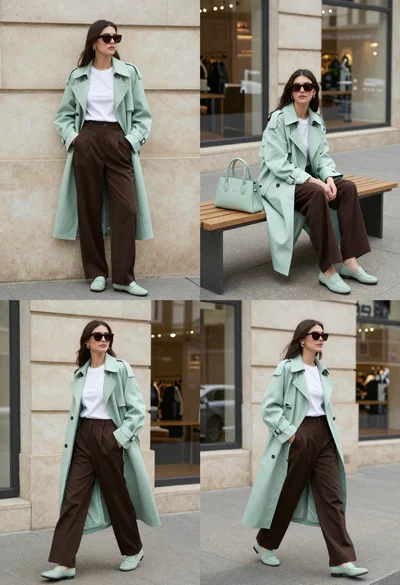
Woman modeling mint coat and brown trousers in city
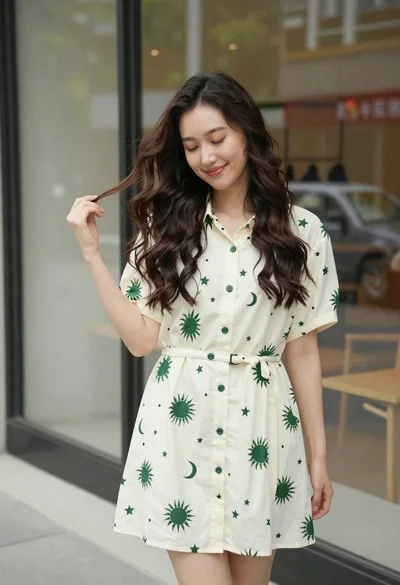
Smiling young woman in cream dress near large glass window outdoors

Young woman in green jacket holding plush toy at festive carousel
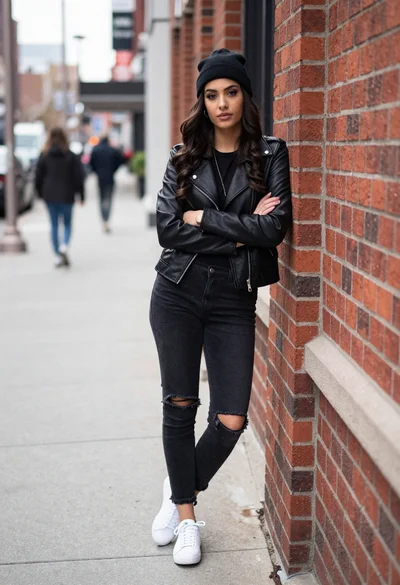
Stylish young woman in leather jacket leaning against red brick wall
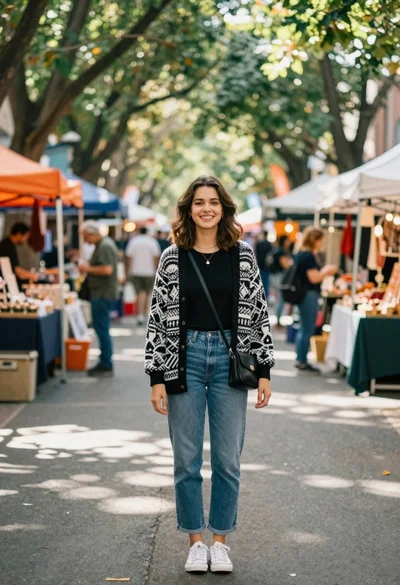
Smiling young woman in knit cardigan standing in an outdoor market
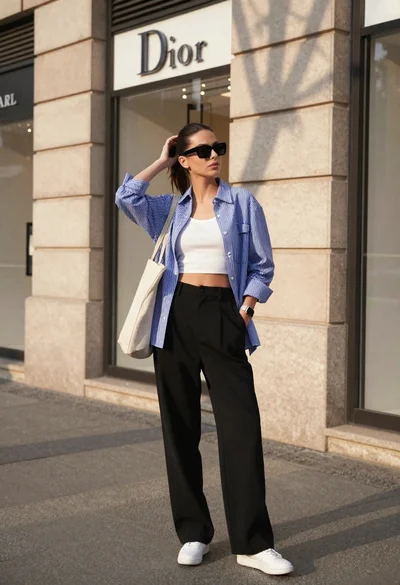
Stylish young woman in striped shirt standing on city sidewalk near luxury

Confident young woman in red soccer jersey standing before colorful graffiti wall
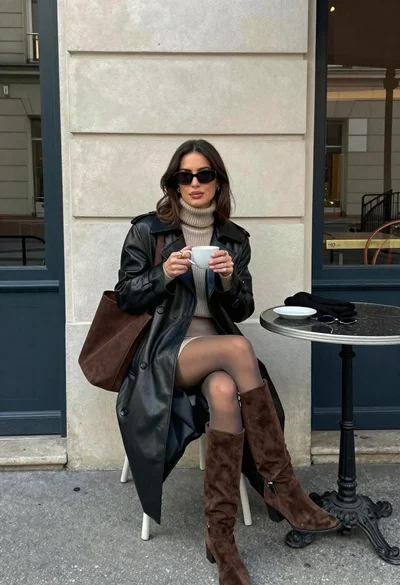
Stylish woman in leather coat sitting at an outdoor cafe table