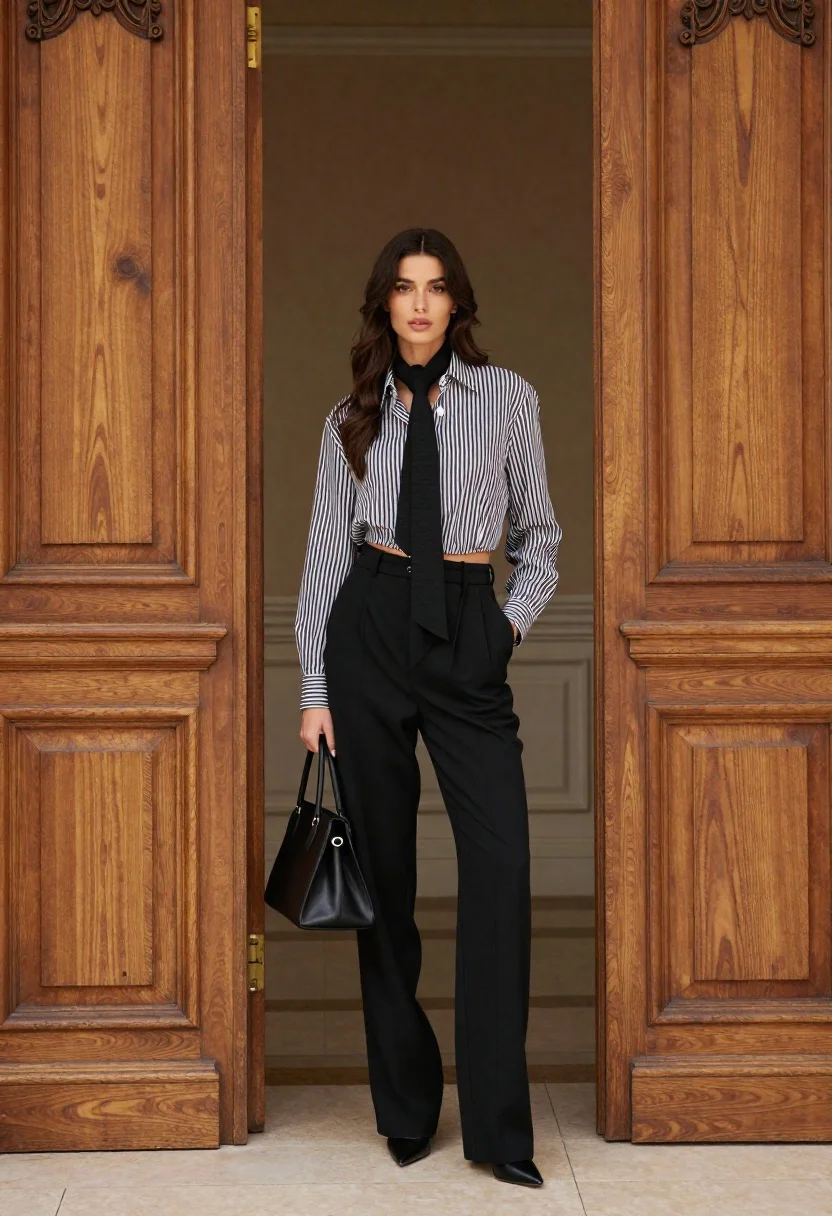
Stylish woman in striped shirt standing between large ornate wooden doors
Prompt
A full-length portrait of a stylish woman standing confidently in an open doorway between two large wooden doors.

Subject: A young woman with long, wavy dark brown hair and fair skin, featuring high cheekbones and a neutral, direct gaze.

Clothing: She wears a black and white vertically striped button-down shirt that is unbuttoned at the top to reveal her midriff, paired with a black scarf tied loosely around her neck. Her outfit includes high-waisted black trousers with pleats, secured by a thin belt, and she holds a structured black handbag in one hand while wearing black pointed-toe heels.

Action: She stands facing forward with a relaxed posture, one hand holding the bag at her side and the other resting inside her trouser pocket.

Environment: The setting is an elegant interior featuring tall, ornate wooden double doors with intricate carvings on either side of the frame, revealing a glimpse of a room with light-colored walls and flooring in the background.

Camera: A full-body shot taken from a straight-on angle that captures the subject's entire figure within the architectural frame of the doorway.

Lighting: Soft, diffused lighting illuminates the scene evenly, highlighting the textures of the fabric and wood without creating harsh shadows.

Style Details: The image has a high-fashion editorial aesthetic with sharp focus on the subject and a polished, sophisticated color palette dominated by black, white, and warm wood tones.
Description
This prompt is useful for creating architectural fashion editorials, magazine cover concepts, and mood boards emphasizing classic menswear-inspired styling. The combination of 'ornate wooden double doors' framing the subject against a backdrop of 'soft, diffused lighting' ensures that the intricate carvings remain visible while preventing deep shadows from obscuring the details of the 'black and white vertically striped button-down shirt'.
Suggestions
- Change 'vertically striped' to 'horizontally striped' for a different visual rhythm.
- Swap 'structured black handbag' for an 'oversized woven tote' to change the formality.
- Adjust 'soft, diffused lighting' to 'dramatic side lighting' for more contrast.
Category
Tags
Brown HairFair SkinFemaleFull BodyIndoorsMedium ShotPortrait ShotRealisticUrban
Date added
June 21, 2026
Added by
PromptDexter Team
Related Prompts
More prompts with similar categories and tags.
Woman in grey suit and cream turtleneck standing against white wall
Stylish woman in white cardigan standing before large abstract digital screen
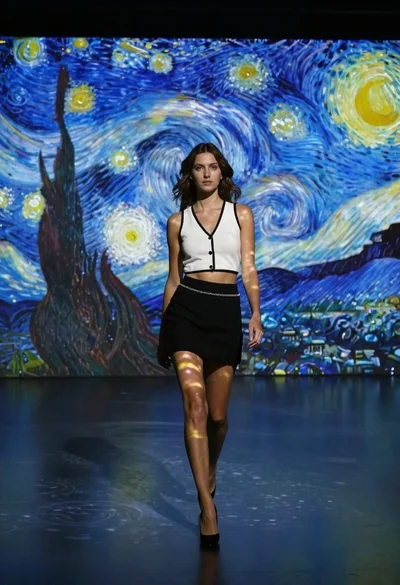
Woman in white top walking through immersive van gogh art gallery
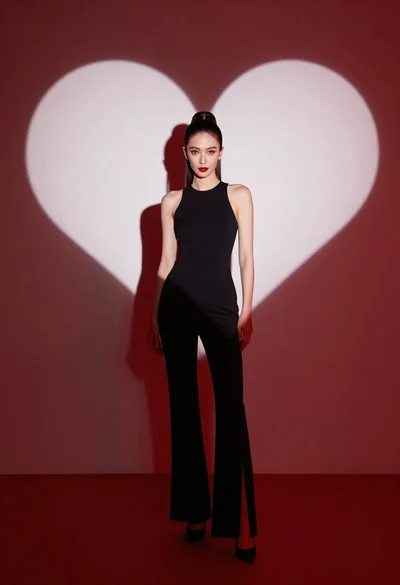
Woman in black jumpsuit standing before large white heart on red
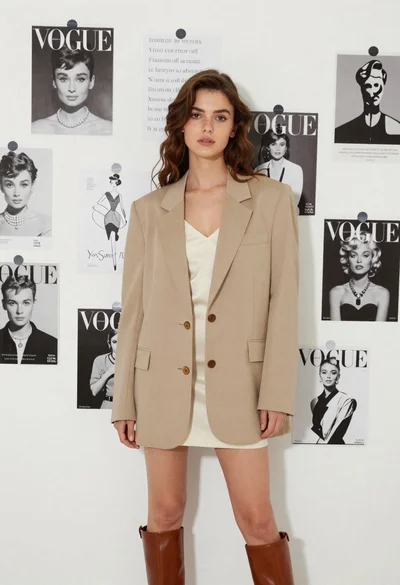
Stylish young woman in oversized blazer standing before fashion magazine wall
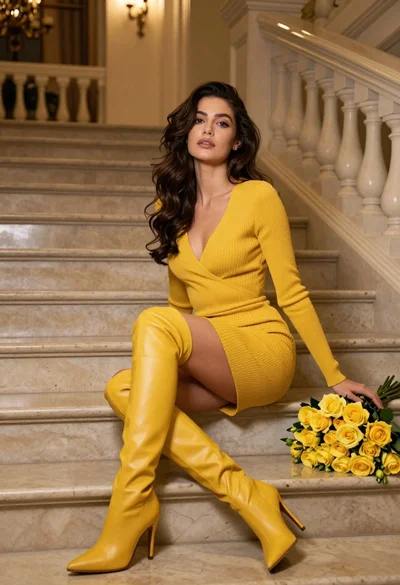
Woman in yellow dress sitting on grand marble staircase with roses
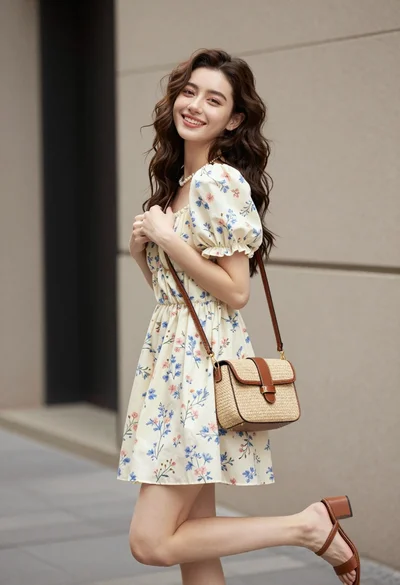
Young woman in floral mini dress standing against beige wall outdoors
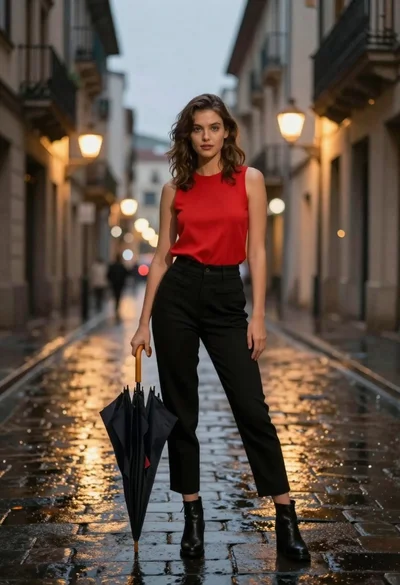
Confident woman in red top standing on wet cobblestone city street