
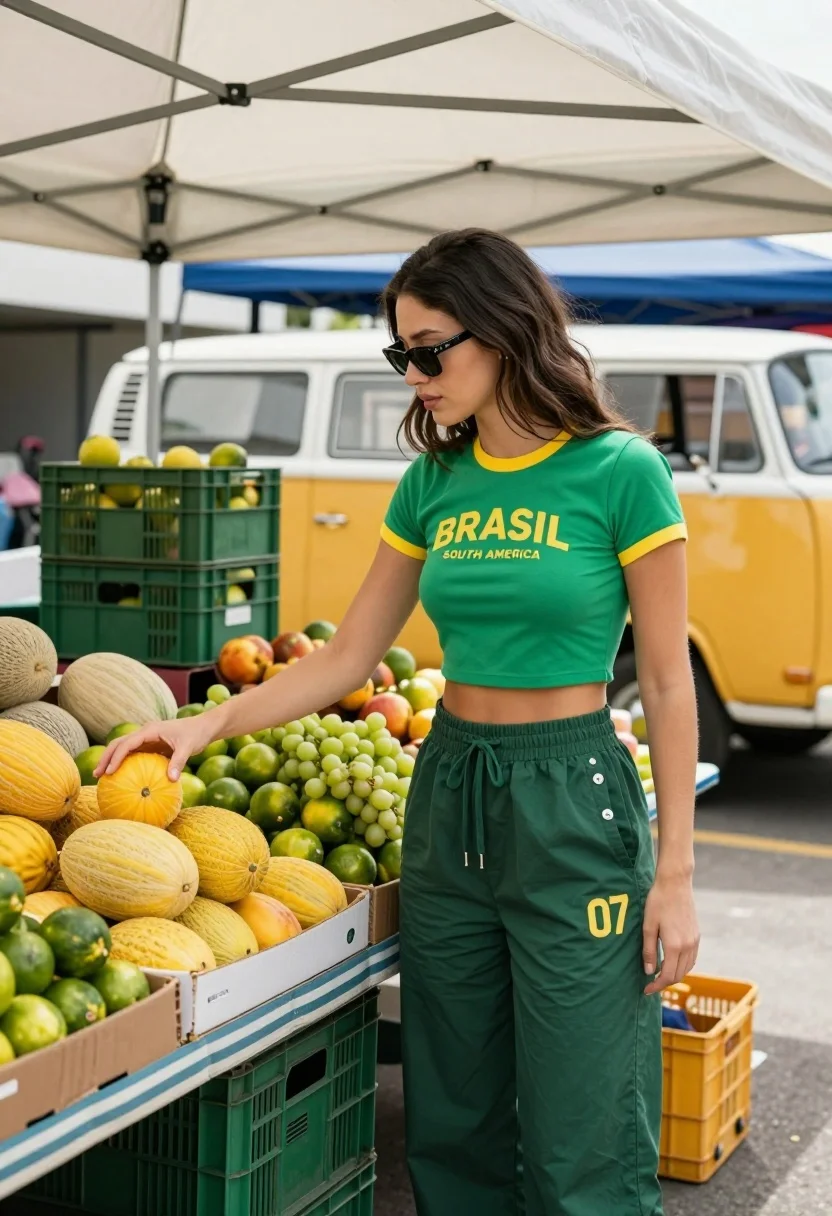
Stylish woman touching yellow fruit at an outdoor market stall under white
Prompt
A stylish woman stands at a vibrant outdoor fruit market stall under a white canopy tent.

Subject: A young woman with long dark hair and sunglasses, wearing a green crop top and matching wide-leg trousers, reaching out to touch a pile of yellow fruits on the table.

Clothing: She wears a green short-sleeved crop top with yellow trim and the text "BRASIL SOUTH AMERICA" printed in yellow across the chest, paired with dark green drawstring pants featuring silver buttons down the side and the number "07" printed on the left thigh.

Action: The woman is standing in profile facing left, her right hand extended to gently touch a pile of yellow fruits, while her gaze looks downward toward the produce.

Environment: An outdoor market scene under a white tent structure with metal beams, featuring a table covered with a striped cloth displaying various fresh fruits including limes, grapes, and melons, with green crates stacked in the background and a vintage yellow van visible further back.

Lighting: Natural daylight illuminates the scene from above, casting soft shadows and highlighting the textures of the fruit and clothing.

Objects: A table laden with fresh produce including piles of yellow melons, green limes, green grapes, and other fruits arranged in cardboard boxes and crates.

Text/Graphics: The word "BRASIL" printed in bold yellow letters across the front of her crop top with "SOUTH AMERICA" underneath, and the number "07" printed on her pants.

Style Details: Candid street photography aesthetic with natural color grading, shallow depth of field keeping the subject sharp while softly blurring the background market elements.
Description
This prompt is useful for creating vibrant travel blog imagery, editorial lifestyle features about local markets, and candid fashion documentation. The combination of 'natural daylight' with a 'shallow depth of field' ensures that the subject remains sharp while softly blurring background elements like the 'vintage yellow van', which directs the viewer's eye immediately to the woman interacting with the colorful produce.
Suggestions
- Change 'green crop top' to 'terracotta crop top' for warmer tones.
- Replace 'yellow fruits' with 'mixed tropical fruit' for more variety.
- Adjust 'natural color grading' to 'Kodak Portra 400 film look' for a specific vintage feel.
Category
Tags
Casual WearFemaleFull BodyRealisticStreet
Date added
July 12, 2026
Added by
PromptDexter Team
Related Prompts
More prompts with similar categories and tags.
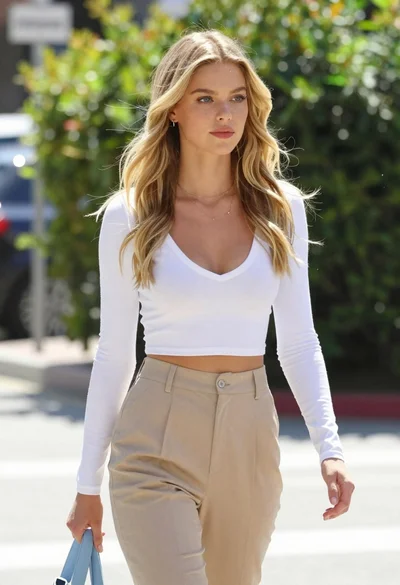
Fair blonde woman walking outdoors in white top and beige trousers
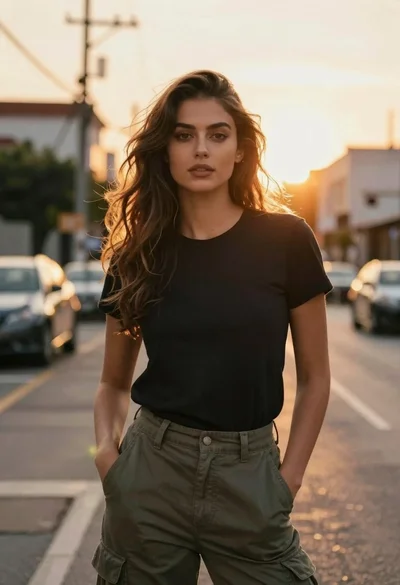
Woman in black shirt on urban street at sunset

Blonde woman blowing bubblegum on outdoor concrete steps
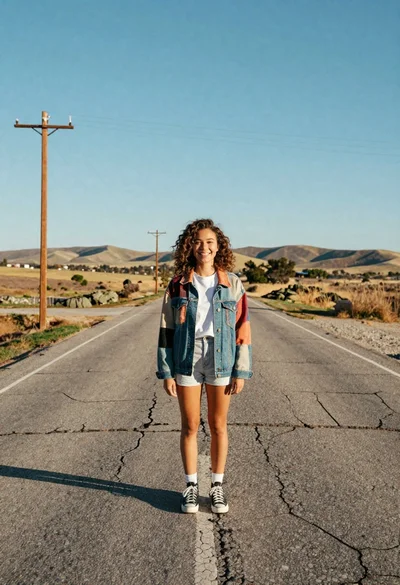
Young woman with curly brown hair standing on cracked asphalt road

Young woman taking selfie in a grimy urban alleyway
Young woman in white shirt and denim skirt standing on city crosswalk
Stylish woman in black satin oneshoulder dress posing at arc de triomphe
Young woman in white outfit holding wildflowers on an old street

Confident young woman in beige pantsuit standing beside black luxury car on

Surreal composite of woman adjusting earring indoors and walking on wet city