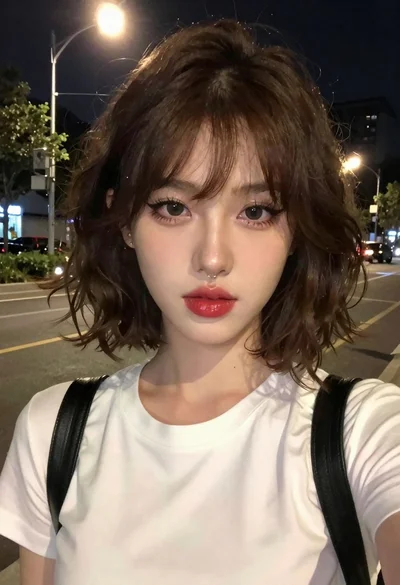
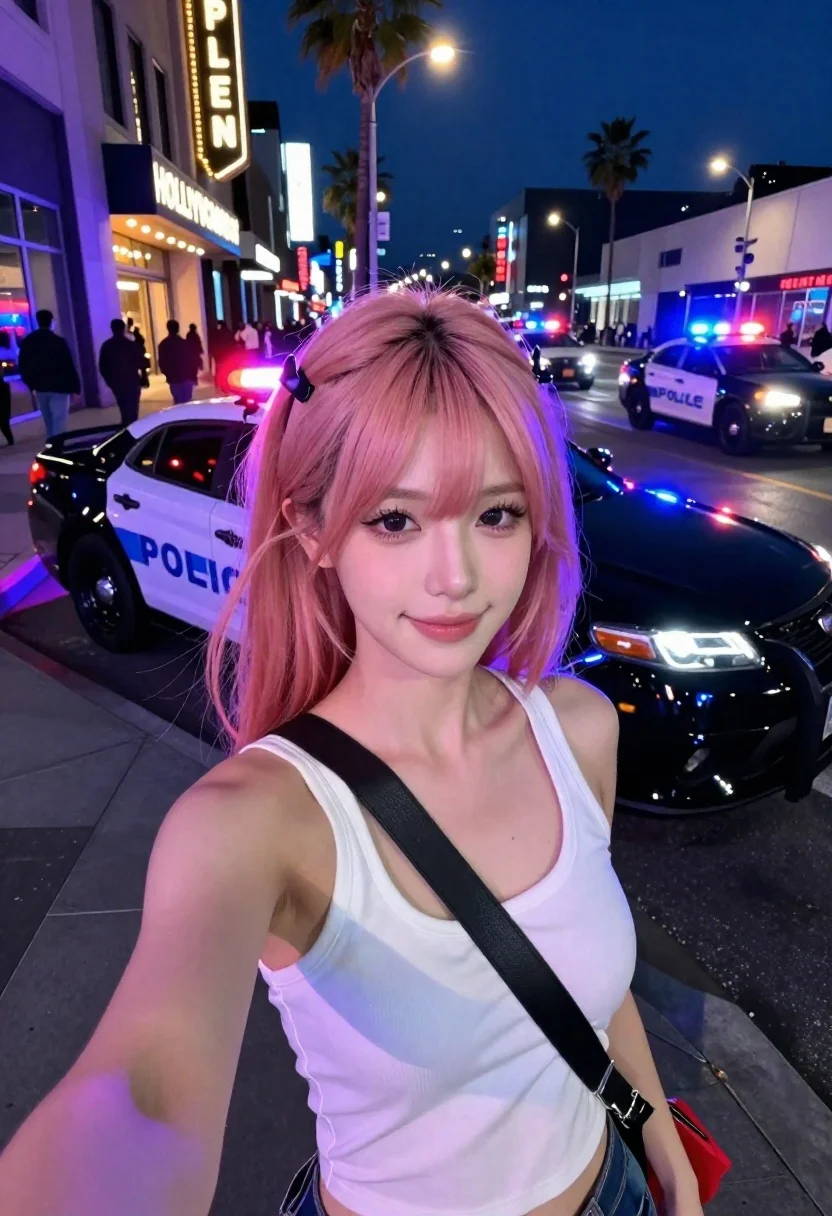
Selfie portrait on busy hollywood boulevard at night
Prompt
Selfie-style portrait at night on a busy Hollywood Boulevard street.

Subject: young woman with shoulder-length pink twin tails secured with black clips, large dark eyes, defined lashes, soft makeup, looking directly into the camera with a subtle relaxed smile.

Clothing: white sleeveless tank top layered over a black bralette-style garment; wide black crossbody strap across chest connected to a small red handbag near hip.

Action: holding phone forward in a casual selfie pose while standing on the sidewalk.

Environment: nighttime Hollywood street with glowing storefront signage reading “HOLLYWOOD CALENG” behind subject, palm trees silhouetted against the dark sky, pedestrians walking in the distance, multiple police vehicles parked along the curb with flashing red and blue lights, black sports coupe parked nearby reflecting city lights.

Lighting: cinematic neon lighting with strong purple-blue police light spill illuminating the subject’s face and hair edges, contrasted by warm yellow-orange storefront and window glow, deep shadows, reflective wet-looking asphalt, high nighttime contrast.

Camera: close-up smartphone selfie angle, shallow depth of field, sharp focus on face, softly blurred urban background, composition slightly offset to the right with environmental context visible on the left.

Style Details: highly realistic photography, HDR look, detailed skin texture, realistic hair fibers, glossy reflections on vehicles, crisp low-light detail, cinematic urban nightlife atmosphere, modern smartphone portrait mode aesthetic.
Description
This prompt is useful for creating social media street portraits, character concept art for film promotion, and vibrant travel blog features capturing city energy. The combination of 'cinematic neon lighting' with 'strong purple-blue police light spill' against the 'warm yellow-orange storefront glow' establishes a high-contrast, immediate visual drama that mimics modern smartphone portrait mode aesthetics while ensuring the subject remains sharply focused despite the busy environment.
Suggestions
- Change 'pink twin tails' to 'deep blue braids' for a more cohesive nighttime palette.
- Swap 'black sports coupe' for 'vintage yellow taxi' to change the vehicle reflection.
- Adjust 'shallow depth of field' to 'medium depth of field' if you want more background context visible.
Category
Tags
Black HairCasual WearClose UpFemaleFull BodyPortrait ShotRealisticSelfieStreetUrban
Date added
June 19, 2026
Added by
PromptDexter Team
Related Prompts
More prompts with similar categories and tags.
Young woman taking selfie in a grimy urban alleyway
High angle close up selfie of young woman in blazer on urban
Smiling woman in red patterned dress at busy urban street scene
Two women taking a selfie by red temple gate
Close up portrait of woman with wine glass
Selfie portrait of woman on busy city street at night
Nighttime portrait of woman in hoodie against city buildings
Woman in black dress posing with finger on lips