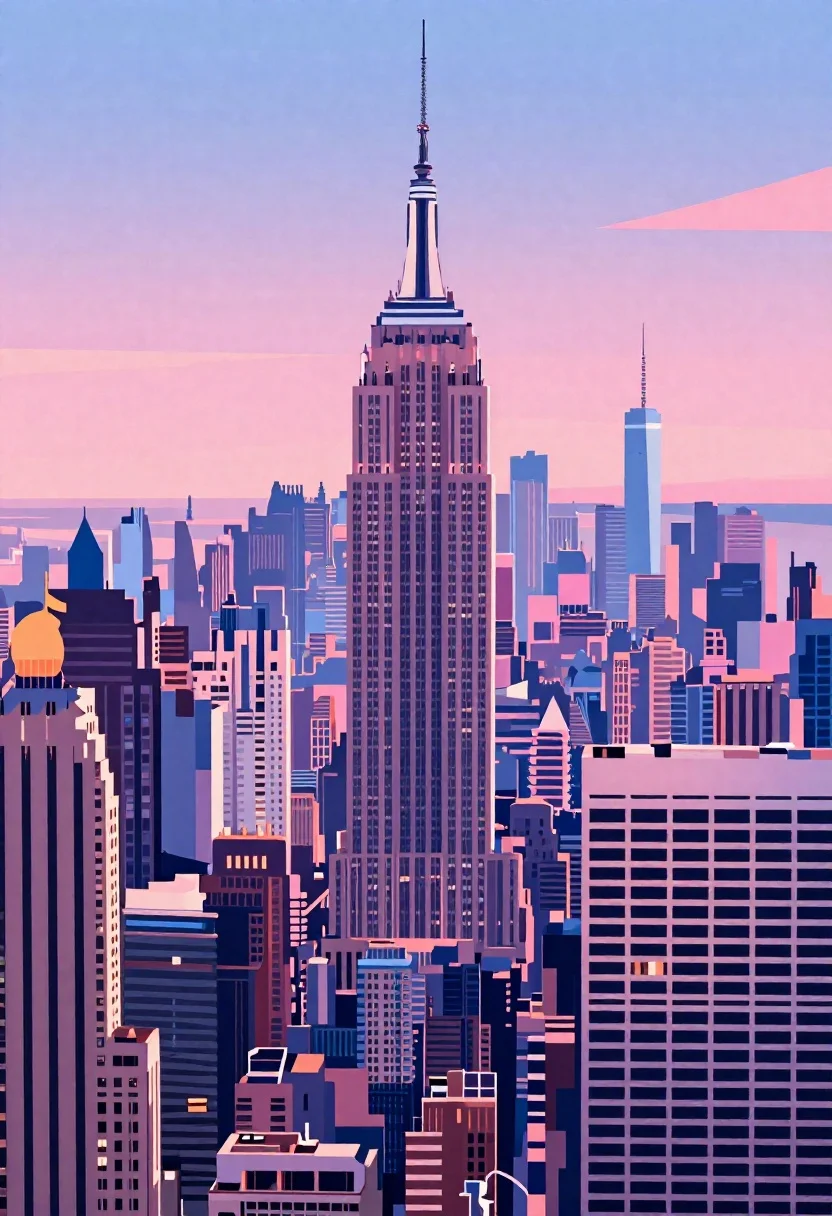
Stylized cityscape skyline with pink and blue tones
Prompt
Digital illustration of a stylized cityscape skyline with vibrant pink and blue tones.

Subject: dense cluster of skyscrapers featuring the iconic spire of the Empire State Building as the central focal point surrounded by varied high-rise buildings.

Environment: sunset gradient sky background blending pastel pinks, purples, and deep blues.

Style Details: graphic vector art style with clean bold outlines, flat shading, vibrant pastel color palette, modern cityscape illustration aesthetic.
Description
This prompt is useful for creating album art for synthwave or vaporwave music, background visuals for tech presentations, and stylized concept maps of futuristic cities. The combination of 'graphic vector art style' with 'clean bold outlines' ensures that the complex subject matter—a dense cluster of skyscrapers—remains legible despite the vibrant pastel color palette, preventing the scene from becoming a muddy wash of color.
Suggestions
- Change 'vibrant pink and blue tones' to 'neon magenta and cyan' for a more retro feel.
- Add 'octane render' to the style details for increased dimensionality.
- Swap 'Empire State Building' for 'futuristic arcology spire' to enhance the sci-fi aspect.
Category
Tags
Digital ArtUrbanWide Shot
Date added
June 19, 2026
Added by
PromptDexter Team
Related Prompts
More prompts with similar categories and tags.
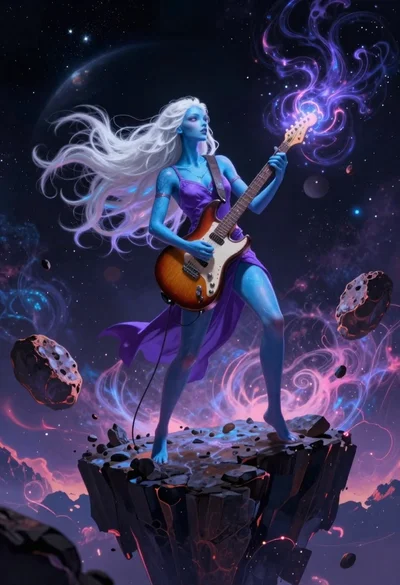
Alien goddess playing guitar on floating space cliff

Young woman on wooden dock at sunset

Woman in forest with purple hair and gradient skirt
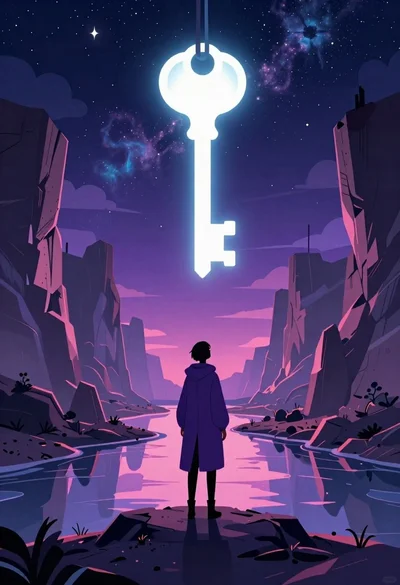
Solitary figure viewing glowing key in alien canyon
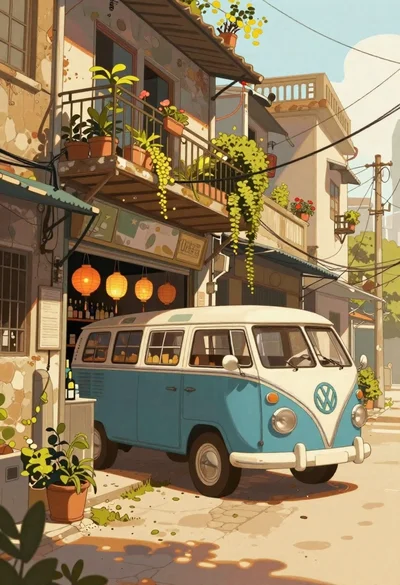
Illustrated street scene with blue vintage bus and storefront
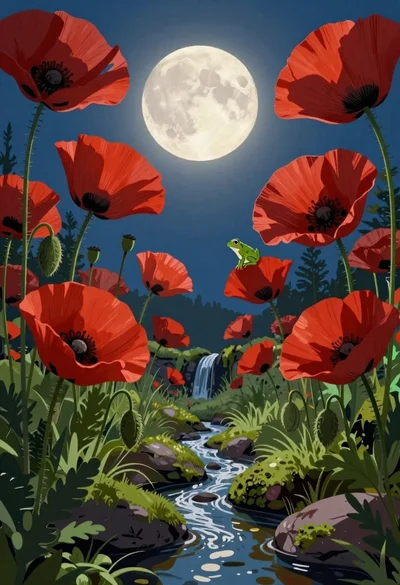
Surreal poppy forest framing a moonlit sky
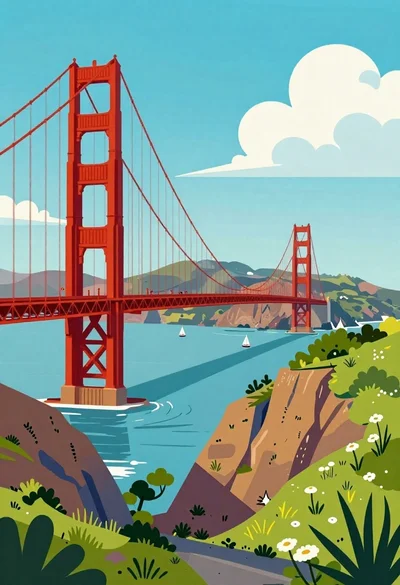
Golden gate bridge over turquoise bay with sailboats

Child holding glowing balloon in dimly lit alleyway