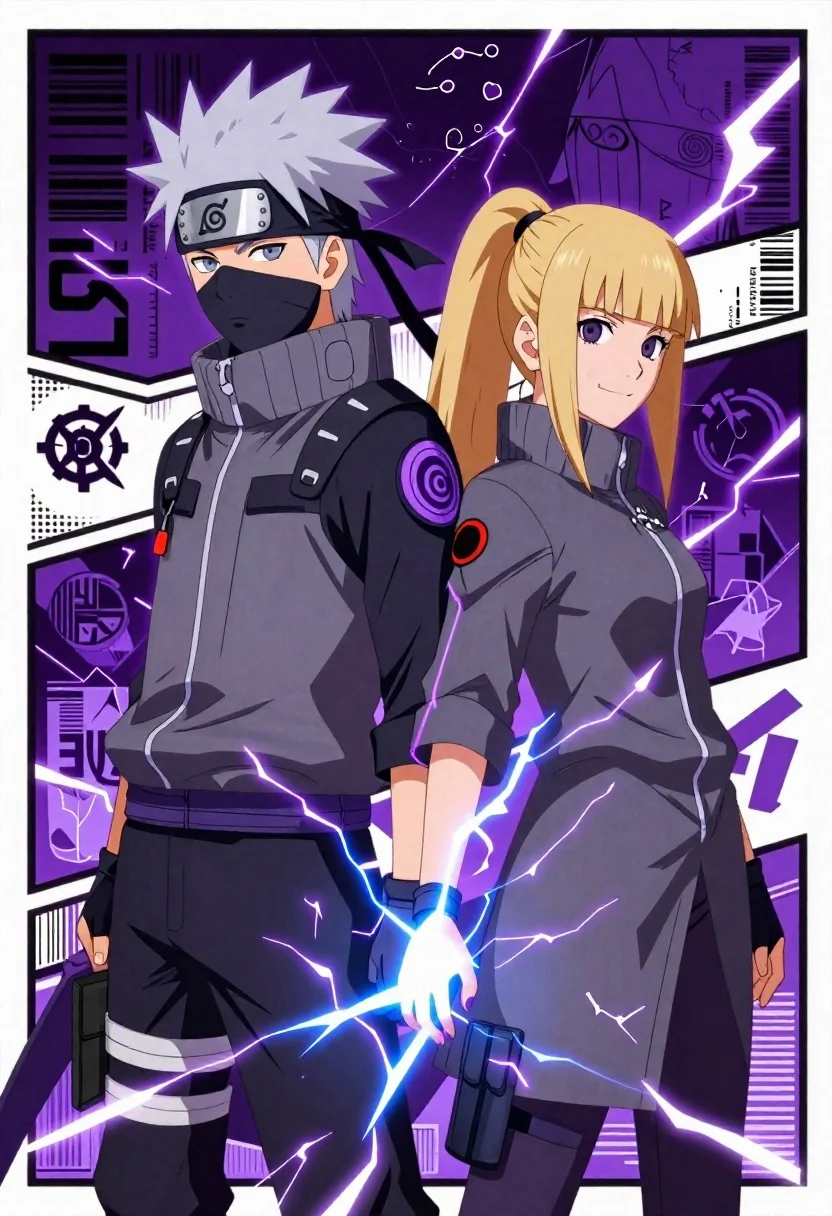
Two anime ninja characters stand back to back with lightning energy in
Prompt
Two figures stand back-to-back in a dynamic anime-style composition with bold purple and grey tones.

Subject: A male ninja character with spiky white hair and a female character with long blonde hair tied in a ponytail, both facing away from each other but looking over their shoulders toward the viewer.

Clothing: Both characters wear matching tactical grey jackets with black accents, utility straps, pouches, and purple glowing trim; the male wears a headband with a spiral symbol and a face mask covering his lower face.

Action: The male character extends his right hand forward, emitting bright blue lightning energy (Chidori), while the female character smiles confidently with her body angled slightly outward.

Environment: A stylized poster-like background featuring Japanese text, barcodes, team insignia, and abstract lightning motifs in purple and white.

Camera: Medium shot with a slight low angle emphasizing the characters’ presence, framed like a promotional poster or game cover art.

Lighting: Dramatic high-contrast lighting with glowing purple highlights around edges and lightning effects, creating a cinematic and electric atmosphere.

Style Details: Anime-inspired digital illustration with clean lines, vibrant color grading, comic-book panel borders, and graphic design elements such as typography and data tags.
Description
This prompt is useful for creating video game concept art, promotional anime posters, and dynamic character splash pages. The combination of 'low angle' perspective with 'dramatic high-contrast lighting' ensures the characters feel imposing and powerful, while the inclusion of 'comic-book panel borders' grounds the image in a recognizable graphic design aesthetic suitable for marketing materials.
Suggestions
- Change 'bold purple and grey tones' to 'deep indigo and charcoal tones' for a more somber mood.
- Replace 'bright blue lightning energy (Chidori)' with 'vibrant cyan electrical discharge' for color consistency.
- Adjust the environment by adding 'rain-slicked stone ground' beneath the characters.
Category
Tags
AnimeFemaleLow AngleMaleMedium ShotOutdoors
Date added
June 26, 2026
Added by
PromptDexter Team
Related Prompts
More prompts with similar categories and tags.
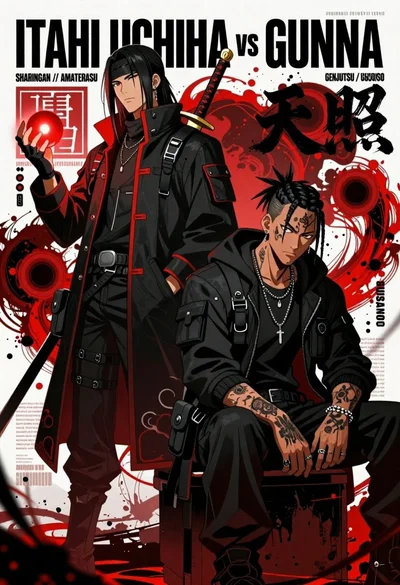
Anime illustration of two figures in tactical jackets holding a glowing orb
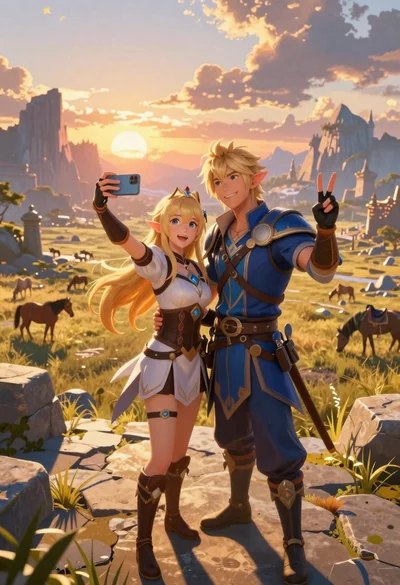
Anime couple taking selfie overlooking fantasy kingdom sunset
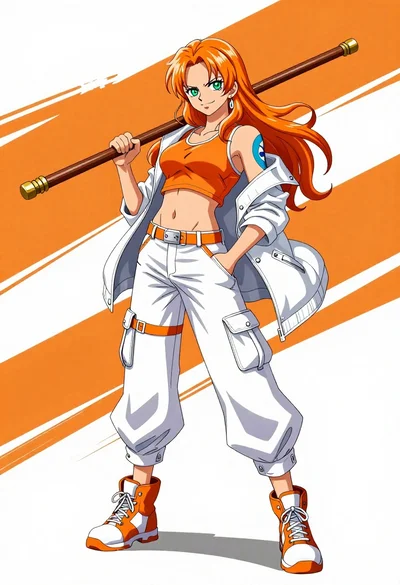
Confident anime woman with orange hair holding a wooden staff in sports
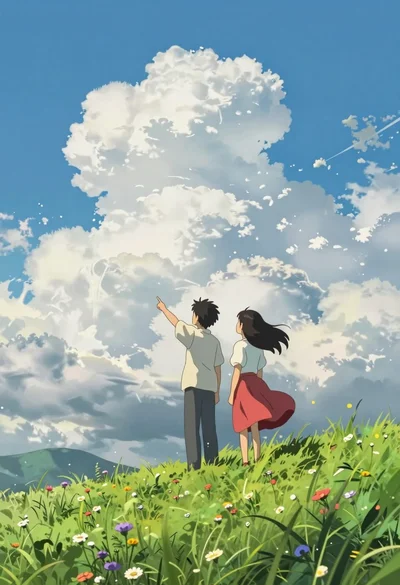
Two young people on green hillside looking up at vast blue sky
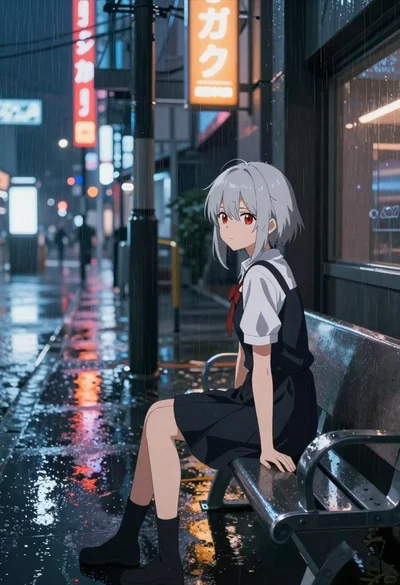
Anime girl waiting in rain on a wet city street
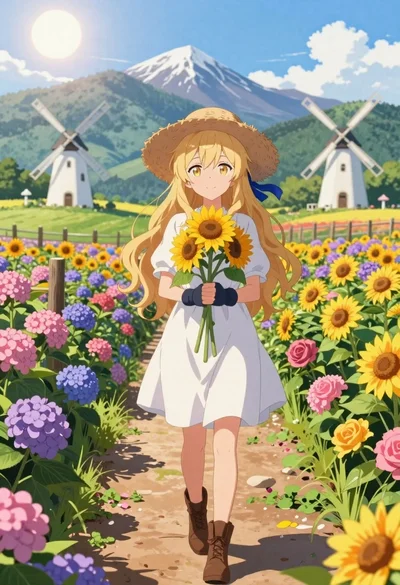
Anime girl in flower field with windmills and mountains
Anime girl in autumn forest with colorful foliage
Young woman in purple fantasy attire holding swords in wisteria garden