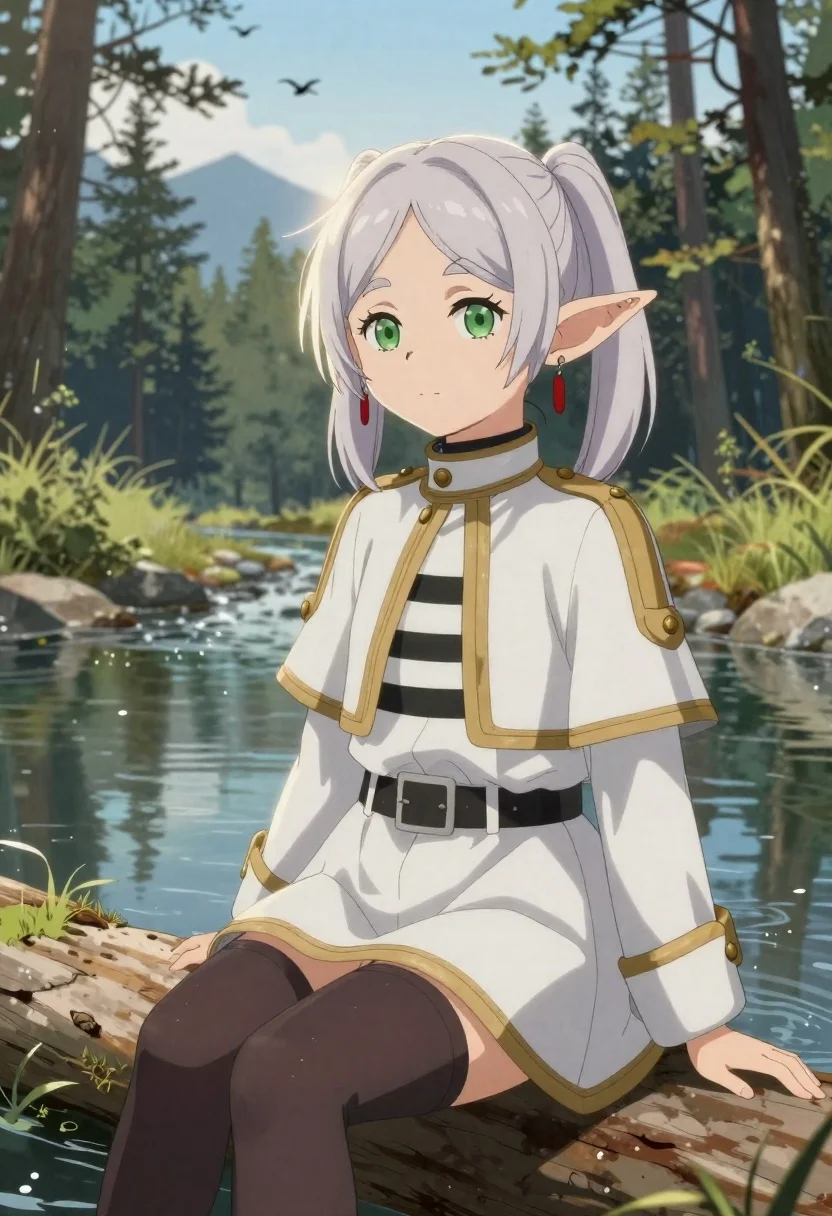
Elf girl by a stream in a serene forest setting
Prompt
A soft-focus digital illustration of an elf girl with pale silver hair in a high ponytail and large green eyes sitting by a stream under dappled sunlight.

Subject: young elf girl with pointed ears, gentle expression, wearing red drop earrings; fair skin highlighted with subtle glow.

Clothing: white military-style jacket with gold trim and brass buttons over striped shirt; grey skirt-like bottom; dark thigh-high stockings or tights; black belt at waist.

Action: seated casually on a log near water, legs slightly apart, looking toward viewer with calm demeanor; hair strands gently lifted as if by breeze.

Environment: serene forest lakeside setting with pine trees in background, distant mountains under blue sky, birds flying overhead, rocks lining the shore and reflecting in still water.

Camera: medium close-up framing focusing on character from mid-thigh up, slightly elevated angle showing both figure and surrounding nature; shallow depth of field blurring far tree line softly.

Lighting: natural daylight filtering through canopy creating soft highlights and shadows across face and clothing; gentle backlight enhances hair edges with glowing outline effect.

Style Details: anime-inspired art style with smooth gradients, clean lines, pastel color palette emphasizing tranquility and fantasy atmosphere; detailed rendering of fabric folds and wet surfaces suggesting recent rain or proximity to water.
Description
This prompt is useful for creating character concept art for high fantasy games, serene anime profile illustrations, and storybook chapter headers. The combination of 'soft-focus digital illustration' with a 'pastel color palette' ensures the resulting image maintains an ethereal quality suitable for gentle narratives, while the 'gentle backlight enhances hair edges with glowing outline effect' prevents the silver hair from looking flat against the detailed forest background.
Suggestions
- Change 'pale silver hair' to 'platinum blonde hair' if you want a different shade.
- Swap 'white military-style jacket' for 'velvet tunic' to alter the costume formality.
- Adjust 'shallow depth of field blurring far tree line softly' to 'sharp focus on foreground water droplets' for more detail.
Category
Tags
AnimeBlondeDigital ArtFair SkinFemaleForestFull BodyHigh AngleMedium ShotMountainsOutdoorsRed Hair
Date added
June 19, 2026
Added by
PromptDexter Team
Related Prompts
More prompts with similar categories and tags.

Elf wizard reading glowing book in starry night field
Anime woman relaxing in a hot spring bath with cherry blossoms
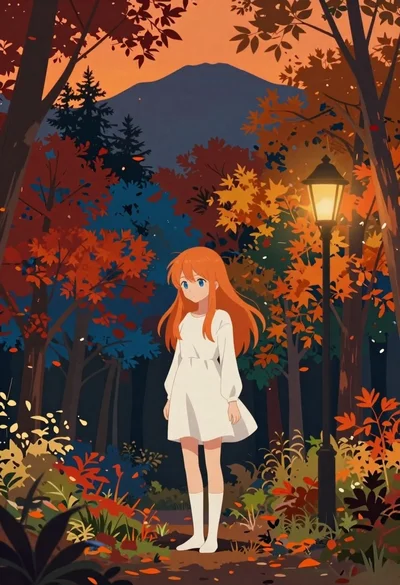
Anime girl in autumn forest with colorful foliage
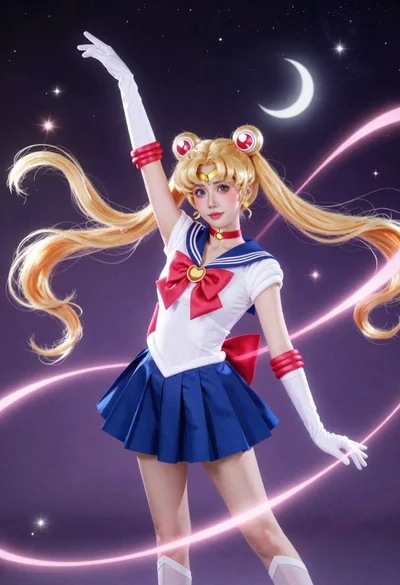
Anime cosplayer in sailor moon costume against outer space
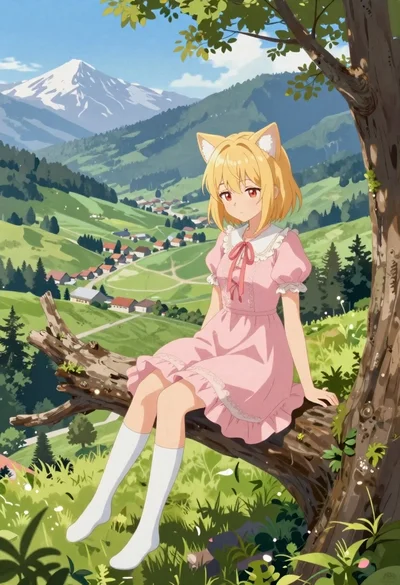
Anime girl on tree branch overlooking green mountain valley

Young girl in argentina soccer uniform posing against blue white mural
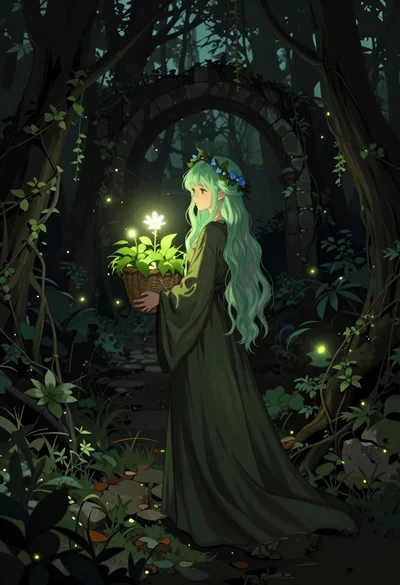
Young woman with green hair in glowing forest
Young woman in kimono under autumnal japanese torii gate