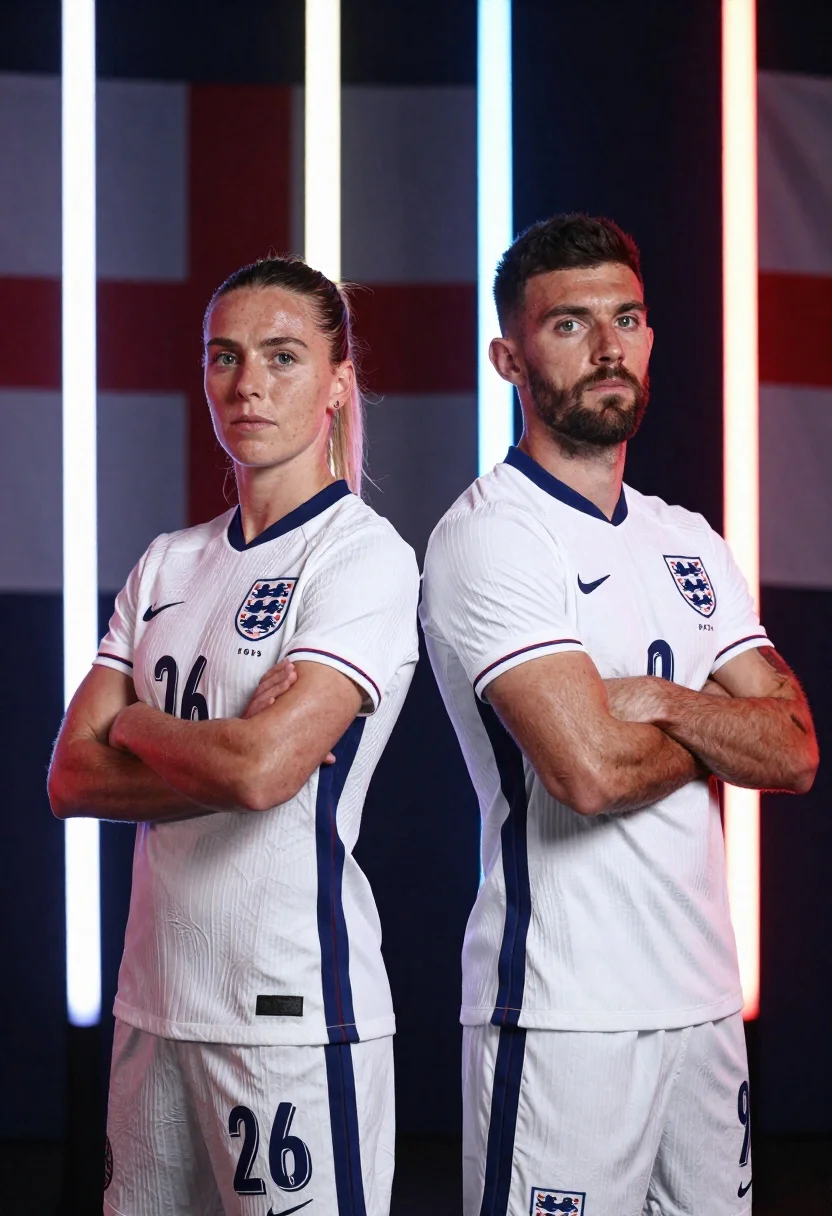
Two football players in white england kits standing back to back with
Prompt
Two football players stand back-to-back in white England kits with arms crossed against a dark background featuring vertical light beams and faint flag patterns.

Subject: A male and female athlete standing side by side facing forward with serious expressions, short hair on the woman and a beard on the man.

Clothing: Both wear white England national team jerseys with the Three Lions crest, Nike swoosh, red and blue trim on sleeves, and numbers 26 and 9 visible.

Action: Standing confidently with arms crossed over chests, direct gaze toward viewer, neutral facial expressions.

Environment: Dark studio setting with faint English flag patterns in background and vertical light beams separating subjects.

Camera: Medium shot framing both players from waist up with centered composition and slight depth of field.

Lighting: Dramatic lighting with bright vertical white and colored light beams behind subjects creating high contrast and spotlight effect.

Style Details: Cinematic sports photography style with sharp focus, professional color grading, and polished commercial aesthetic.
Description
This prompt is useful for creating promotional sportswear campaigns, team portraiture for athletic branding, and cinematic sports editorial spreads. The combination of 'dramatic lighting' with 'vertical light beams' ensures the subjects pop against the dark background, while specifying 'white England national team jerseys' maintains brand consistency across a polished commercial aesthetic.
Suggestions
- Change 'dark background' to 'charcoal concrete wall' for more texture.
- Swap 'Three Lions crest' for 'England Football Association logo' for updated branding.
- Adjust 'Medium shot framing both players from waist up' to 'full body shot' to show the kits better.
Category
Tags
Casual WearFemaleFull BodyMaleMedium ShotRealisticStudio
Date added
June 26, 2026
Added by
PromptDexter Team
Related Prompts
More prompts with similar categories and tags.
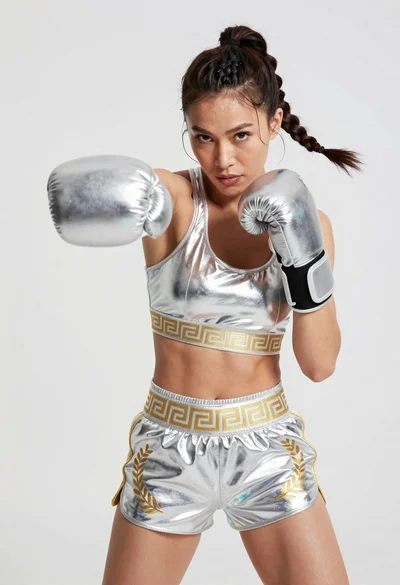
Fit woman in silver metallic boxing outfit punching mid motion
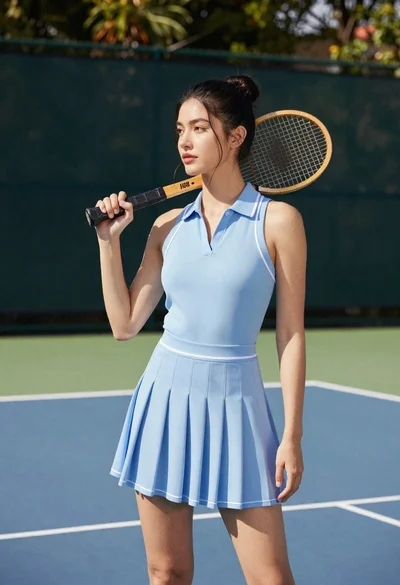
Young woman in blue dress holding wooden tennis racket on outdoor court
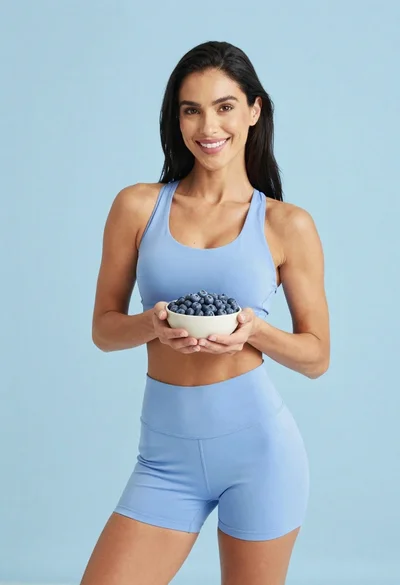
Fit woman in light blue athletic wear holding a bowl of blueberries
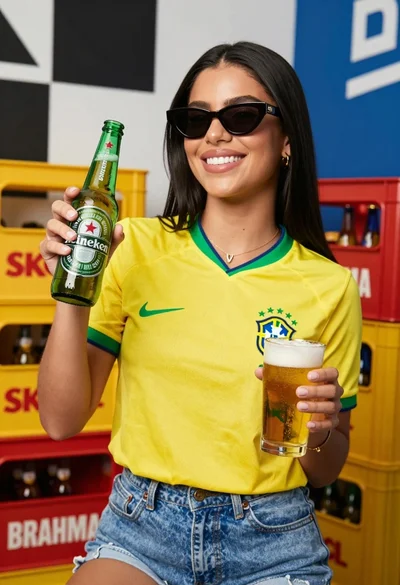
Smiling woman in yellow jersey holding beer bottles against branded crates
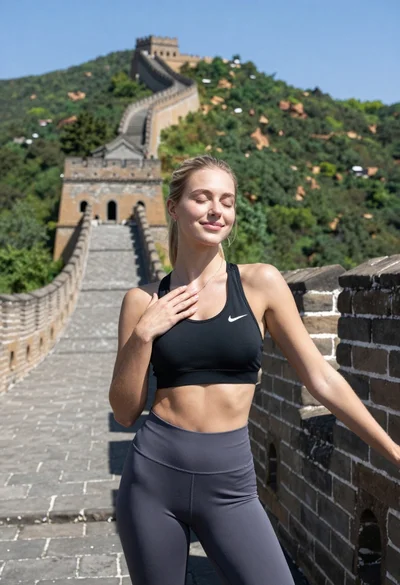
Blonde woman in athletic wear against the great wall of china backdrop
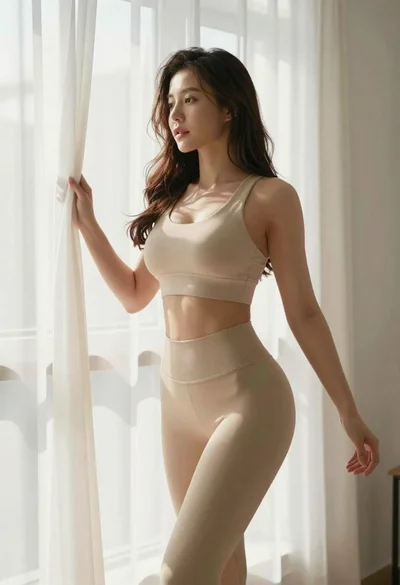
Fit woman in beige athletic wear by bright window
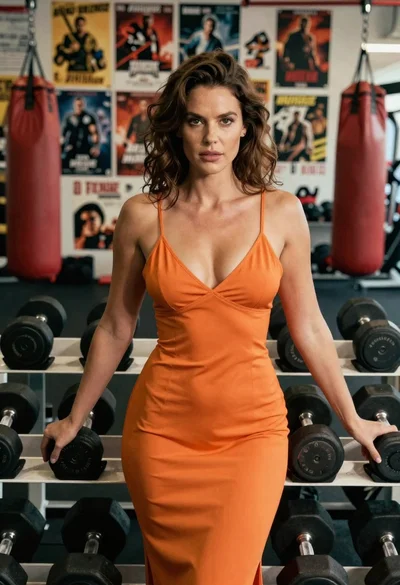
Woman in orange slip dress posing with dumbbells in a gym setting
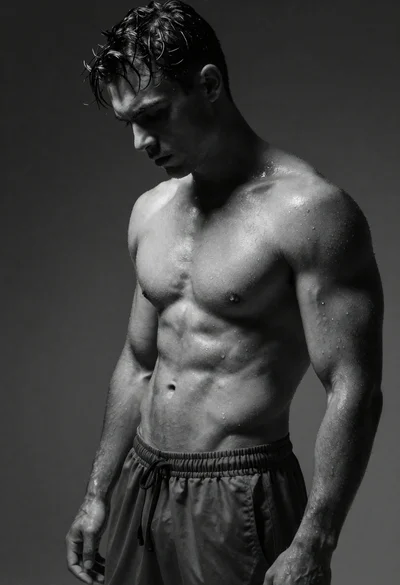
Black and white portrait of muscular man with wet skin