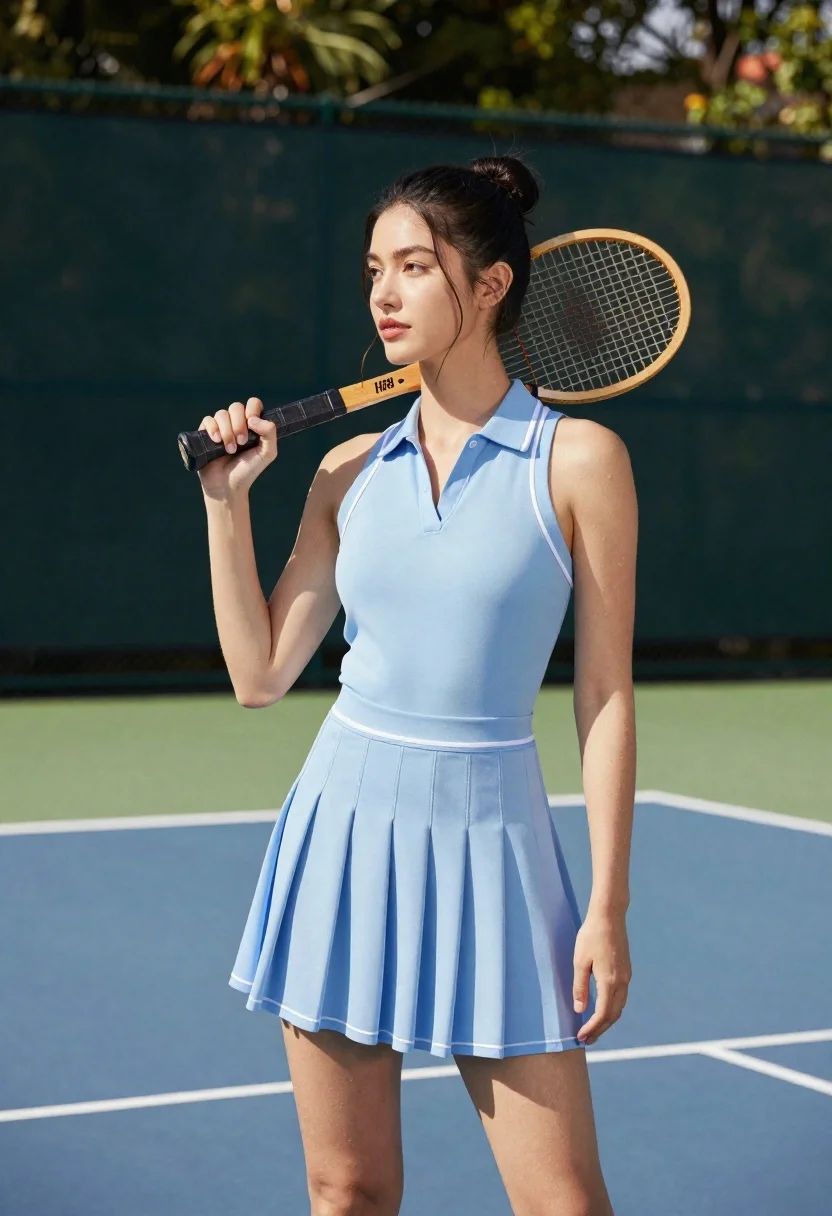
Young woman in blue dress holding wooden tennis racket on outdoor court
Prompt
A woman stands on a tennis court holding a wooden racket.

Subject: A young woman with dark hair pulled back into a high bun and loose strands framing her face. She has fair skin and is looking off to the side with a calm expression.

Clothing: She wears a light blue sleeveless polo-style dress featuring a pleated skirt, white piping along the collar and waistline, and a V-neck cut.

Action: She holds a vintage wooden tennis racket in her right hand, gripping the handle near the throat while resting the head against her left shoulder. Her posture is relaxed and poised.

Environment: The scene takes place on an outdoor tennis court with white boundary lines visible on the ground. A dark green fence or windscreen forms the background with blurred foliage above it.

Camera: The shot is a medium full-body view taken from a slightly low angle, emphasizing the subject's stance against the backdrop of the court.

Lighting: Bright natural sunlight illuminates the scene from the side, casting soft shadows and highlighting the texture of her skin and clothing.

Style Details: The image features a photorealistic aesthetic with high-definition clarity and vibrant color saturation.
Description
This prompt is useful for creating fitness lifestyle editorials, vintage sports advertising campaigns, and personal portrait galleries that evoke nostalgia. The combination of 'wooden racket' against the modern 'white boundary lines' grounds the image in a specific sporting history while the 'bright natural sunlight' ensures enough contrast to define the texture of both her skin and the pleated skirt.
Suggestions
- Change 'light blue sleeveless polo-style dress' to 'navy pique tennis dress' for a more traditional look.
- Swap 'wooden racket' for 'chrome graphite racket' to modernize the feel.
- Adjust 'slightly low angle' to 'eye-level shot' for a more direct connection with the viewer.
Category
Tags
Casual WearFair SkinFemaleFull BodyLow AngleMedium ShotOutdoorsRealistic
Date added
June 23, 2026
Added by
PromptDexter Team
Related Prompts
More prompts with similar categories and tags.
Woman with dark hair holding bow at outdoor archery range setting
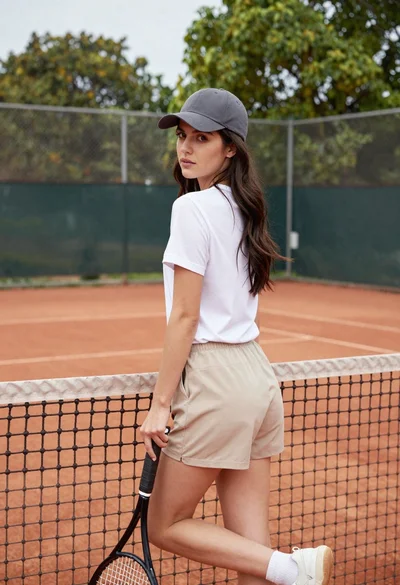
Young woman in white tshirt and cap leaning on tennis net
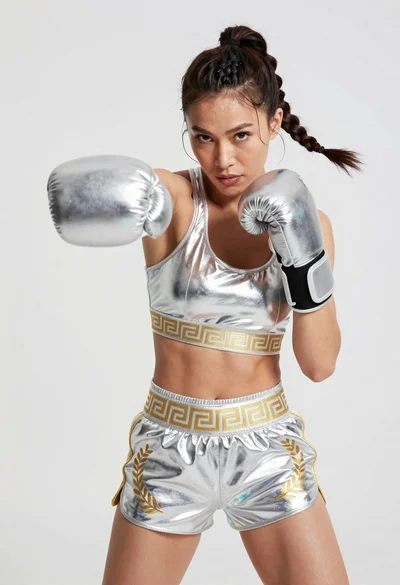
Fit woman in silver metallic boxing outfit punching mid motion
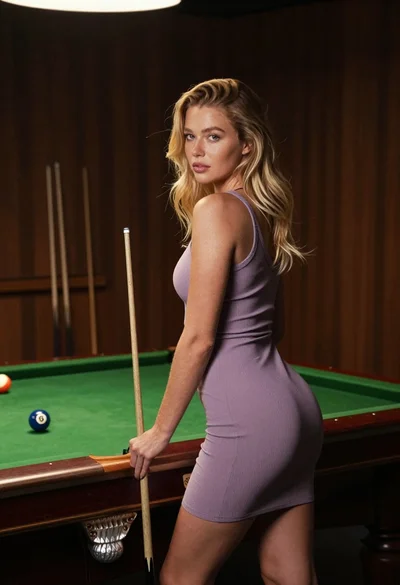
Fair skinned blonde woman in mauve dress leaning on pool table indoors
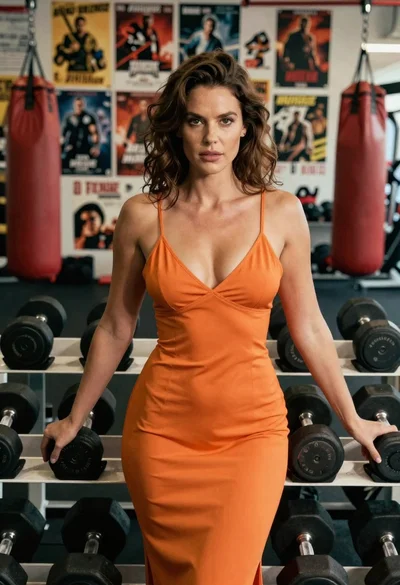
Woman in orange slip dress posing with dumbbells in a gym setting
Smiling woman in white ski gear on snowy mountain slope under blue
Young woman in black athletic wear looking over shoulder in modern gym

Young woman leaning against white wall with beige handbag under bright sunlight