
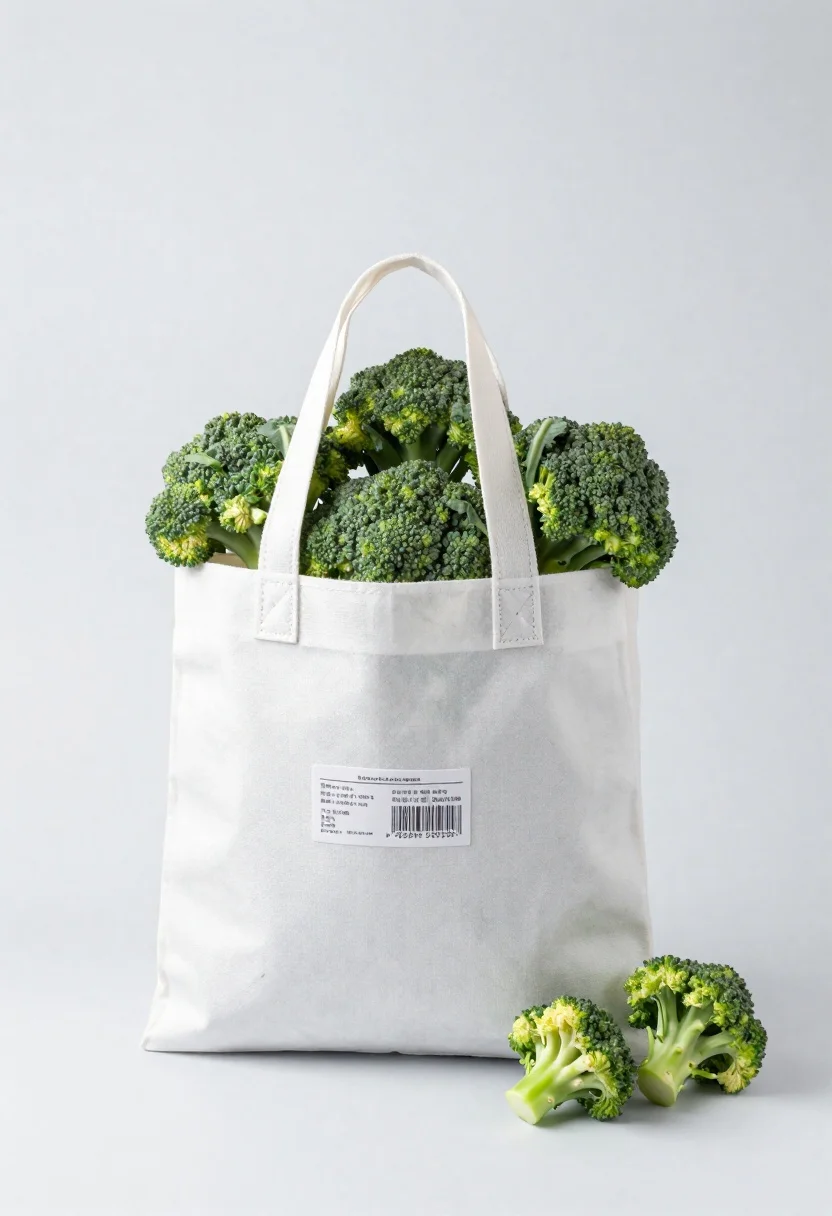
White shopping bag overflowing with fresh broccoli florets
Prompt
A high-key studio product shot of a white shopping bag overflowing with fresh green broccoli florets against a seamless light gray background

Subject: A cluster of vibrant, detailed green broccoli heads bursting out from the top opening of the bag.

Clothing: The container is a matte white paper or non-woven fabric tote bag featuring molded handles and faint marbling textures on its surface.

Objects: A rectangular adhesive label with fine typographic text and barcode details adhered to the front face; several loose florets spill over the rim, some resting directly against the side of the bag.

Lighting: Softbox illumination from above and slightly in front creates a bright, airy scene with minimal shadows on the white surface below.
Description
This prompt is useful for creating grocery store advertising mockups, healthy eating blog visuals, and clean e-commerce product listings. The combination of 'high-key studio' lighting and a 'seamless light gray background' ensures that the vibrant green of the broccoli remains the sole focal point, preventing distracting shadows or complex environmental context from competing with the fresh produce.
Suggestions
- Change 'matte white paper or non-woven fabric tote bag' to 'kraft brown paper bag' for an earthy contrast.
- Add 'shallow depth of field' to blur the background slightly and isolate the florets.
- Swap 'fine typographic text' for 'handwritten chalk script' on the label.
Category
Tags
FoodMacro ShotRealisticStudio
Date added
June 19, 2026
Added by
PromptDexter Team
Related Prompts
More prompts with similar categories and tags.
Hyperrealistic close up of orange soda splashing from a floating can
Still life composition of red incense holders with smoke on dark wood

Macro shot of pink soda can with peaches and ice cubes studio
Glass bottle of oil with rosemary and purple flowers
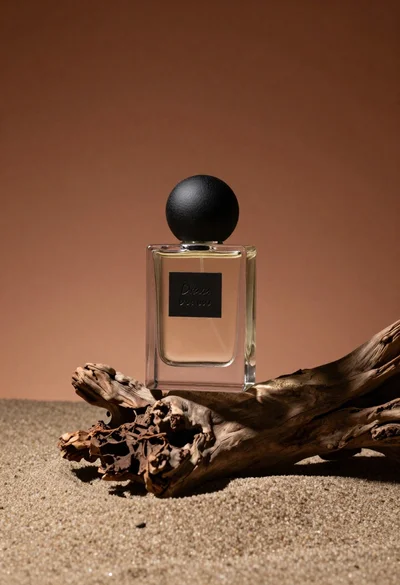
Minimalist perfume bottle on driftwood and sand

Amber glass bottle with gold pump under dramatic golden light

Hands dispensing white cream from a tube into a palm
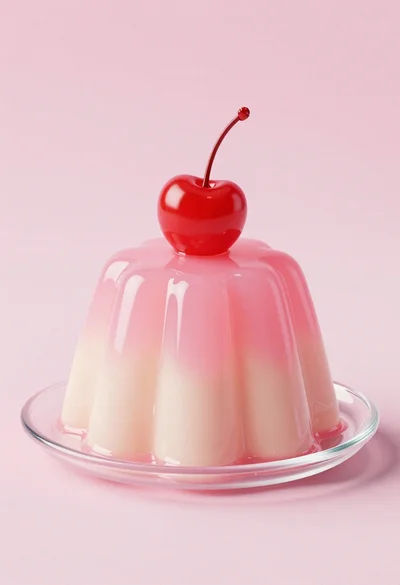
Dessert dome with pink jelly and red cherry
