
Woman in black dress reclining on beige sofa in modern living room
Prompt
A woman reclines elegantly on a beige sofa in a minimalist living room.

Subject: A woman with dark hair pulled back, featuring a fair complexion and a direct, confident gaze.

Clothing: She wears a tight-fitting black long-sleeved turtleneck dress that features a high thigh slit revealing her leg.

Action: She is leaning back against the sofa cushions with one arm resting behind her head and the other extended along the back of the couch.

Environment: The setting is a bright, modern interior with white walls, a dark floor, and a framed abstract artwork hanging on the wall above the sofa.

Objects: A plush orange pillow sits in the foreground near the bottom edge of the frame.

Lighting: Soft, diffused natural light illuminates the scene from the left, casting gentle shadows and highlighting the texture of the furniture and the woman's skin.

Camera: The shot is taken from a slightly low angle looking up at the subject, utilizing a shallow depth of field to keep the focus sharp on the woman while blurring the immediate foreground.

Style Details: High-fashion editorial photography with a clean, minimalist aesthetic and smooth color grading.
Description
This prompt is useful for creating high-end magazine editorials, intimate portrait sessions, and luxury brand lookbooks focusing on sophisticated indoor settings. The combination of 'soft, diffused natural light' and the 'slightly low angle looking up at the subject' emphasizes the woman's commanding presence while the 'shallow depth of field' ensures that the viewer's attention remains locked onto her form against the clean backdrop.
Suggestions
- Change 'beige sofa' to 'velvet chaise lounge' for a richer texture.
- Swap 'plush orange pillow' for 'smoked glass sculpture' to modernize the foreground object.
- Adjust 'dark hair pulled back' to 'loose waves cascading over one shoulder' for more movement.
Category
Tags
Black HairCasual WearFair SkinFemaleIndoorsLow AnglePortrait ShotRealistic
Date added
June 19, 2026
Added by
PromptDexter Team
Related Prompts
More prompts with similar categories and tags.
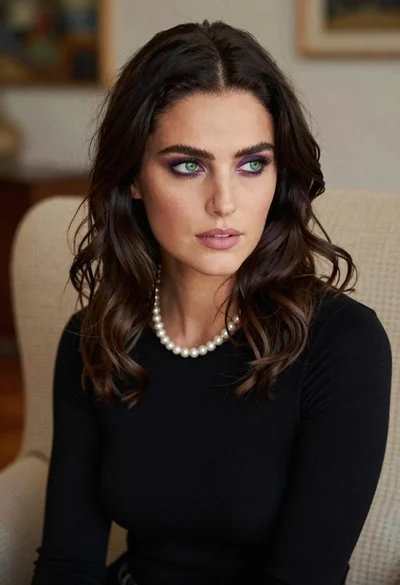
Close up portrait of woman with dark hair in beige armchair

Studio portrait of woman with brown hair and green eyes
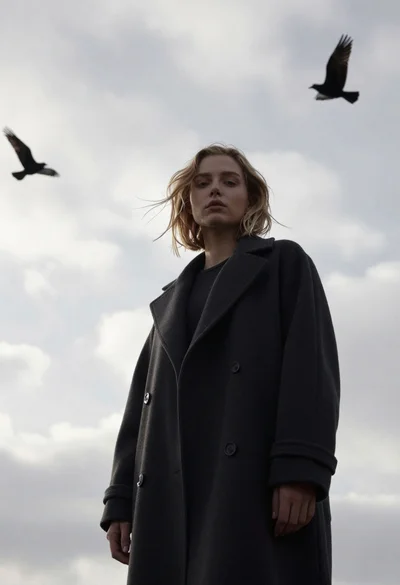
Woman in dark coat standing against overcast sky
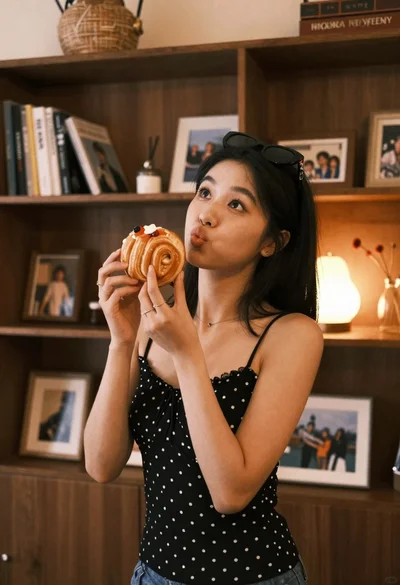
Young woman with dark hair holding pastry in warmly lit room

Blonde woman in black slip dress winking at table in upscale restaurant
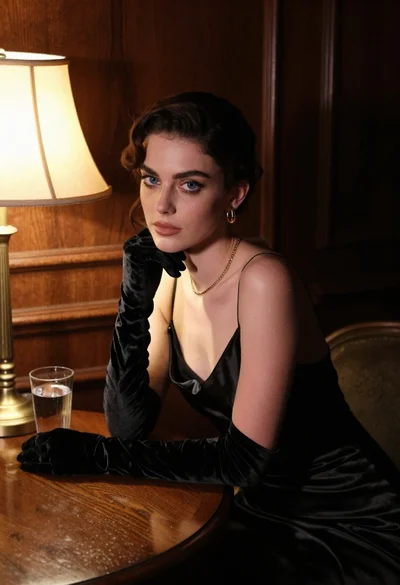
Woman in black satin dress and opera gloves at a wooden table

Joyful woman laughing at restaurant table with bibimbap in foreground

Young woman in silver sequin top and lace dress against beige wall

Woman in black dress by window overlooking ocean at golden hour

Young blonde woman in brown top seated in modern living room setting