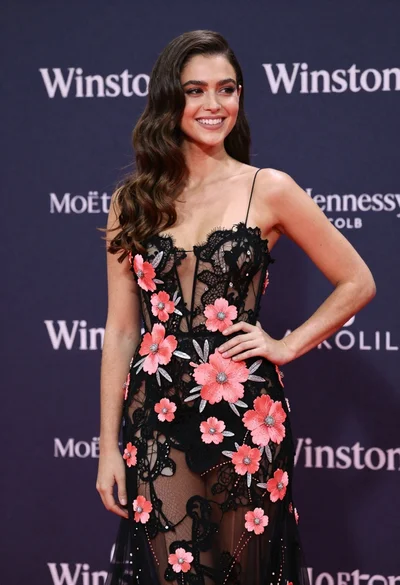

Woman in black gown looking over shoulder at urban event
Prompt
A woman with long dark wavy hair turns her head over her shoulder to look back at the camera.

Subject: A woman with fair skin and long, voluminous dark brown wavy hair cascading down her back. She has a visible tattoo on her upper left back featuring text that reads "We will all laugh but gilded butterflies." Her expression is confident and direct as she gazes over her shoulder.

Clothing: She wears a sleek black evening gown with a deep open back design. The dress features thin straps connected by a silver metal ring detail at the center of the back, creating a keyhole cutout below the waistline. The fabric appears smooth and drapes tightly against her figure.

Action: The subject is captured in a three-quarter pose, standing still but turning her upper body slightly away from the viewer while looking back over her left shoulder with a direct gaze. Her right arm hangs relaxed by her side.

Environment: The background is an out-of-focus urban street scene, likely a red carpet event or public gathering, indicated by blurred figures of people and barriers in the distance.

Camera: The shot is a medium close-up focusing on the upper body, utilizing a shallow depth of field to keep the subject sharp while rendering the busy background into a soft blur.

Lighting: The lighting is bright and even, highlighting the contours of her back and face without casting harsh shadows, suggesting natural daylight or strong event lighting.

Style Details: The image has a high-definition, glossy quality with vibrant colors and a focus on fashion photography aesthetics.
Description
This prompt is useful for creating editorial fashion moodboards, celebrity red carpet coverage, and sophisticated portraiture showcasing intricate garment details. The combination of 'sleek black evening gown' against an 'out-of-focus urban street scene' directs the viewer's eye to the subject while using a shallow depth of field to prevent the background clutter from distracting from the visible tattoo and the dress's 'deep open back design'.
Suggestions
- Change 'natural daylight or strong event lighting' to 'dramatic sidelight' for more contrast.
- Swap 'silver metal ring detail' for 'crystal embellishment' to increase sparkle.
- Adjust 'medium close-up' to 'full body shot' to better showcase the gown's drape.
Category
Tags
Back ViewBrown HairBrunetteFair SkinFemaleFormal WearMedium ShotRealisticStreetUrban
Date added
June 19, 2026
Added by
PromptDexter Team
Related Prompts
More prompts with similar categories and tags.

Close up portrait of woman in champagne gown with brown hair

Woman in rust gown posing on white step and repeat backdrop

Stylish woman in white crop top in an urban alleyway setting
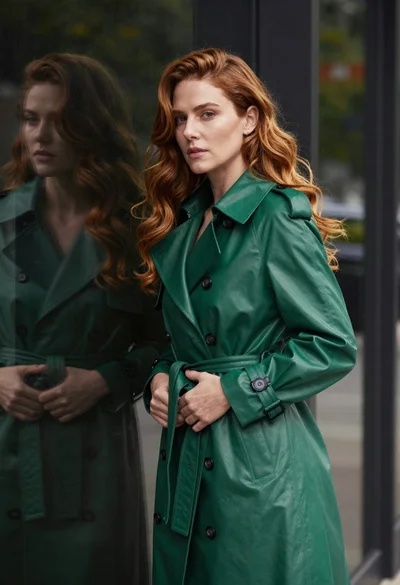
Poised woman in emerald trench coat against dark reflective glass surface

Woman in dusty rose slip dress looking over shoulder against light blue
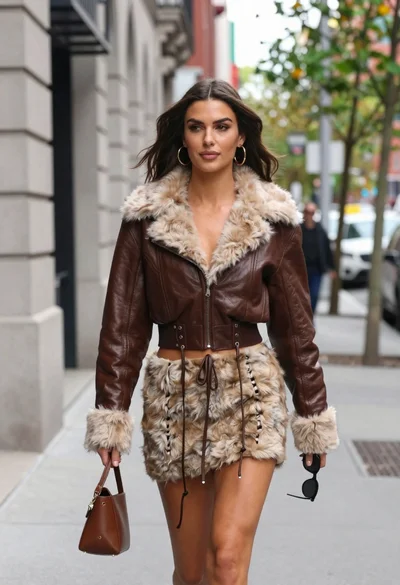
Young woman walking down city sidewalk in brown leather jacket
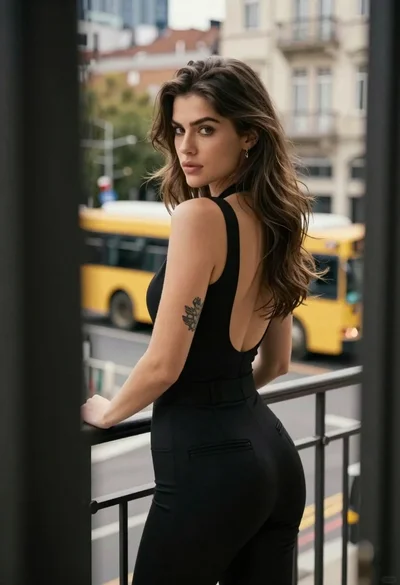
Young woman in black jumpsuit on urban balcony overlooking city street
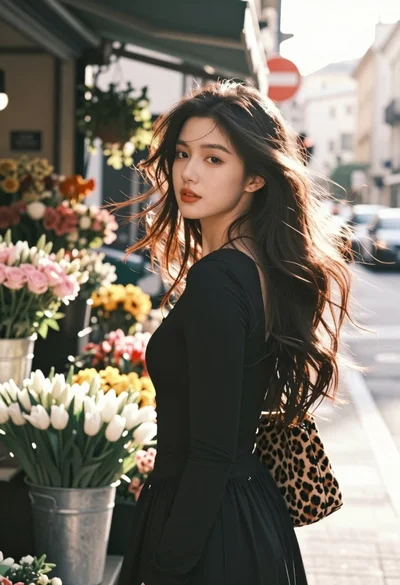
Young woman with dark hair looking back on flower stall street
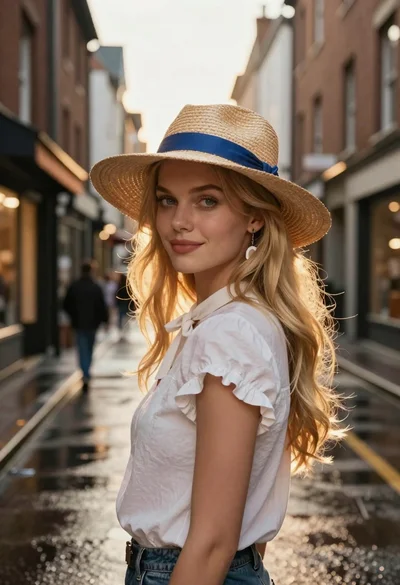
Blonde woman in white blouse on wet european street
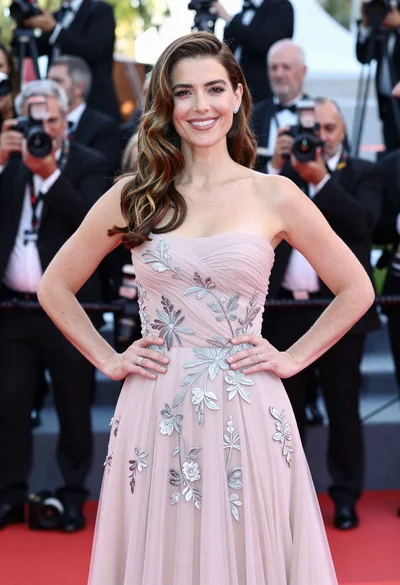
Glamorous woman in pale pink gown posing on a crowded red carpet