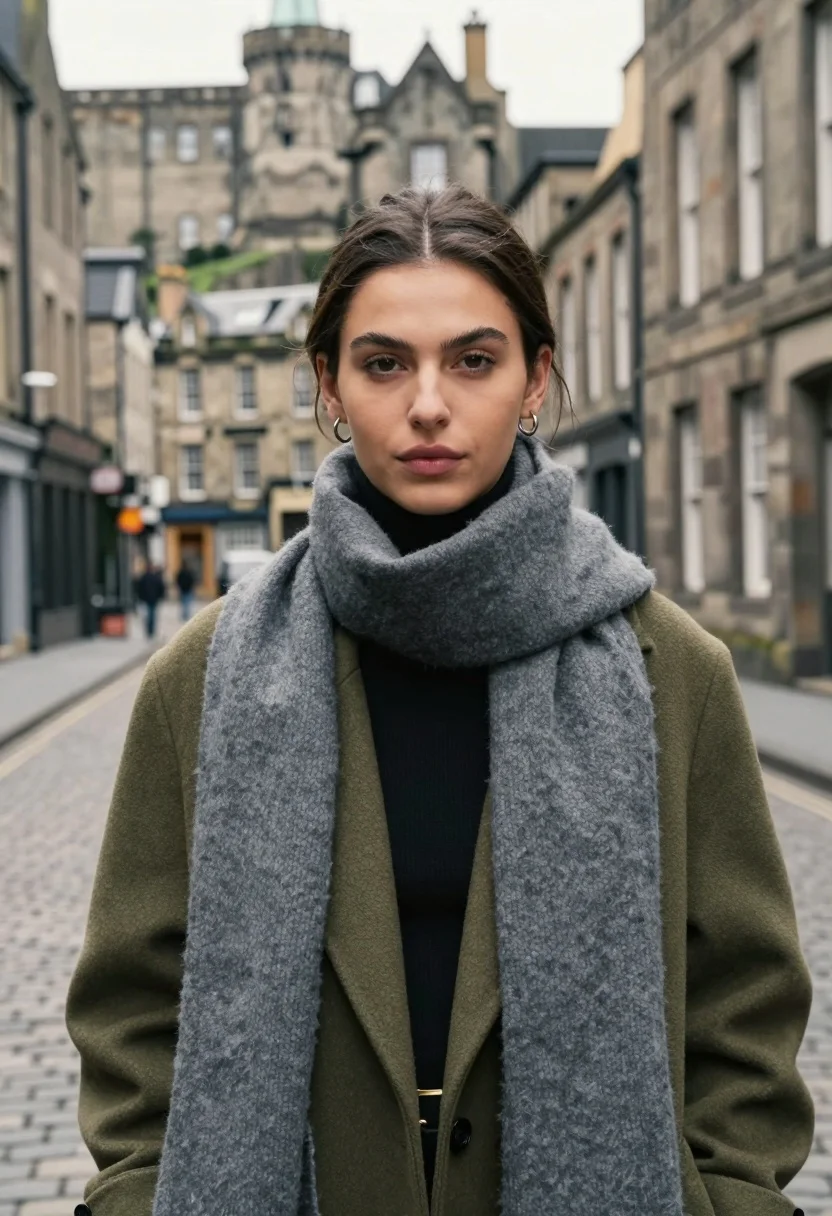
Medium close up portrait of woman in coat on old european cobblestone
Prompt
A portrait of a young woman with dark hair pulled back into a sleek ponytail standing on a cobblestone street in an old European city.

Subject: A young woman with fair skin and brown eyes looking directly at the camera with a soft, neutral expression. Her hair is dark brown and styled in a tight, low ponytail that rests against her neck. She has subtle makeup with defined eyebrows and natural pink lips.

Clothing: She wears an olive green wool coat over a black turtleneck sweater. A thick, textured grey scarf is wrapped loosely around her neck and hangs down the front of her coat. She wears small silver hoop earrings.

Environment: The setting is a narrow street lined with tall, weathered stone buildings featuring rectangular windows. In the background, atop a hill, stands a large historic castle or fortress with stone walls and towers, slightly out of focus.

Lighting: Soft, diffused natural daylight illuminates the scene evenly without harsh shadows, creating a calm and cool atmosphere.

Camera: The shot is a medium close-up portrait taken at eye level with a shallow depth of field that keeps the subject sharp while blurring the background architecture.

Style Details: High-resolution photography with a realistic texture on the clothing and skin, featuring a muted color palette dominated by stone greys, olive green, and black.
Description
This prompt is useful for creating editorial fashion editorials, historical character studies, and moody street style lookbooks. The combination of 'soft, diffused natural daylight' with the 'muted color palette dominated by stone greys, olive green, and black' ensures that the subject remains grounded against the detailed but blurred background architecture, preventing any single element from becoming overly distracting.
Suggestions
- Change 'olive green wool coat' to 'charcoal wool trench coat' for a deeper tone.
- Swap 'small silver hoop earrings' for 'antique gold stud earrings' to warm up the palette.
- Adjust 'shallow depth of field' to 'bokeh effect' for more pronounced background separation.
Category
Tags
Brown HairBrunetteCasual WearFair SkinFemaleMedium ShotPortrait ShotRealisticStreetUrban
Date added
August 5, 2026
Added by
PromptDexter Team
Related Prompts
More prompts with similar categories and tags.

Stylish woman in white crop top in an urban alleyway setting

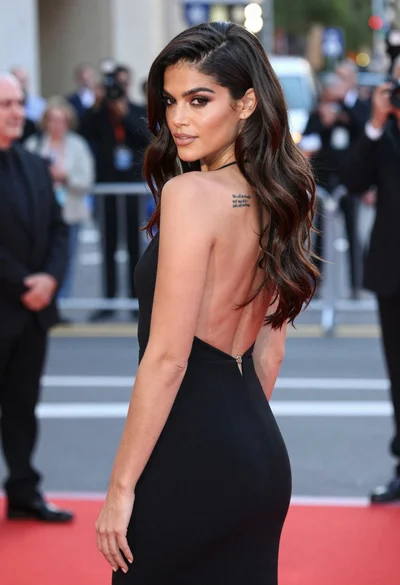
Young woman in black velvet dress looking over shoulder at event
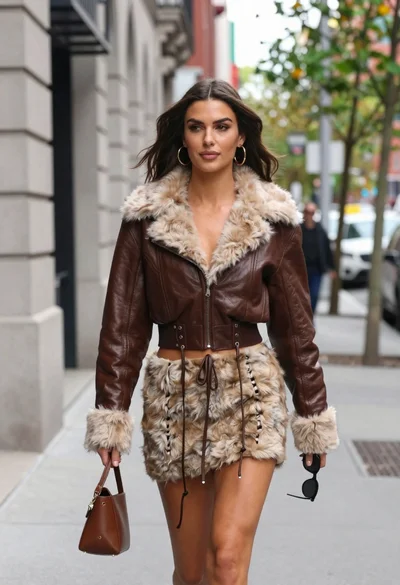
Young woman walking down city sidewalk in brown leather jacket

Smiling woman in royal blue gown on red carpet with green foliage

Woman in black dress by window overlooking ocean at golden hour

Blonde woman looking back over shoulder against white wall

Poised woman in black blazer sitting on stool against blue gradient background

Fair skinned woman with red hair in brown satin dress against gray
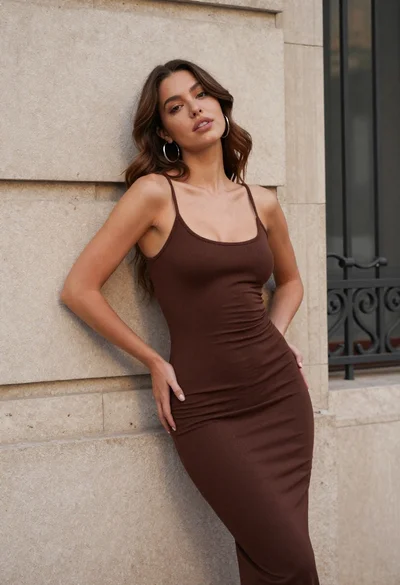
Young woman in brown dress leaning against beige stone wall

Close up portrait of woman in champagne gown with brown hair
