

Woman in black jacket and white tulle skirt seated in bright studio
Prompt
A woman sits confidently in a minimalist studio space, wearing a black leather jacket over a voluminous white tulle skirt and black lace-up boots.

Subject: A woman with dark hair styled in a messy updo with loose strands framing her face, looking directly at the camera with an intense expression.

Clothing: She wears a structured black leather jacket with silver snap buttons and epaulets, paired with a long, flowing white tulle skirt that drapes around her legs, and tall black lace-up combat boots.

Action: She is seated on a chair with her arms extended outward to the sides, palms open, in a relaxed yet commanding pose.

Environment: A bright, airy studio setting with plain white walls and a light-colored floor, creating a clean and uncluttered background.

Camera: Medium shot capturing the subject from the waist up, framed slightly low to emphasize her seated posture and the volume of the skirt.

Lighting: Soft, diffused natural light illuminates the scene evenly, casting gentle shadows and highlighting the texture of the leather and tulle fabrics.

Style Details: High-fashion editorial aesthetic with a focus on contrasting textures and monochromatic tones.
Description
This prompt is useful for creating high-concept fashion editorials, album art featuring strong character portraits, and lookbooks emphasizing textural contrast. The combination of 'soft, diffused natural light' against the 'black leather jacket' and 'white tulle skirt' ensures that while the background remains clean with its plain white walls, the model's intense expression and the contrasting textures are given equal visual weight without harsh shadows obscuring detail.
Suggestions
- Change 'messy updo' to 'sleek low ponytail' for a more severe look.
- Swap 'black leather jacket' for 'velvet blazer' to soften the edge.
- Adjust 'soft, diffused natural light' to 'hard directional spotlight' for dramatic shadow play.
Category
Tags
BrunetteFemaleMedium ShotRealisticStudio
Date added
June 19, 2026
Added by
PromptDexter Team
Related Prompts
More prompts with similar categories and tags.
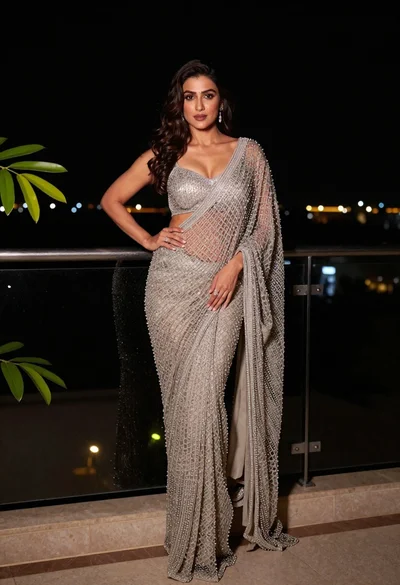
Confident woman in silver beaded saree on a night balcony setting

Portrait of woman with red hair in navy blouse and green skirt
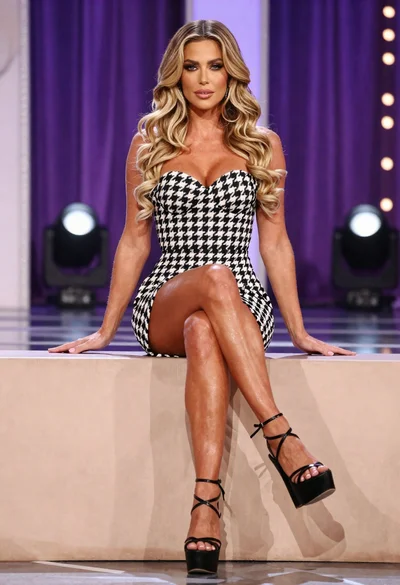
Fit woman in houndstooth strapless dress sitting on a draped ledge
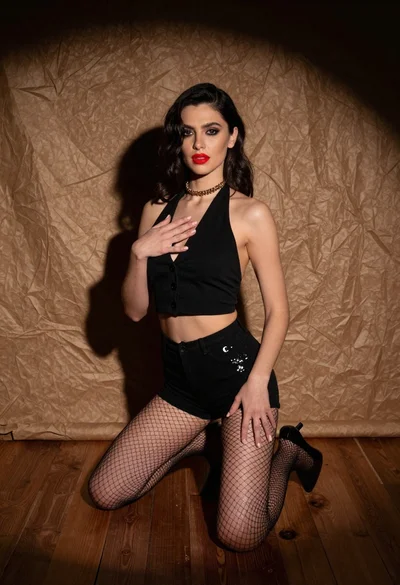
Woman kneeling in black outfit under dramatic spotlight studio lighting
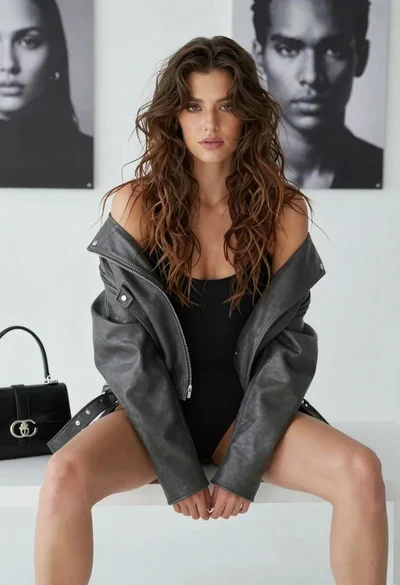
Young woman in leather jacket sitting on bench against portrait background
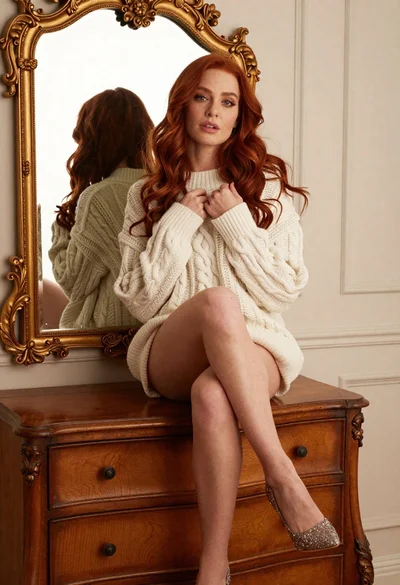
Woman with red hair sitting on dresser before ornate gold mirror

Young woman in blue denim jacket posing against pale pink seamless background
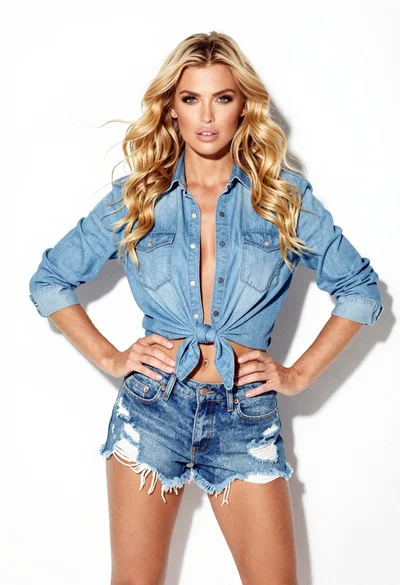
Confident woman in blue denim shirt and distressed shorts against white background
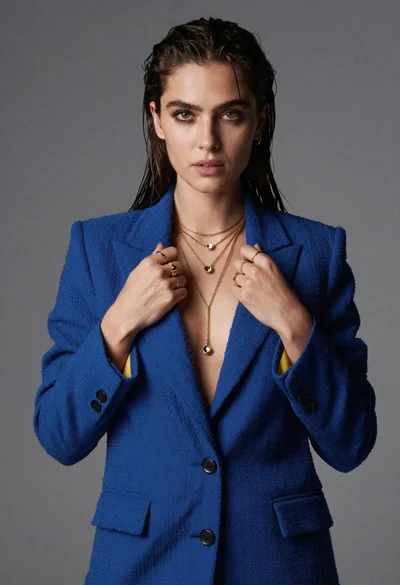
Portrait of woman in blue blazer holding lapels against gray studio background
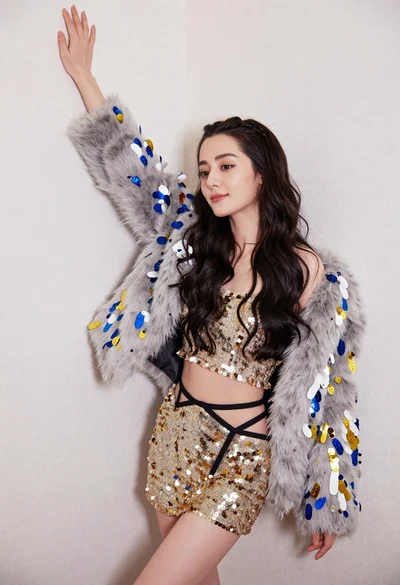
Glamorous woman posing in gold sequins against a white studio wall
