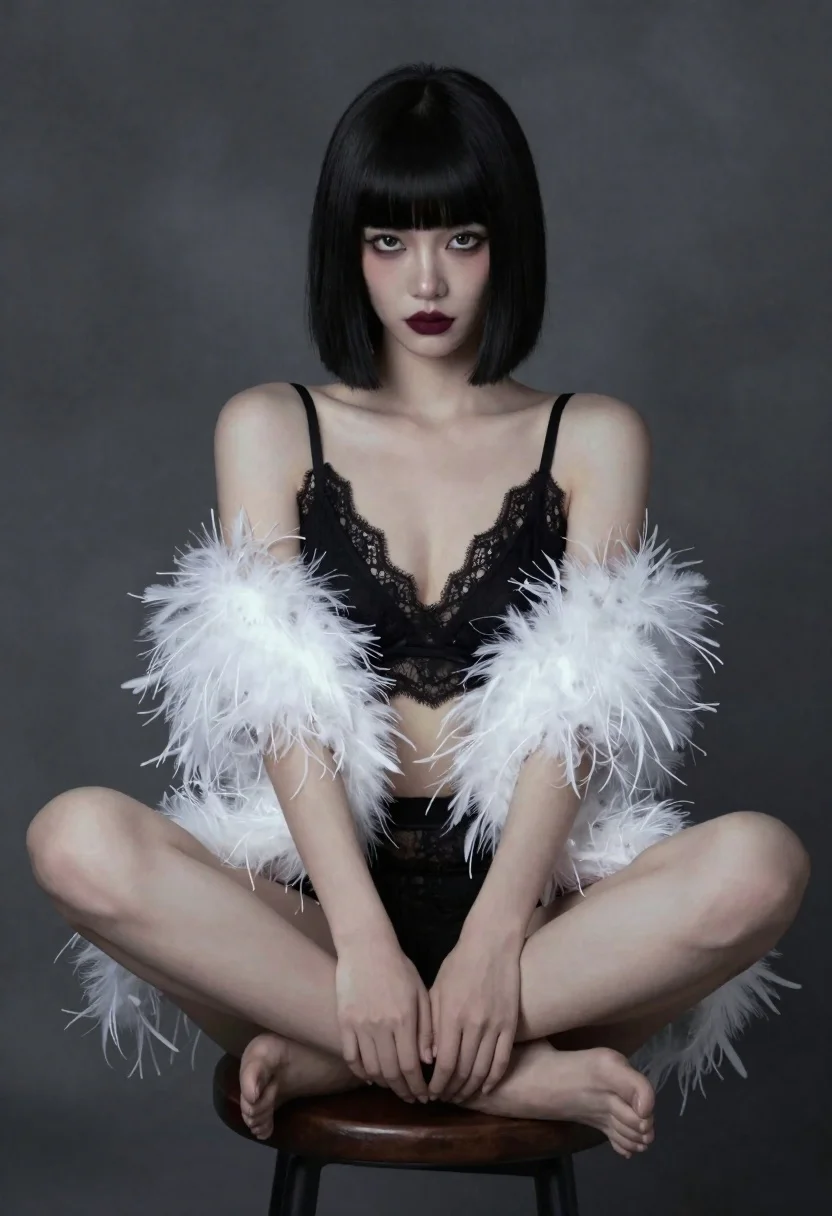
Woman in black lace and white feathers sitting on stool studio portrait
Prompt
A woman with short black hair and a straight fringe sits on a stool against a dark textured background.

Subject: A woman with pale skin, large expressive eyes, and a serious direct gaze. She has a sharp jawline and wears heavy dark eye makeup and deep burgundy lipstick. Her hair is styled in a sleek bob cut with blunt bangs.

Clothing: She wears a black lace bralette and matching high-waisted bottoms. Draped over her shoulders is a voluminous white feather boa that covers her upper arms, revealing a sheer beaded or sequined sleeve on one arm.

Action: She sits with her legs crossed at the ankles, hands resting gently in her lap. Her posture is relaxed yet poised, and she looks directly at the viewer.

Environment: The setting is a dimly lit studio space with a dark grey mottled backdrop that suggests a painted or textured wall. A simple wooden stool supports her.

Lighting: Soft, diffused lighting illuminates her face and upper body from the front, creating gentle highlights on her skin and the white feathers while casting soft shadows that add depth to the composition.

Style Details: The image has a painterly, ethereal quality with a slightly blurred or dreamlike focus around the edges, resembling an oil painting or high-end fashion editorial photography.
Description
This prompt is useful for creating dramatic boudoir photography, avant-garde portraiture, and high-concept beauty editorials. The combination of 'soft, diffused lighting' with the 'dark grey mottled backdrop' ensures that the bright contrast of the 'white feather boa' remains the focal point without harsh reflections, while the specified direct gaze anchors the viewer to the subject's intense expression.
Suggestions
- Change 'deep burgundy lipstick' to 'smoky charcoal lipstick' for a more gothic feel.
- Swap 'black lace bralette' for 'velvet bustier' to change the material texture.
- Adjust 'dimly lit studio space' to 'single spotlight on subject' for higher contrast.
Category
Tags
Black HairBrunetteCasual WearClose UpFemaleFull BodyLingeriePortrait ShotRealisticStudio
Date added
June 19, 2026
Added by
PromptDexter Team
Related Prompts
More prompts with similar categories and tags.
Glamorous woman in black sequined gown against a white studio background
Red haired woman in black top and shorts leaning against blue wall
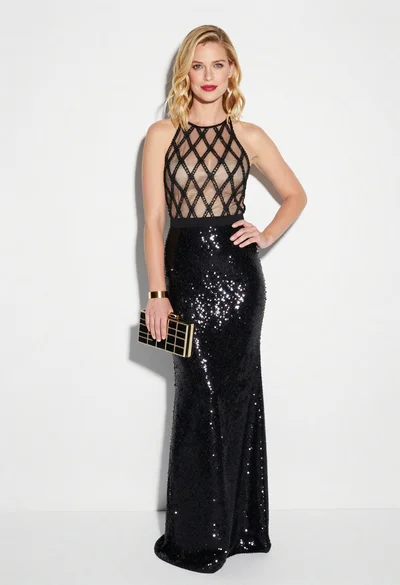
Blonde woman in black gown posing against white studio background
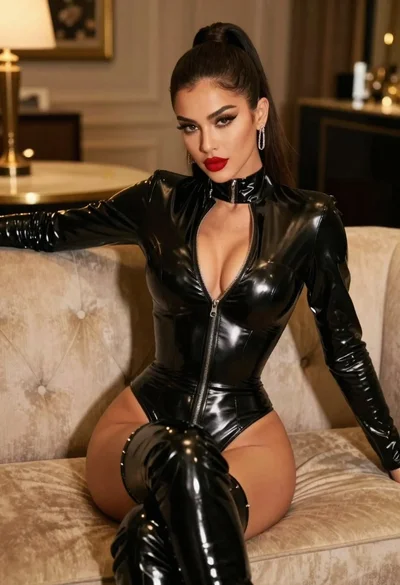
Glamorous model in black bodysuit sitting on beige sofa
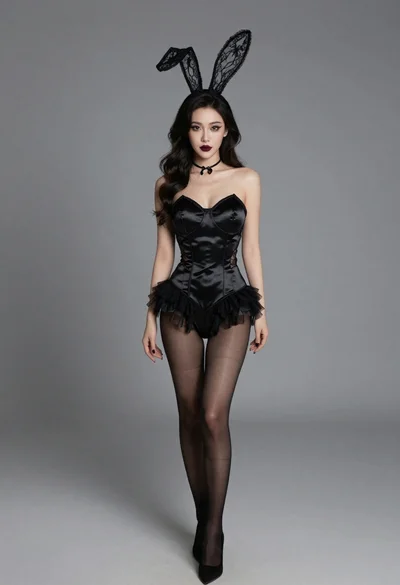
Studio portrait of woman in black bunny costume
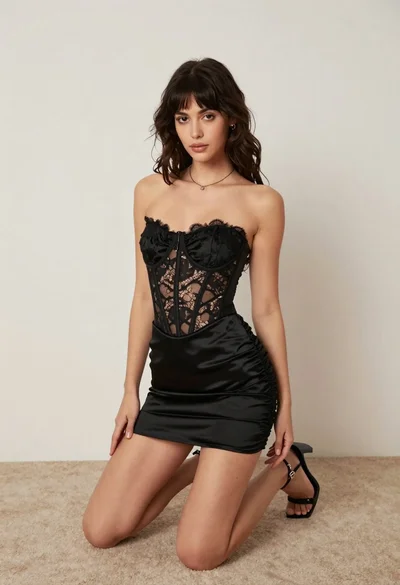
Woman kneeling on carpeted floor in black strapless mini dress
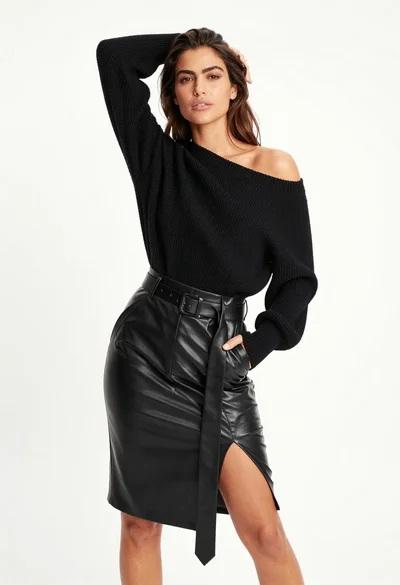
Fair skinned woman in black sweater and leather skirt against white background
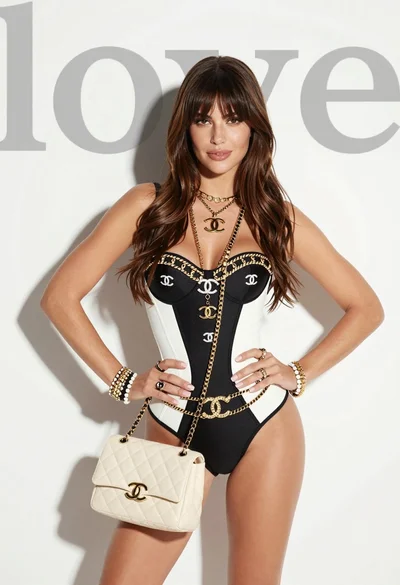
Confident young woman in black bodysuit against white background with faint text
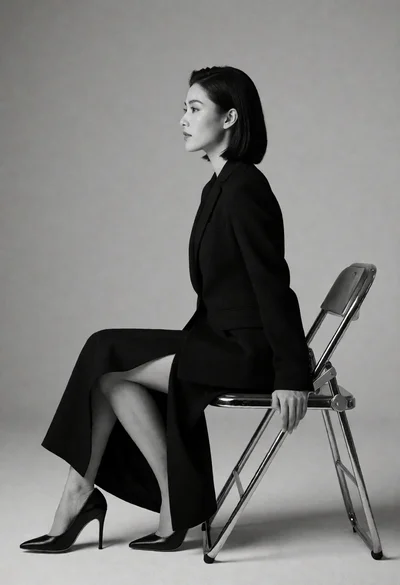
Woman in black tailored suit sitting sideways profile against grey studio backdrop
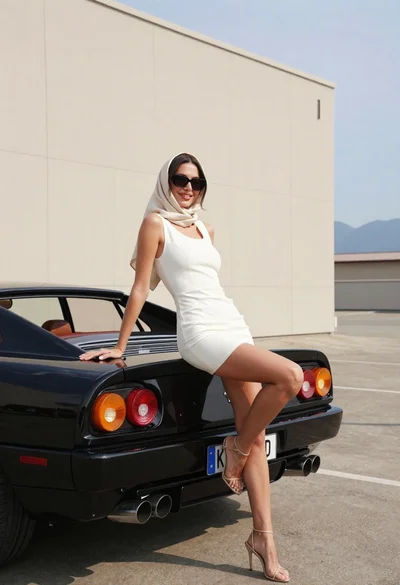
Woman in white dress leaning against classic black ferrari car outdoors