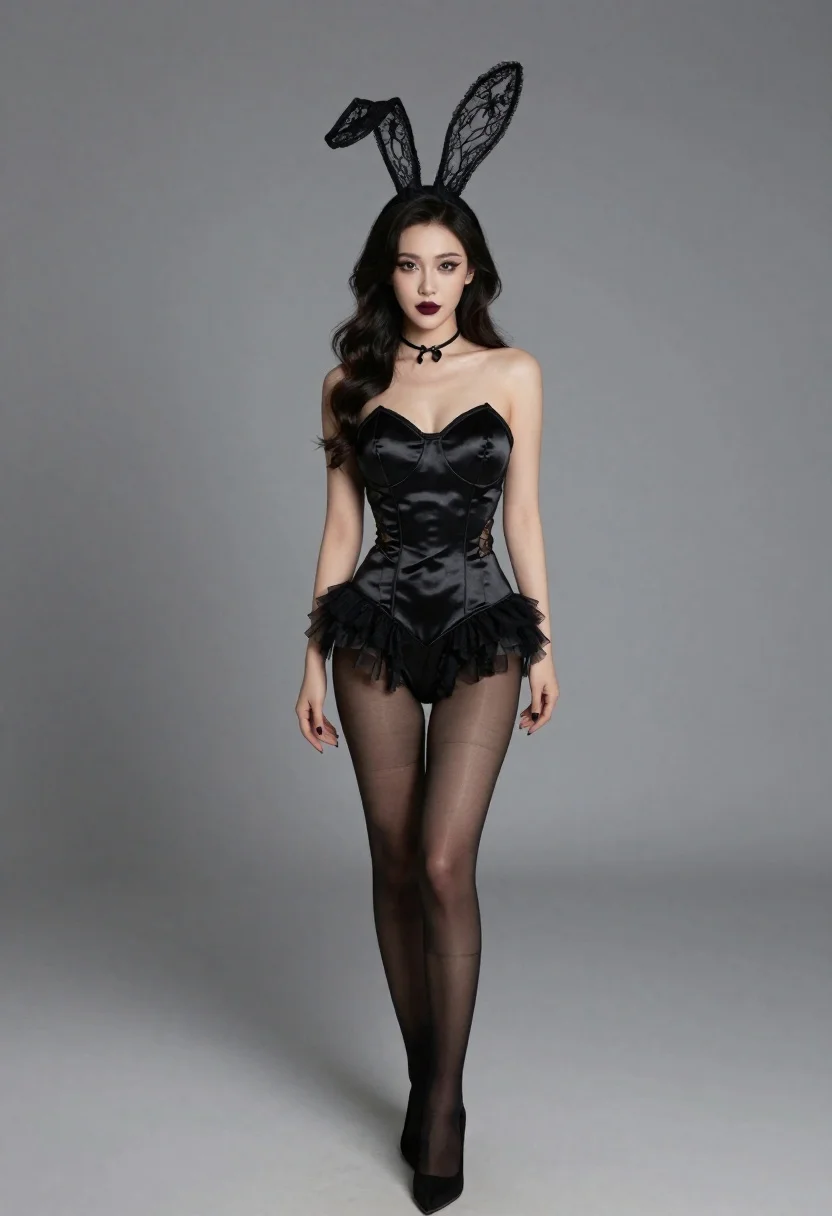
Studio portrait of woman in black bunny costume
Prompt
A studio portrait of a woman in an elegant black bunny-themed costume against a plain gray background

Subject: A woman with long wavy dark hair and dramatic makeup featuring sharp winged eyeliner, defined eyebrows, and deep burgundy lips

Clothing: She wears a black satin bustier corset dress with lace-up front detailing and ruffled tulle skirt layers over matching sheer stockings; she has on pointed toe high heels in black suede or leather. A delicate choker necklace rests around her neck, while ornate black lace bunny ears sit atop her head like headdress accents

Lighting: Soft diffused lighting creates gentle highlights across skin tones without harsh shadows for a polished editorial look suitable for fashion photography contexts.
Description
This prompt is useful for creating high-end lingerie editorials, themed costume concept art, and stylized character portraits. The combination of 'soft diffused lighting' prevents deep shadows that might obscure the intricate details of the 'black satin bustier corset dress,' ensuring a polished look ideal for fashion photography contexts while keeping the focus on the subject's dramatic makeup.
Suggestions
- Change 'plain gray background' to 'dark velvet backdrop' for more contrast.
- Swap 'deep burgundy lips' for 'metallic silver lipstick' to modernize the look.
- Add 'shot on Hasselblad X1D II' to specify a high-end camera aesthetic.
Category
Tags
Black HairBrunetteFemaleFormal WearFull BodyLingeriePortrait ShotRealisticStudio
Date added
June 19, 2026
Added by
PromptDexter Team
Related Prompts
More prompts with similar categories and tags.

Blonde woman posing in black lingerie against pink purple gradient studio backdrop
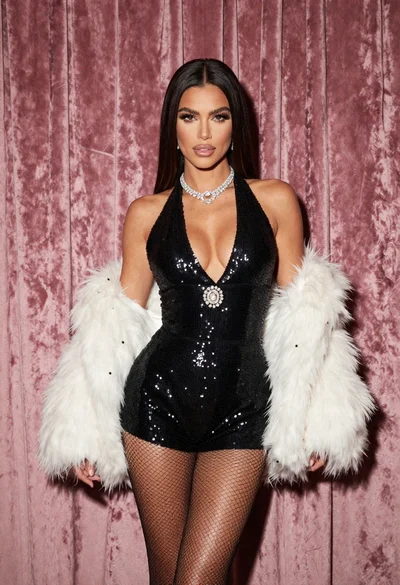
Glamorous woman in black sequined romper standing before dusty rose velvet curtains
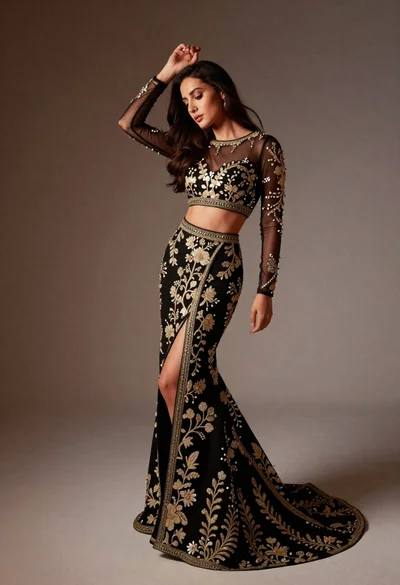
Full length studio portrait of woman in elaborate black and gold ensemble
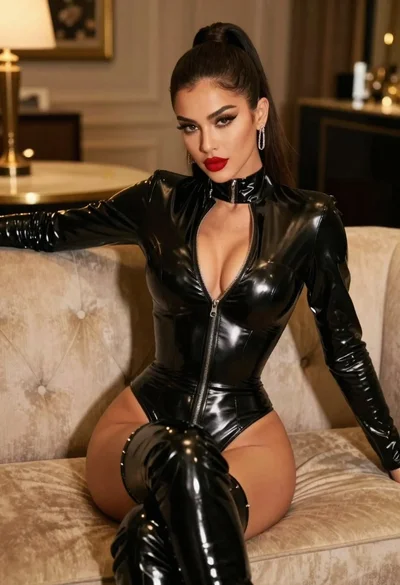
Glamorous model in black bodysuit sitting on beige sofa
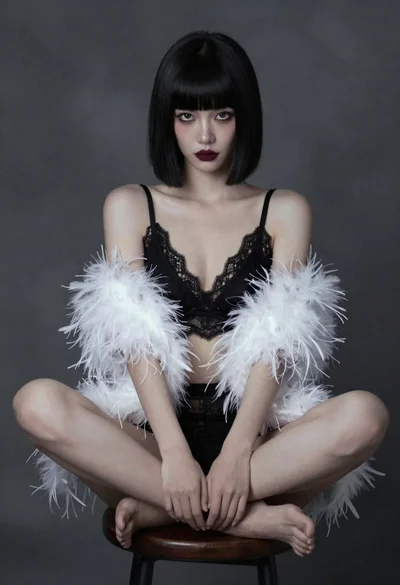
Woman in black lace and white feathers sitting on stool studio portrait
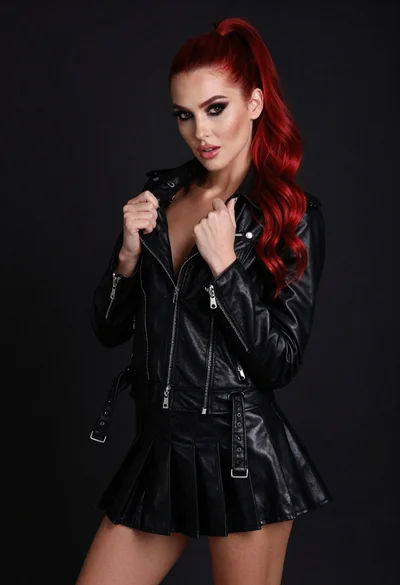
High fashion portrait of woman with red hair in black jacket
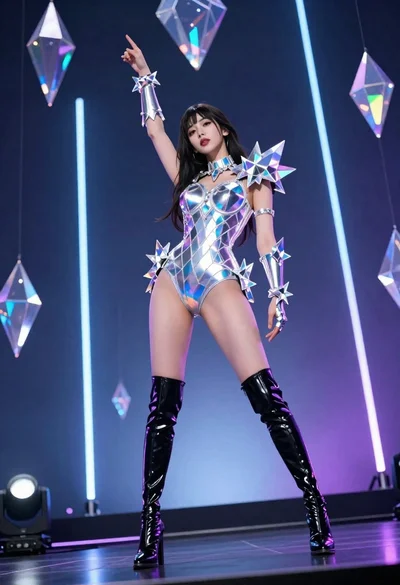
Woman in futuristic crystal bodysuit on glowing stage

Woman posing indoors in an embellished gown against sheer curtains