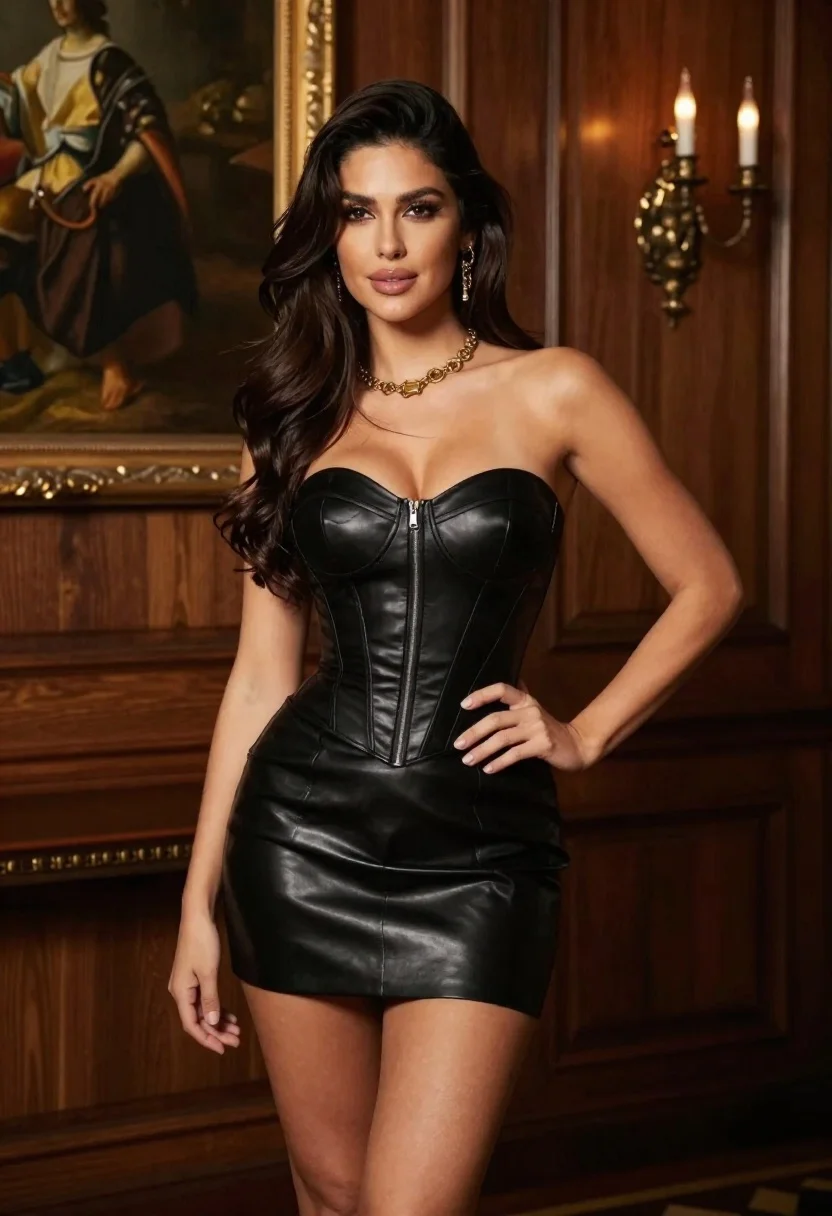
Woman in black leather corset dress standing indoors with gold jewelry
Prompt
A woman with long dark hair stands confidently in a black strapless leather corset dress.

Subject: A woman with long, wavy dark hair, fair skin, and a confident expression looking slightly to the side.

Clothing: She wears a tight-fitting black leather mini dress featuring a structured bustier top with a central zipper detail and boning lines, paired with matching leather shorts underneath. She accessorizes with layered gold necklaces and dangling earrings.

Action: She stands in a relaxed pose with one hand on her hip and the other hanging by her side.

Environment: The setting is an elegant interior room featuring wood-paneled walls, a large framed oil painting in the background, and a wall-mounted candelabra sconce.

Camera: A medium shot captures the subject from the thighs up, utilizing a shallow depth of field to keep the focus sharp on the woman while softly blurring the background elements.

Lighting: The scene is lit with warm, ambient light that highlights her skin tone and creates soft shadows against the dark leather texture.

Style Details: The image has a high-fashion editorial quality with rich, deep colors and a polished aesthetic.
Description
This prompt is useful for creating dramatic fashion editorials, character concept art for period dramas, and luxury brand lookbooks focusing on dark aesthetics. The combination of 'black leather corset dress' against the 'wood-paneled walls' grounds the high-fashion quality by providing rich, deep colors that contrast with the subject's fair skin, while the specified 'shallow depth of field' ensures the viewer's eye remains locked onto the intricate details of the jewelry and outfit.
Suggestions
- Change 'black leather corset dress' to 'deep burgundy velvet gown' for a different texture.
- Swap 'gold necklaces' for 'antique silver statement pieces' to alter the metallic tone.
- Adjust 'medium shot' to 'full body shot' to better showcase the 'leather shorts'.
Category
Tags
Black HairCasual WearFair SkinFemaleFull BodyIndoorsMedium ShotRealistic
Date added
June 23, 2026
Added by
PromptDexter Team
Related Prompts
More prompts with similar categories and tags.

Young woman seated on grey sofa against pink wall fashion portrait

Fair blonde woman in black corset and denim shorts studio portrait
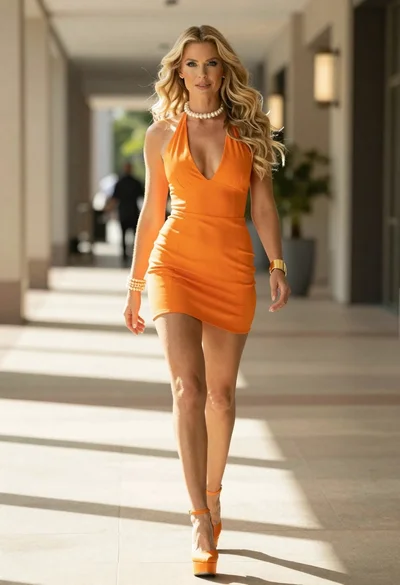
Woman in orange mini dress walking down sunlit corridor
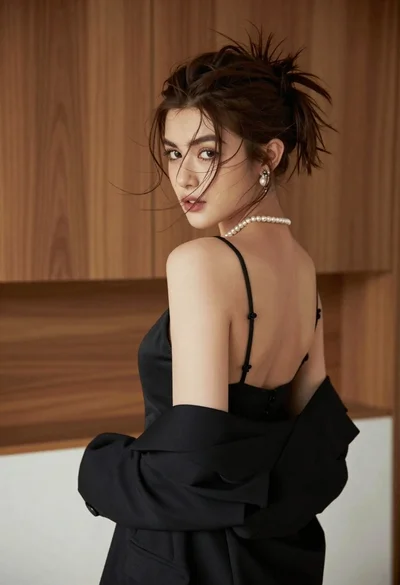
Young woman looking back over shoulder in black dress indoors
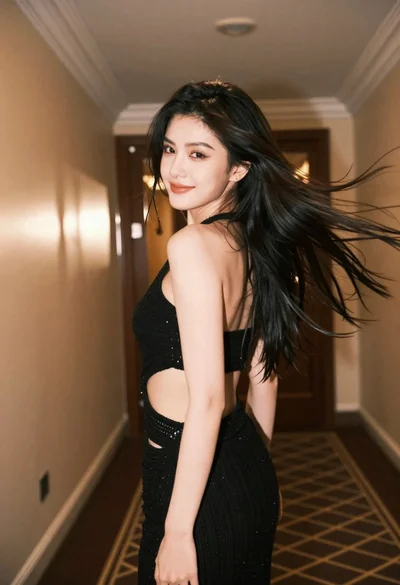
Young woman with dark hair looking back down an upscale beige hallway
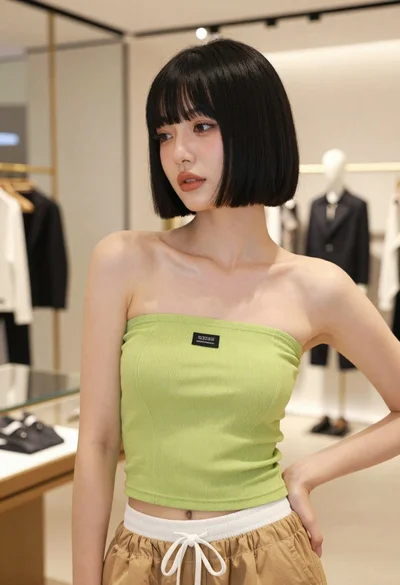
Young woman in lime green top posing inside a modern fashion boutique
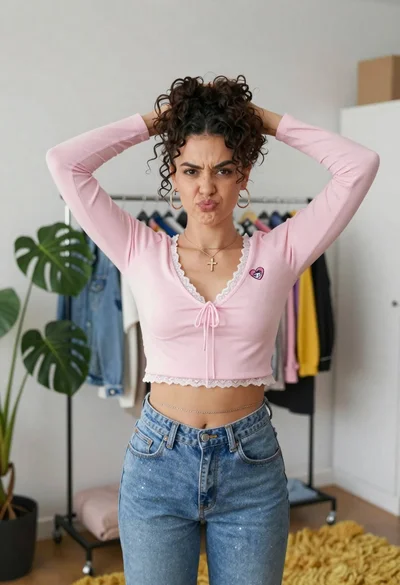
Young woman in pink crop top and denim jeans posing in bedroom

Young woman in black velvet dress looking over shoulder at event