
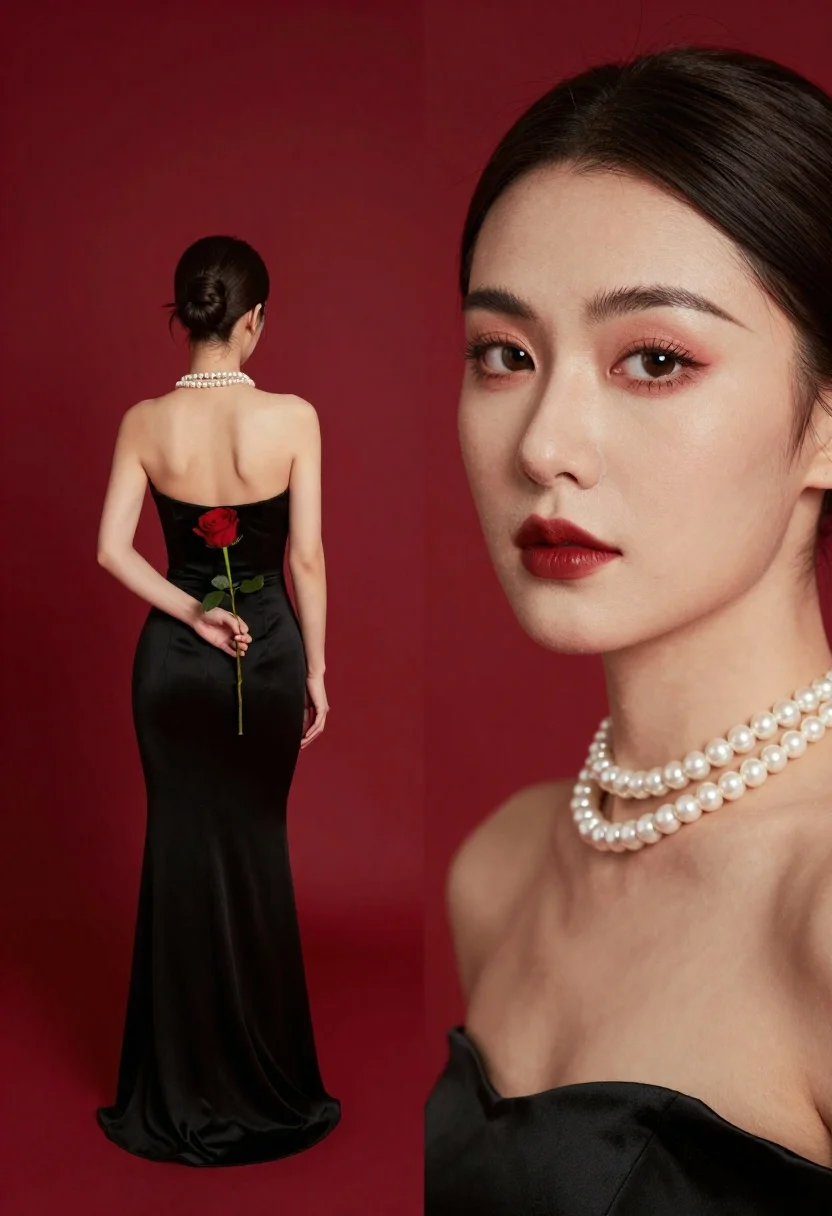
Woman in black strapless gown holding red rose against solid red background
Prompt
A split composition portrait featuring a woman in a full-length view holding a red rose and a close-up of her face with bold makeup.

Subject: A woman with dark hair styled in a sleek bun, shown from the back in the distance and in extreme close-up on the right side of the frame.

Clothing: She wears an elegant strapless black gown that fits closely to her body, complemented by a thick multi-strand pearl choker necklace.

Action: The distant figure stands with her back turned, holding a single red rose behind her lower back, while the close-up face looks directly at the viewer with a calm expression.

Environment: A solid, vibrant red background fills the entire scene without any distinct objects or scenery.

Camera: The image utilizes a split composition framing that juxtaposes a full-body shot in the background with an extreme close-up of the subject's face and neck in the foreground.

Lighting: Soft studio lighting highlights the smooth skin texture and creates a polished, high-fashion aesthetic with even illumination on the face and body.

Style Details: The image features a cinematic color palette dominated by deep reds and blacks, rendered with high definition and sharp focus to emphasize the textures of the pearls and skin.
Description
This prompt is useful for creating dramatic editorial fashion spreads, album art featuring strong color blocking, and high-concept beauty advertisements. The combination of a 'solid, vibrant red background' with 'soft studio lighting' ensures that the deep blacks of the gown and the rich crimson of the rose remain saturated without harsh shadows, which is crucial for maintaining visual drama across both the full-length and extreme close-up sections.
Suggestions
- Change 'elegant strapless black gown' to 'velvet strapless black gown' for a different texture.
- Swap 'red rose' for 'deep burgundy peony' to complement the color palette.
- Adjust 'soft studio lighting' to 'rim lighting' to separate the subject from the background.
Category
Tags
Casual WearExtreme Close UpFemaleFormal WearFull BodyLingerieRealisticStudio
Date added
June 23, 2026
Added by
PromptDexter Team
Related Prompts
More prompts with similar categories and tags.
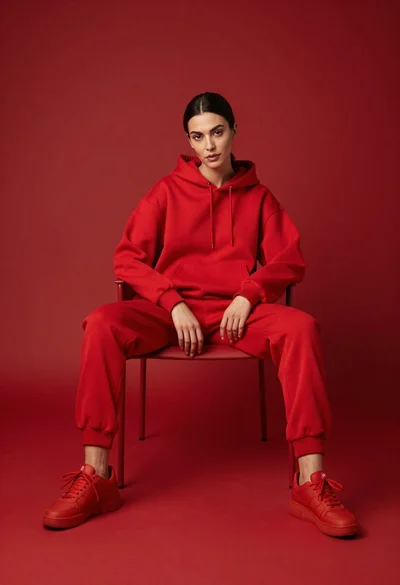
Woman in red hoodie sitting on chair against red background
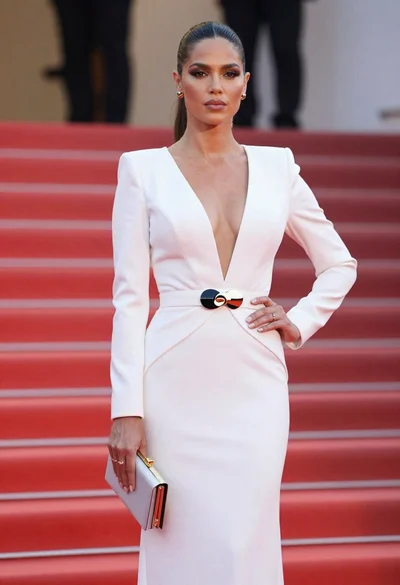
Poised woman in elegant white gown on blurred red carpet steps

Woman in rust gown posing on white step and repeat backdrop

Blonde woman working on laptop in pastel teal room
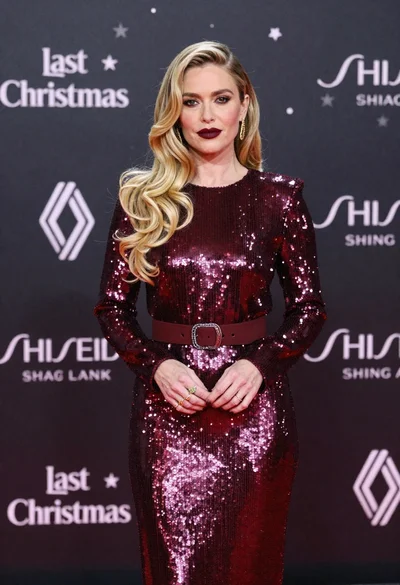
Glamorous blonde woman in burgundy sequin dress on red carpet
Glamorous blonde woman in white sequin gown holding feather boa indoors
Portrait of young woman in beige sweatshirt against red background

Black and white portrait of woman on urban street at night
