Woman in embroidered gown standing against white logo backdrop
Prompt
A woman stands in a medium shot against a white backdrop featuring repeating black text logos. She has light brown skin and her hair is styled in a high bun with bangs framing her face. She wears a long-sleeved, off-the-shoulder gown that features intricate floral embroidery on the bodice and sequined detailing on the sleeves and skirt. A colorful patterned silk scarf is tied around her neck like a choker. Her hands are clasped gently in front of her waist. The lighting is bright and even, typical of an event red carpet, highlighting the textures of her dress.

Subject: A woman with light brown skin and hair styled in a high bun with bangs.

Clothing: An off-the-shoulder long-sleeved gown featuring floral embroidery on the bodice and sequined texture on the sleeves and skirt, accessorized with a colorful patterned silk scarf tied around her neck.

Action: Standing with hands clasped gently at waist level, smiling softly at the camera.

Environment: A white step-and-repeat wall background with black text logos reading "BOOM".

Camera: Medium shot, eye-level angle, sharp focus on the subject.

Lighting: Bright, direct flash lighting that creates a high-key look with minimal shadows.

Style Details: High-resolution photography, red carpet event aesthetic, crisp details on fabric textures.
Description
This prompt is useful for creating promotional press shots, formal brand announcements, and catalog editorials requiring clean subject isolation. The combination of 'bright, direct flash lighting' and the 'white step-and-repeat wall background' ensures that all visual attention remains on the intricate details of the gown's embroidery and sequins, preventing distracting environmental shadows or color competition.
Suggestions
- Change 'black text logos reading "BOOM"' to a more abstract pattern for less literal branding.
- Swap 'floral embroidery' for 'geometric beadwork' to shift the garment's feel.
- Adjust 'bright, direct flash lighting' to 'softbox lighting' for softer highlights.
Category
Tags
Brown HairFemaleFull BodyLight SkinMedium ShotRealisticStudio
Date added
June 19, 2026
Added by
PromptDexter Team
Related Prompts
More prompts with similar categories and tags.
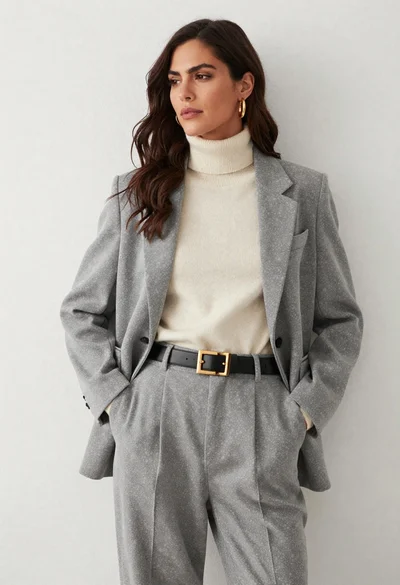
Woman in grey suit and cream turtleneck standing against white wall
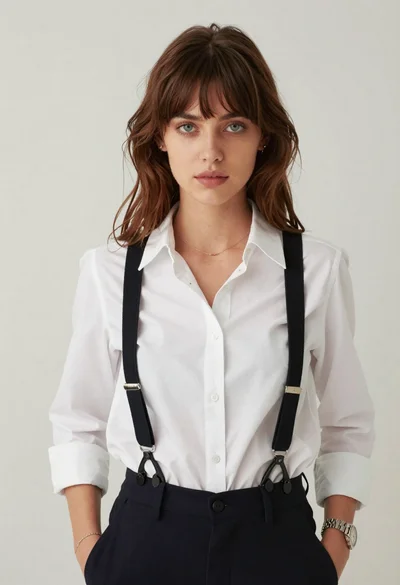
Portrait of young woman with brown hair in white shirt and suspenders
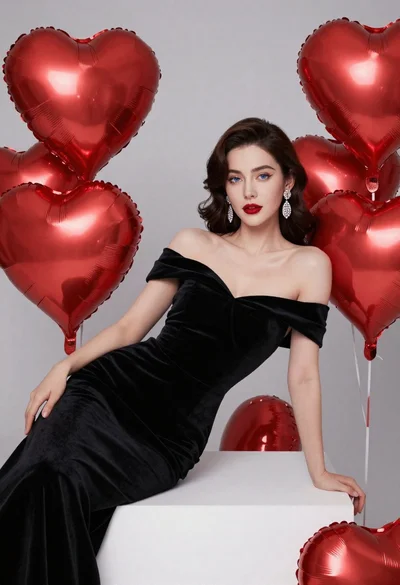
Elegant woman in black velvet gown reclining among large red heart balloons
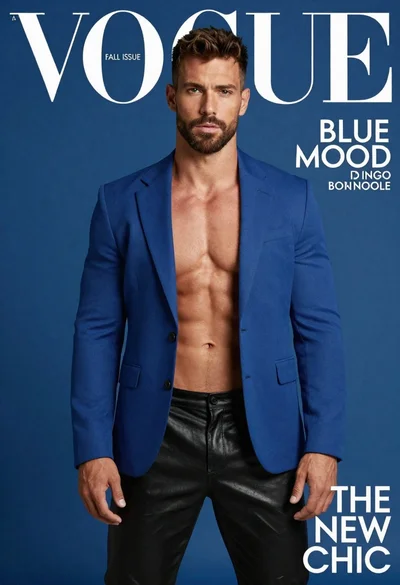
Muscular man in blue blazer on solid deep blue background
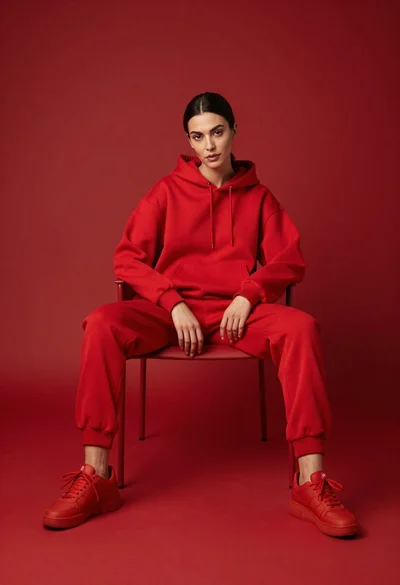
Woman in red hoodie sitting on chair against red background

Poised woman in elegant white gown on blurred red carpet steps

Woman seated on mid century chair wearing beige suit

Poised woman in black blazer sitting on stool against blue gradient background

Glamorous woman on balcony overlooking city skyline at night
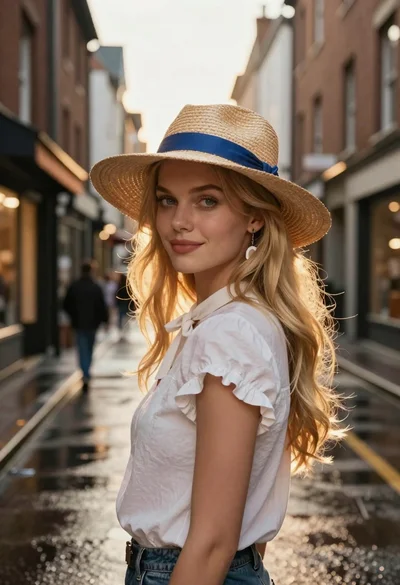
Blonde woman in white blouse on wet european street