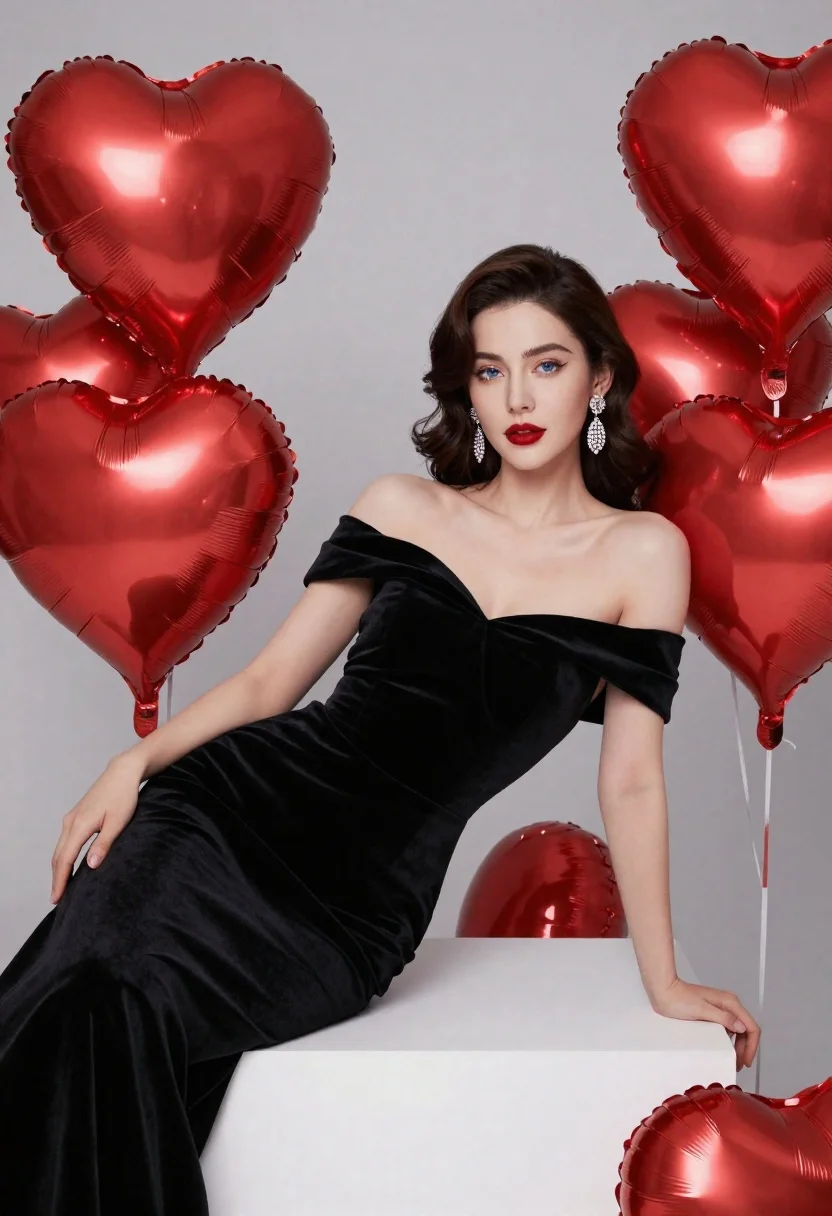
Elegant woman in black velvet gown reclining among large red heart balloons
Prompt
A glamorous woman reclines elegantly on a white block surrounded by large red heart-shaped balloons.

Subject: A beautiful woman with fair skin and dark brown hair styled in soft vintage waves. She has striking blue eyes and wears bold red lipstick. Her expression is poised and confident as she gazes directly at the viewer.

Clothing: She wears a luxurious black velvet off-the-shoulder gown that drapes smoothly over her body, featuring wide straps across the chest. She accessorizes with long, sparkling diamond drop earrings.

Action: The woman leans back against the white block in a relaxed yet elegant pose, resting one arm along the surface and letting the other hang loosely by her side. Her posture exudes grace and sophistication.

Environment: The setting is a minimalist studio space with a neutral grey background that keeps the focus on the subject and the vibrant red balloons.

Camera: The shot is framed as a medium close-up, capturing the woman from the waist up while emphasizing her facial features and upper body. The angle is slightly elevated to highlight her reclining posture.

Lighting: Soft studio lighting illuminates the scene evenly, casting gentle shadows that enhance the texture of the velvet dress and the glossy finish of the balloons. The light source appears diffused, creating a romantic and polished atmosphere.

Style Details: The image has a high-fashion editorial aesthetic with rich color contrast between the black dress, red balloons, and pale skin tones. The rendering is hyper-realistic with smooth textures and precise details.
Description
This prompt is useful for creating luxury brand advertisements, dramatic portrait photography, and high-end editorial spreads focused on romance or drama. The combination of 'black velvet' against the vibrant red balloons, coupled with 'soft studio lighting,' ensures that the rich texture of the gown remains visible while the controlled illumination prevents harsh reflections off the glossy balloons, achieving a polished yet deeply saturated aesthetic.
Suggestions
- Change 'red heart-shaped balloons' to 'deep crimson latex balloons' for a more sophisticated material.
- Swap 'black velvet' for 'midnight blue silk' to shift the color palette.
- Adjust 'medium close-up' to 'full body shot' to better showcase the gown's drape.
Category
Tags
Brown HairFair SkinFemaleFull BodyMedium ShotPortrait ShotRealisticStudio
Date added
June 21, 2026
Added by
PromptDexter Team
Related Prompts
More prompts with similar categories and tags.
Woman in grey suit and cream turtleneck standing against white wall
Portrait of young woman with brown hair in white shirt and suspenders
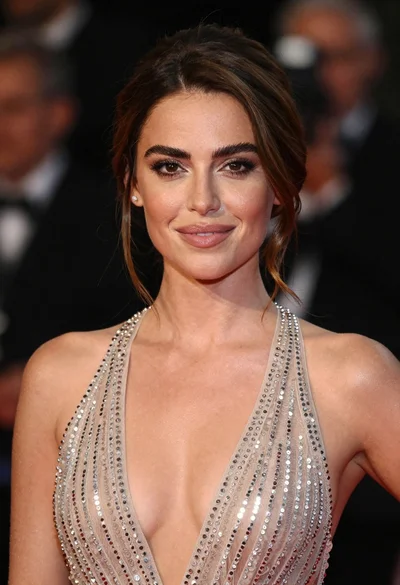
Close up portrait of woman in champagne gown with brown hair
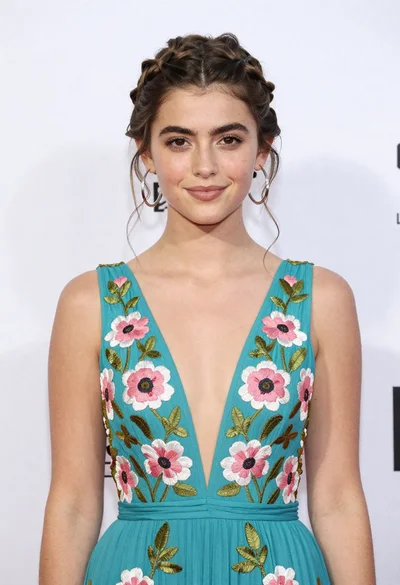
Portrait of young woman in teal embroidered gown against white backdrop

Young woman in black velvet dress looking over shoulder at event
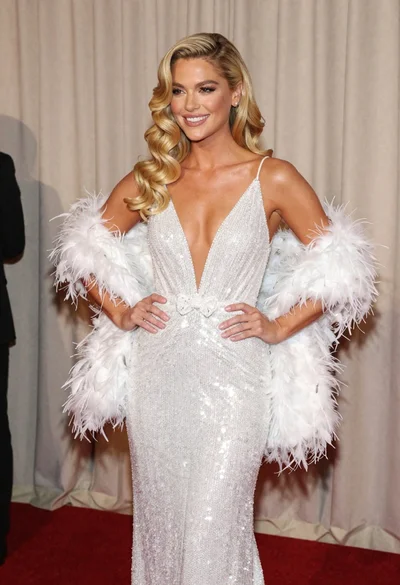
Glamorous blonde woman in white sequin gown holding feather boa indoors
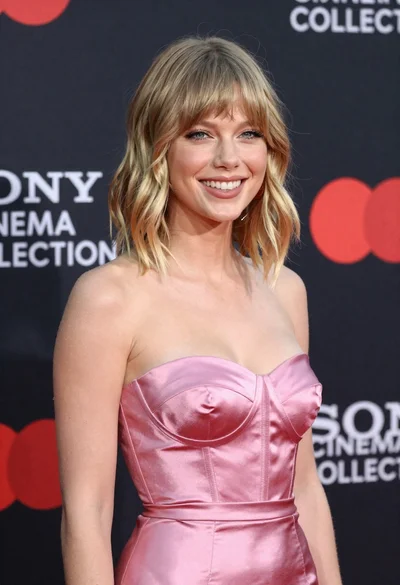
Smiling blonde woman in pink satin dress against dark branded backdrop

Black and white portrait of confident woman in blazer