
Woman in pink dress seated on gold velvet chair looking over shoulder
Prompt
A woman with long dark hair sits sideways on an ornate gold and purple velvet armchair, looking back over her shoulder at the camera.

Subject: A woman with long dark wavy hair, fair skin, and a confident expression gazing directly at the viewer.

Clothing: She wears a pale pink or beige halter-neck dress featuring a deep open back with thin straps and a draped skirt that falls to mid-thigh.

Action: She is seated sideways on the chair with one leg extended forward and the other bent, her hands resting on the armrests as she turns her upper body to face the camera.

Environment: The setting is an interior room with a textured mauve wall, wooden floorboards, and a large patterned rug with floral motifs in pink and beige tones.

Camera: A medium shot capturing the subject from the waist up, utilizing a shallow depth of field that keeps the woman sharp while softly blurring the background elements.

Lighting: Soft, directional studio lighting illuminates her skin and hair from the front, creating gentle highlights on her shoulder and face with minimal harsh shadows.

Style Details: The image has a high-fashion editorial aesthetic with rich, warm color grading and a polished, glossy finish typical of professional portrait photography.
Description
This prompt is useful for creating luxury magazine editorials, bridal lookbooks featuring statement seating, and sophisticated character portraits. The combination of 'ornate gold and purple velvet armchair' against the 'textured mauve wall' establishes a rich, contained environment, while the 'soft, directional studio lighting' ensures that the subject’s 'fair skin' remains luminous without harsh shadows distracting from the high-fashion aesthetic.
Suggestions
- Change 'pale pink or beige halter-neck dress' to 'emerald green silk slip dress' for a bolder contrast.
- Swap 'mauve wall' for 'deep sapphire blue velvet backdrop' to intensify the luxury feel.
- Adjust 'medium shot' to 'full body shot' to better showcase the chair and skirt drape.
Category
Tags
Fair SkinFemaleIndoorsMedium ShotRealisticStudio
Date added
June 19, 2026
Added by
PromptDexter Team
Related Prompts
More prompts with similar categories and tags.

Smiling blonde woman in boutique wearing navy blouse and black skirt
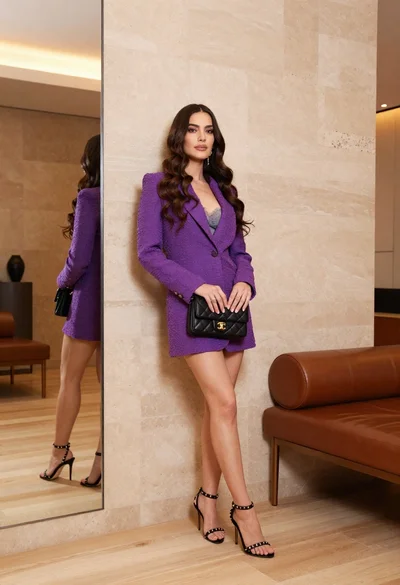
Woman in purple blazer dress leaning against beige wall indoors
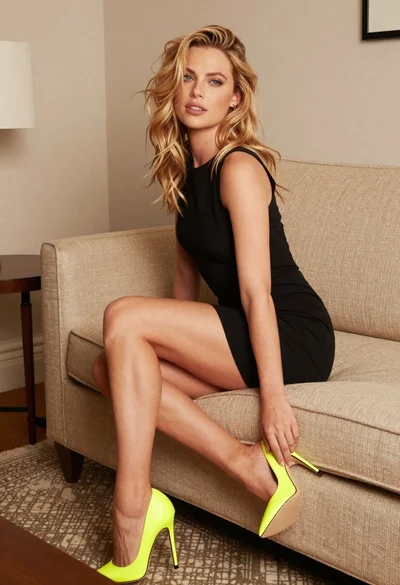
Blonde woman in black mini dress seated on beige sofa indoors
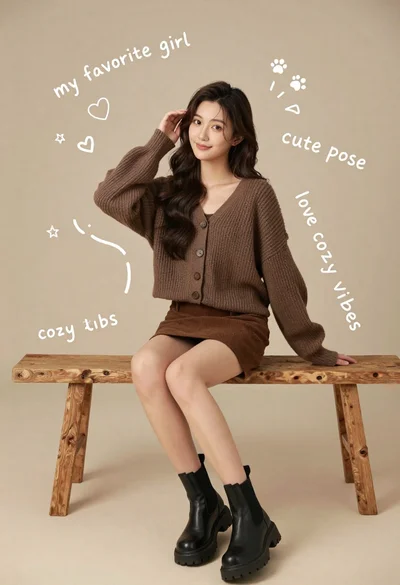
Young woman in brown knit cardigan sitting on bench in studio

Woman in santa outfit seated on wooden bench inside cozy cabin setting
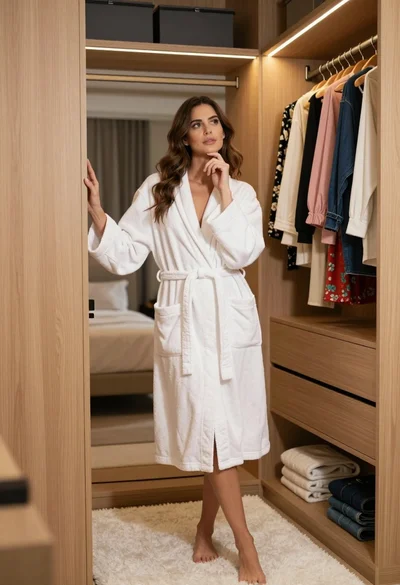
Woman in white bathrobe standing thoughtfully inside spacious walkin closet
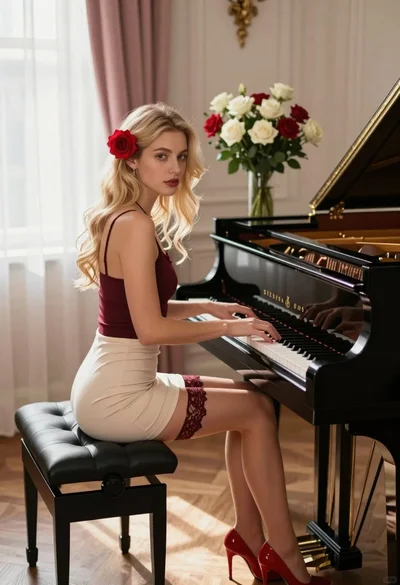
Blonde woman playing grand piano in sunlit elegant room setting
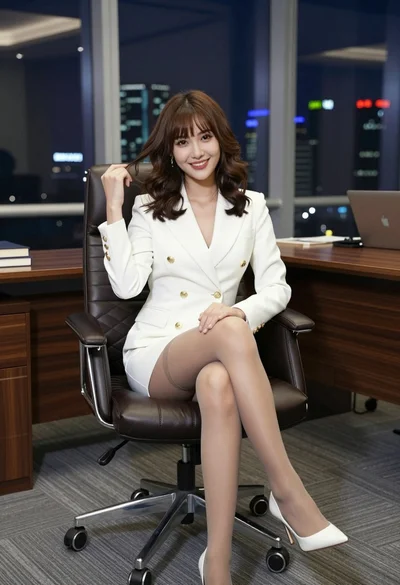
Woman in white blazer dress seated in modern office overlooking city at

Fair blonde woman in metallic corset mini dress against light blue studio

Young woman in silver sequin top and lace dress against beige wall
