
Woman in sequined gown standing waist deep in calm water outdoors
Prompt
A woman stands waist-deep in calm water wearing a floor-length sequined gown with a sheer mesh bodice and long sleeves.

Subject: A woman with dark skin and wet hair pulled back from her face, standing upright in the water.

Clothing: A shimmering, form-fitting gown featuring a geometric pattern of red, green, gold, and purple sequins, paired with a black sheer mesh top that covers the torso and arms.

Action: She stands still facing forward with a neutral expression and direct gaze, her hands resting loosely at her sides.

Environment: A serene outdoor setting with a wide body of water in the foreground and lush green hills rising in the background under a soft blue sky.

Camera: Medium full-body shot capturing the subject from head to toe with a shallow depth of field that blurs the distant landscape.

Lighting: Soft natural daylight illuminating the scene evenly, creating gentle highlights on the sequins without harsh shadows.

Style Details: High-fashion editorial photography with vibrant colors and a polished, glossy finish.
Description
This prompt is useful for creating high-concept fashion editorials, luxury resort advertising campaigns, and dramatic portraiture pieces. The combination of 'shimmering' sequins against the 'calm water' surface, coupled with 'soft natural daylight,' ensures that the garment remains the focal point while the shallow depth of field prevents the background from distracting from the subject's direct gaze.
Suggestions
- Change 'red, green, gold, and purple' to a monochromatic jewel tone palette for sophistication.
- Swap 'medium full-body shot' for 'full body shot' to better capture the gown's length.
- Add 'wet look hair' to enhance the connection between the subject and the water.
Category
Tags
Black HairCasual WearDark SkinFemaleFull BodyMedium ShotNatureOutdoorsRealistic
Date added
June 19, 2026
Added by
PromptDexter Team
Related Prompts
More prompts with similar categories and tags.
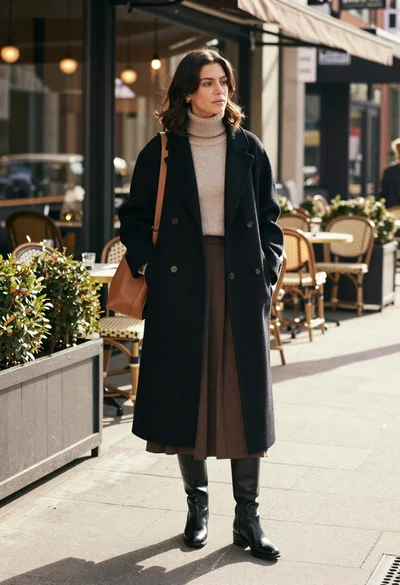
Stylish woman in black coat stands on city sidewalk near cafe
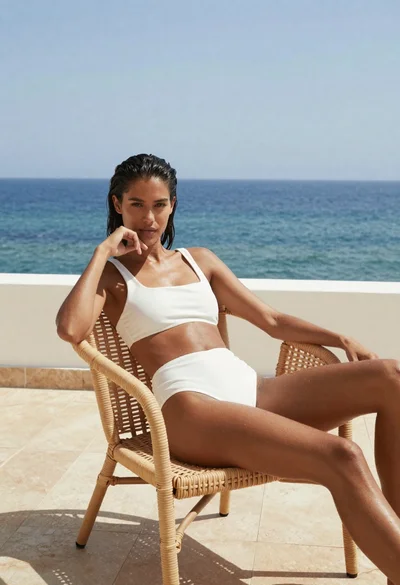
Woman lounging on wicker chair overlooking blue sea
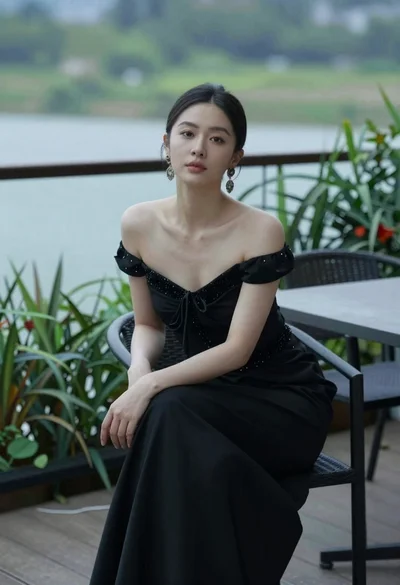
Woman seated on chair outdoors with blurred green water background
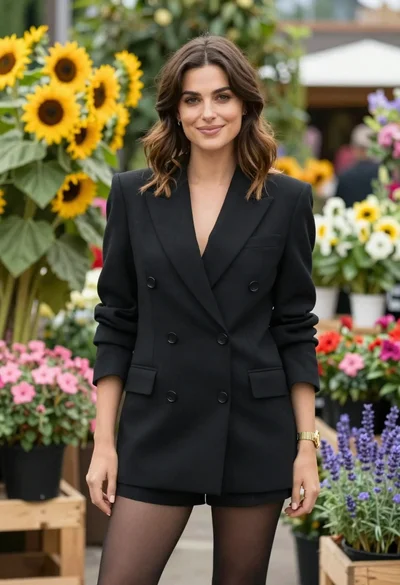
Poised woman in black blazer standing in a lush flower garden
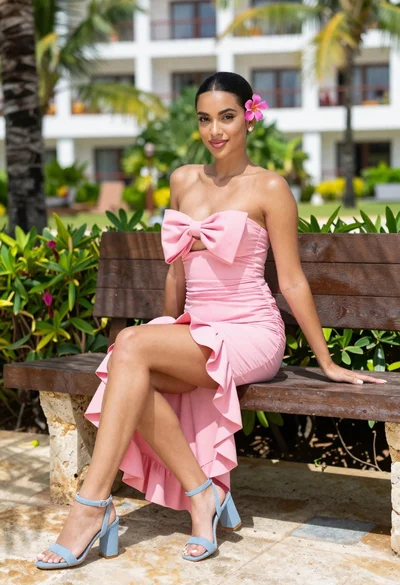
Young woman in pink dress sitting on stone bench in tropical resort
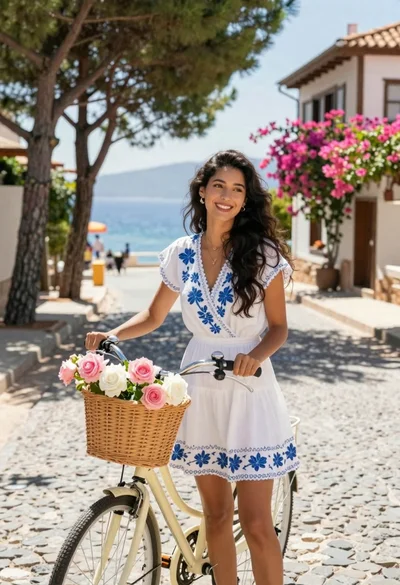
Smiling woman in white floral dress standing next to bicycle on cobblestone

Confident woman in red top and black leather pants on city street
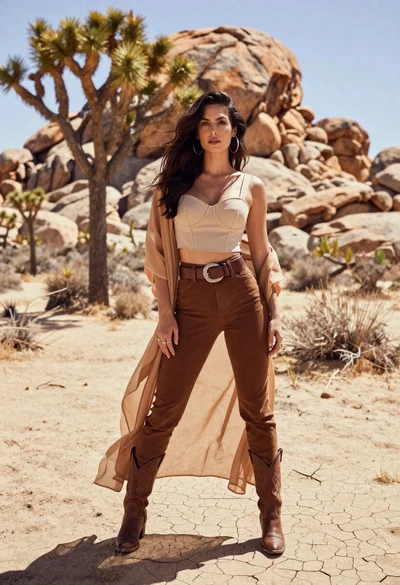
Confident woman in beige crop top and brown trousers standing on cracked
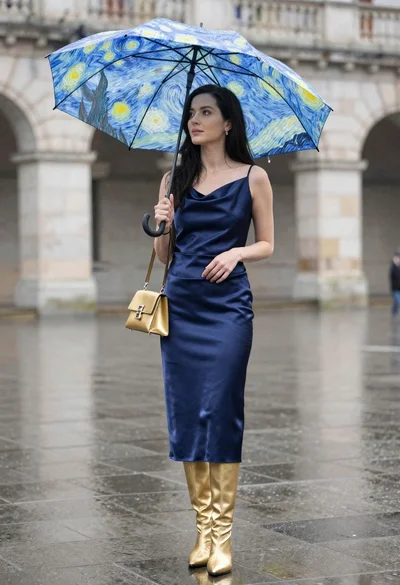
Woman in navy satin dress holding umbrella in rain on wet plaza
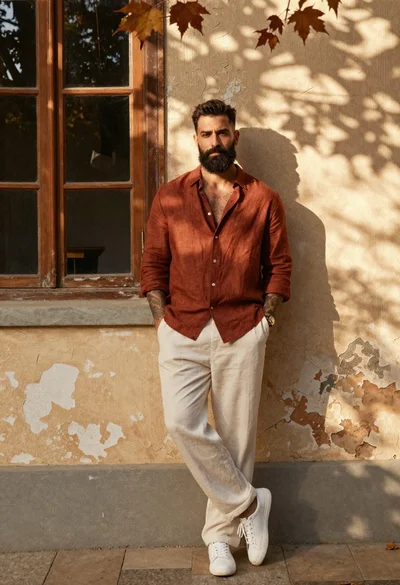
Confident man with dark beard leaning against weathered beige wall outdoors