
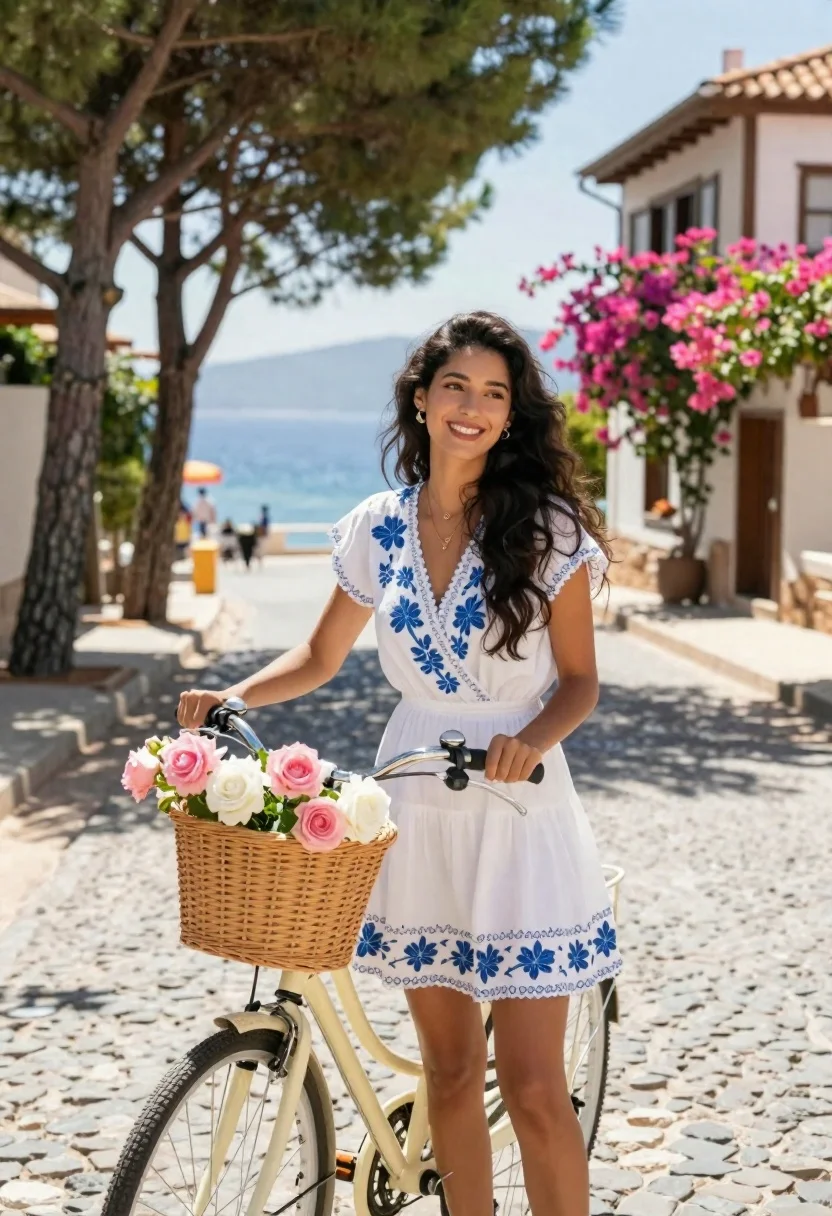
Smiling woman in white floral dress standing next to bicycle on cobblestone
Prompt
A smiling woman with long dark hair stands beside a bicycle on a cobblestone street in a sunny coastal town.

Subject: A young woman with long, wavy black hair and a bright, happy expression looking slightly to the side.

Clothing: She wears a white wrap dress featuring blue floral embroidery along the neckline, sleeves, and hem, accessorized with a delicate gold necklace and earrings.

Action: She stands casually holding the handlebars of a bicycle, smiling warmly at the camera.

Environment: A charming cobblestone street lined with tall pine trees and traditional wooden houses covered in pink bougainvillea flowers, with a glimpse of blue sea and distant hills in the background.

Camera: Shot from a medium shot angle with a shallow depth of field that keeps the subject sharp while softly blurring the background scenery.

Lighting: Bright natural sunlight illuminates the scene from above, casting soft shadows on the cobblestones and highlighting the vibrant colors of the flowers and dress.

Objects: A vintage-style cream bicycle equipped with a large woven wicker basket filled with pink and white roses attached to the front handlebars.

Style Details: The image features a photorealistic aesthetic with high-definition clarity, natural color grading, and a warm, summery atmosphere.
Description
This prompt is useful for creating travel magazine spreads, bridal editorial content, and lifestyle branding imagery that evokes summer romance. The combination of 'bright natural sunlight' casting soft shadows on the 'cobblestone street,' paired with the vibrant 'pink bougainvillea flowers' against the subject's white dress, establishes a high-key, sun-drenched aesthetic ideal for aspirational travel narratives.
Suggestions
- Change 'blue floral embroidery' to 'yellow floral embroidery' for a warmer color pop.
- Swap 'vintage-style cream bicycle' for 'matte black bicycle' for a more modern edge.
- Adjust the lighting by adding 'rim light from the left' to sculpt the hair.
Category
Tags
Black HairCasual WearFair SkinFemaleFull BodyMedium ShotOutdoorsRealisticStreetVehicle
Date added
June 23, 2026
Added by
PromptDexter Team
Related Prompts
More prompts with similar categories and tags.
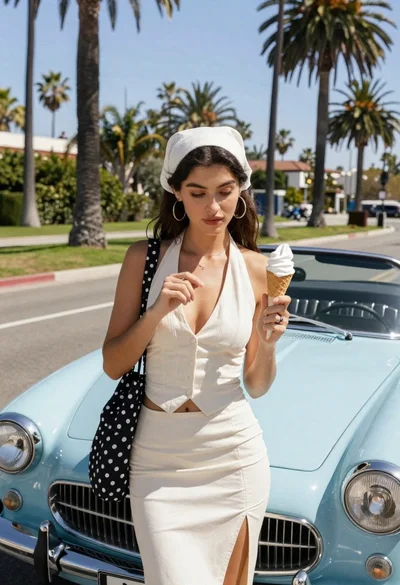
Young woman with ice cream beside vintage blue convertible on sunny street

Woman posing on terrace at golden hour by mediterranean buildings

Young woman in black velvet dress looking over shoulder at event
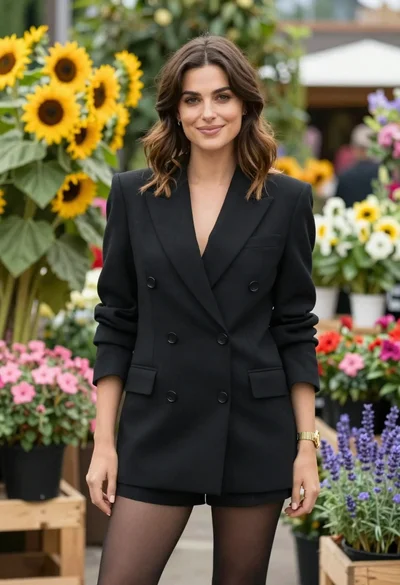
Poised woman in black blazer standing in a lush flower garden
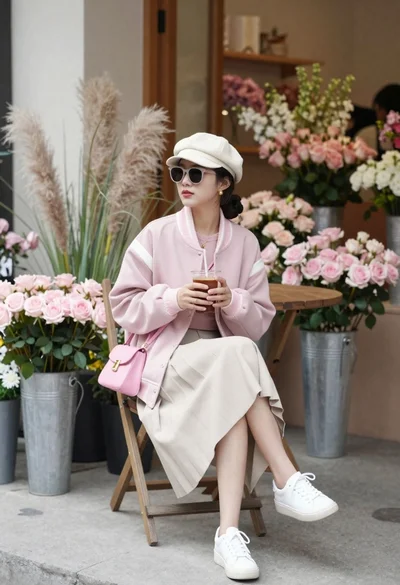
Young woman in pink jacket sitting in flower shop courtyard
Confident woman in red top and black leather pants on city street

Young woman in red santa dress by open car trunk in snowy

Young woman in green jacket holding plush toy at festive carousel
