
Woman in striped dress sitting on blue velvet armchair indoors
Prompt
A woman with long brown hair sits confidently on a plush blue velvet armchair in a room with light blue tiled walls and soft carpeting.

Subject: A woman with long wavy brown hair, fair skin, and a direct, serious gaze looking at the camera.

Clothing: She wears a patterned midi dress featuring geometric stripes in green, blue, black, and white, paired with sheer bell sleeves that have vertical striped patterns, and she is wearing pointed-toe blue high heels.

Action: She sits with one leg crossed over the other, her hands resting on the armrests of the chair, displaying a relaxed but poised posture.

Environment: The setting is an interior room featuring light blue subway tiles on the walls, a soft textured carpet, and a side table with gold accents visible to the right.

Lighting: Bright overhead fluorescent lights create a cool, high-key atmosphere with strong highlights on the ceiling and background while casting soft shadows beneath the chair.

Camera: The shot is framed from a slightly low angle looking up at the subject, emphasizing her presence against the bright background.

Style Details: The image has a clean, editorial fashion photography aesthetic with a cool color palette dominated by blues and whites.
Description
This prompt is useful for creating interior design mood boards, high-end catalog editorials, and character portraiture emphasizing structured composition. The combination of 'light blue subway tiles' and the 'cool color palette dominated by blues and whites' establishes a specific, controlled backdrop that prevents the subject from feeling isolated against an undefined space, while the 'low angle looking up at the subject' adds inherent gravitas suitable for fashion authority pieces.
Suggestions
- Change 'geometric stripes in green, blue, black, and white' to 'vertical pinstripes in navy and cream' for a more cohesive look.
- Swap 'plush blue velvet armchair' for 'mid-century modern walnut chair' to update the furniture style.
- Adjust 'Bright overhead fluorescent lights' to 'soft diffused window light' for less harsh highlights.
Category
Tags
Brown HairCasual WearFair SkinFemaleIndoorsLow AnglePortrait ShotRealistic
Date added
June 19, 2026
Added by
PromptDexter Team
Related Prompts
More prompts with similar categories and tags.

Fair skinned woman in black sequined outfit sitting elegantly indoors

Stylish young woman in denim shirt holding tablet indoors

Blonde woman in black coat leaning against white wall by window
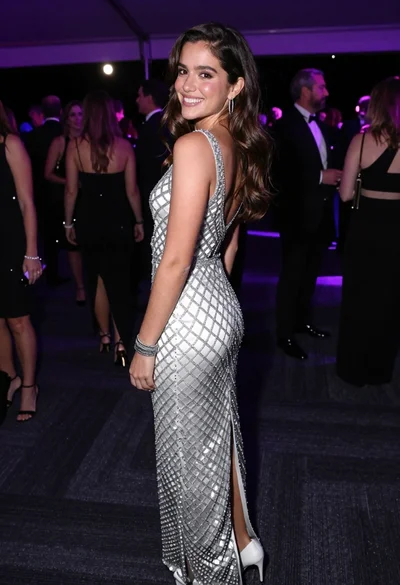
Smiling young woman in crystal gown looking over shoulder at indoor gala
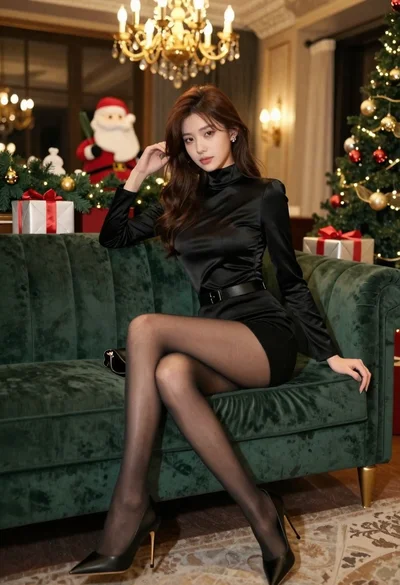
Glamorous woman seated on green velvet sofa in festive christmas setting
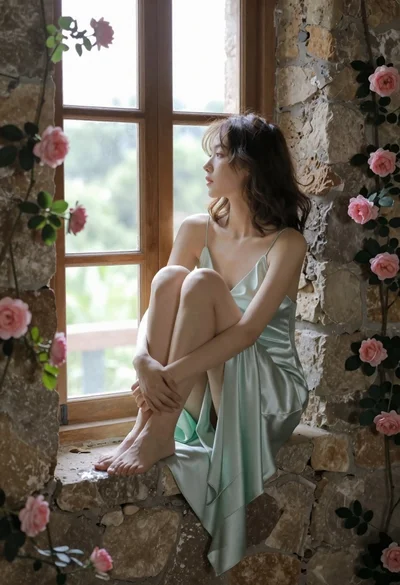
Young woman in mint green satin dress sitting on stone window ledge
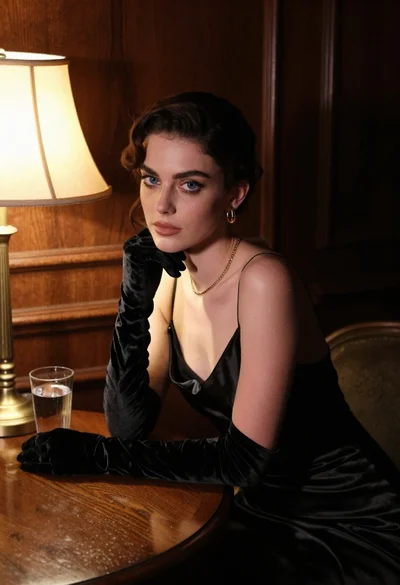
Woman in black satin dress and opera gloves at a wooden table
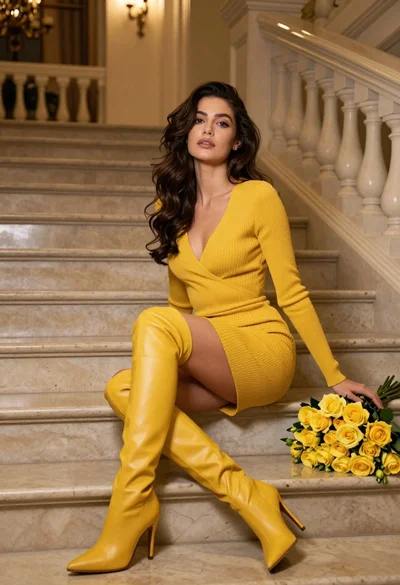
Woman in yellow dress sitting on grand marble staircase with roses
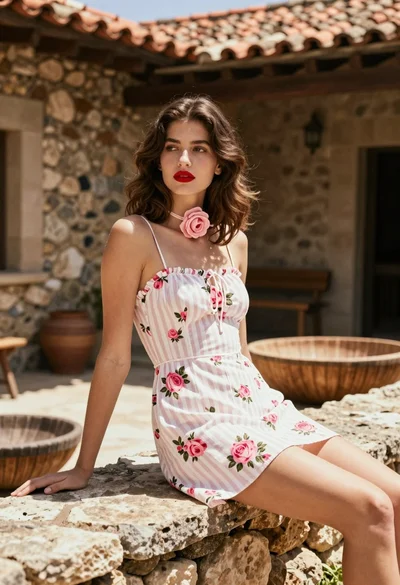
Fair skinned woman in white sundress sitting on stone ledge in rustic
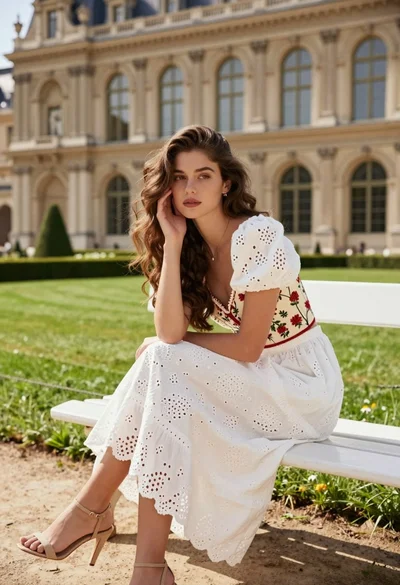
Young woman with brown hair on white bench before grand classical architecture
