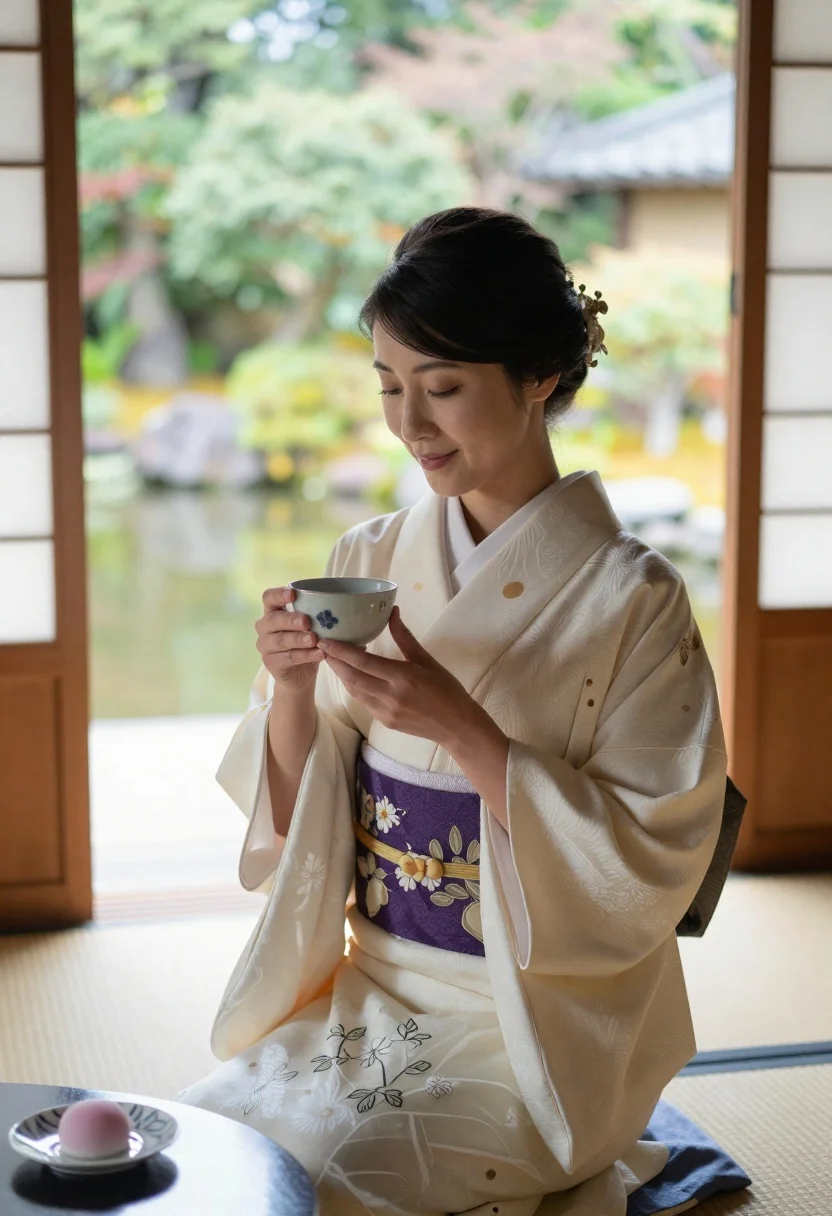
Woman in traditional japanese kimono holding tea bowl indoors
Prompt
A woman in traditional Japanese attire sits gracefully indoors holding a tea bowl with both hands.

Subject: A woman with dark hair styled in an elegant updo adorned with a decorative hairpin, featuring soft makeup and a gentle smile as she gazes downward at the cup.

Clothing: She wears a cream-colored kimono with a deep purple obi sash featuring floral embroidery, draped with a sheer white haori jacket over her shoulders.

Action: She holds a ceramic tea bowl delicately in both hands near her chest, seated on tatami mats with a serene expression.

Environment: The setting is a traditional Japanese room with wooden sliding doors and shoji screens, opening to a lush green garden with a pond visible outside.

Camera: Medium shot capturing the subject from the waist up, framed with soft depth of field blurring the background slightly while keeping focus on her face and hands.

Lighting: Soft natural daylight filters through the open doorway, illuminating her face and clothing evenly with gentle shadows enhancing the peaceful mood.

Objects: A small plate with a pink mochi-like dessert sits on a wooden table in the foreground to the left.

Style Details: Photorealistic portrait with warm tones, subtle film grain, and high detail rendering typical of professional lifestyle photography.
Description
This prompt is useful for creating serene cultural portraits, editorial lifestyle spreads focusing on ritual, and mood boards for Japanese-inspired interior design. The combination of 'soft natural daylight' filtering through the shoji screens and the 'cream-colored kimono' ensures an even illumination that highlights the delicate texture of the fabric without harsh shadows, perfectly complementing the quiet focus suggested by her gaze downward at the cup.
Suggestions
- Change 'deep purple obi sash' to 'gold embroidered obi sash' for more visual richness.
- Add 'washi paper textures' to the shoji screens for a specific material feel.
- Swap 'pink mochi-like dessert' for 'green matcha sweets' to complement the garden.
Category
Tags
FemaleIndoorsMedium ShotNatureOutdoorsPortrait ShotRealisticTraditional Wear
Date added
June 23, 2026
Added by
PromptDexter Team
Related Prompts
More prompts with similar categories and tags.
Woman in orange anarkali dress sitting on stone bench outdoors
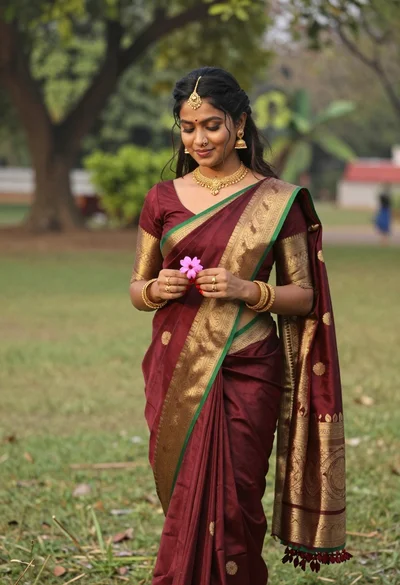
Young woman in maroon saree holding flower on lush green lawn
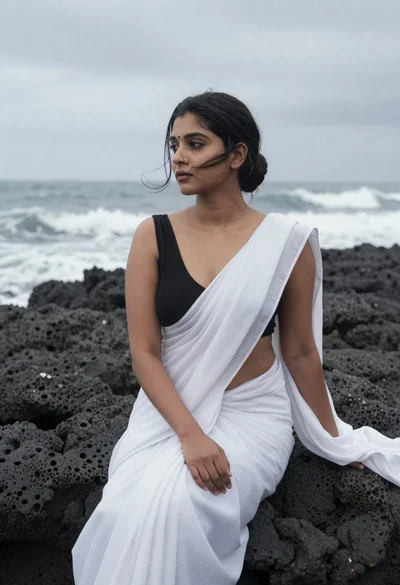
Woman in white saree sitting on dark volcanic rocks by sea
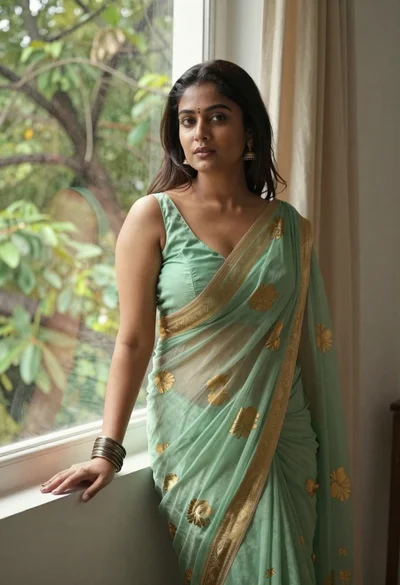
Young woman in green saree by window looking at camera indoors

Anime girl holding toy blaster against bright blue sky
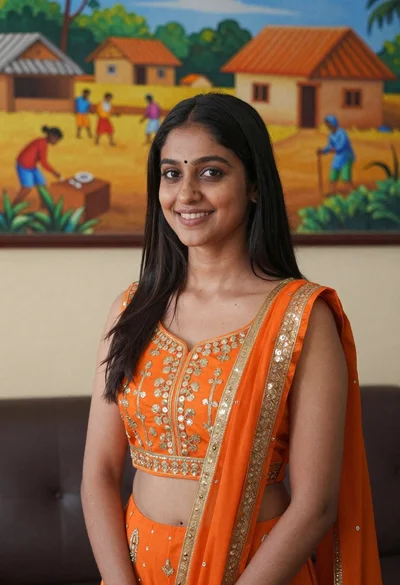
Smiling young woman in orange embroidered traditional outfit against colorful mural
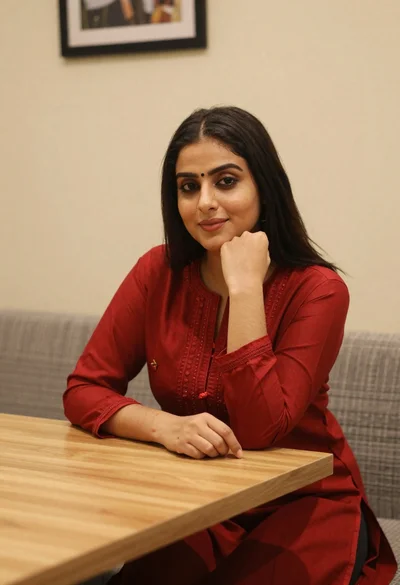
Young woman in red salwar kameez resting chin on hand indoors
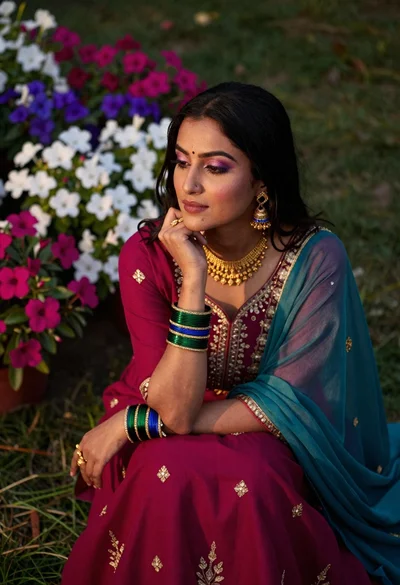
Woman in magenta traditional dress sitting in a flower garden