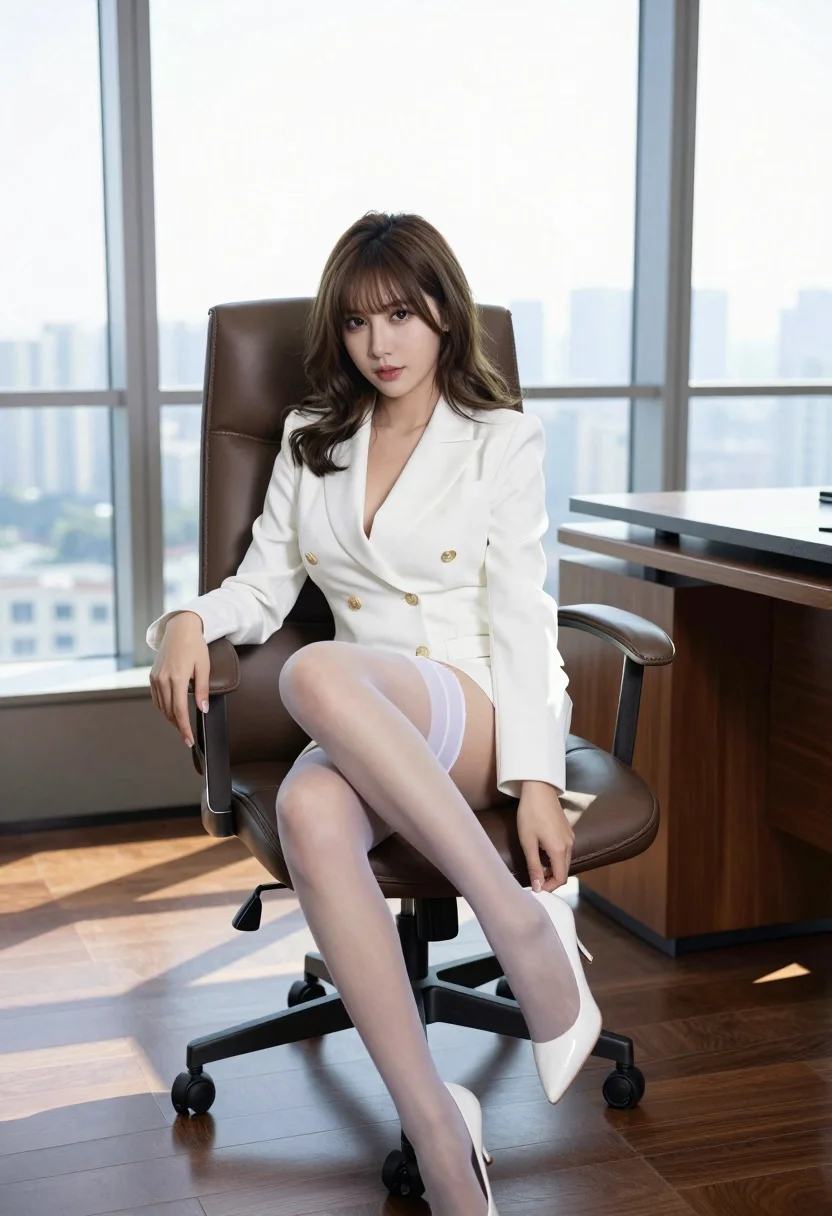
Woman in white blazer dress seated in modern office overlooking city skyline
Prompt
A confident woman with shoulder-length wavy brown hair sits in a high-backed leather office chair within a modern corporate setting.

Subject: A young woman with fair skin and shoulder-length wavy brown hair featuring bangs, looking directly at the camera with a calm expression.

Clothing: She wears a white double-breasted blazer dress with gold buttons and a deep V-neckline, paired with sheer white thigh-high stockings held up by garters and white heels.

Action: She is seated in a relaxed pose with one leg crossed over the other, her hand resting near her hip as she adjusts the stocking on her upper thigh.

Environment: The setting is a high-rise office with large floor-to-ceiling windows revealing a city skyline in the background, featuring dark wood flooring and a polished wooden desk surface.

Camera: Shot from a slightly low angle to emphasize the subject's posture, utilizing a wide-angle perspective that captures the expansive room and window view.

Lighting: Bright natural daylight floods the scene from the large windows, creating soft highlights on her hair and skin while casting gentle shadows across the floor and furniture.

Style Details: The image features high-definition realism with sharp focus on the subject, smooth textures on the fabric and leather, and a clean, professional aesthetic typical of modern commercial photography.
Description
This prompt is useful for creating corporate lifestyle editorials, luxury brand lookbooks featuring office wear, and high-end architectural interior visualizations. The combination of 'slightly low angle' and 'wide-angle perspective' ensures the subject feels powerful within the expansive setting, while 'bright natural daylight' prevents the polished wood surfaces from appearing dull or flat.
Suggestions
- Change 'high-backed leather office chair' to 'minimalist chrome chair' for a more contemporary feel.
- Swap 'white double-breasted blazer dress' for 'charcoal pinstripe suit' to shift the mood.
- Add 'bokeh effect on skyline' to soften the background view.
Category
Tags
Brown HairFair SkinFemaleIndoorsLow AngleOutdoorsRealisticWide Shot
Date added
August 5, 2026
Added by
PromptDexter Team
Related Prompts
More prompts with similar categories and tags.
Woman walking on beach with surfboard at golden hour

Blonde woman in black dress leaning on stone pillar in garden setting
Stylish woman in camel coat leaning on stone building corner street
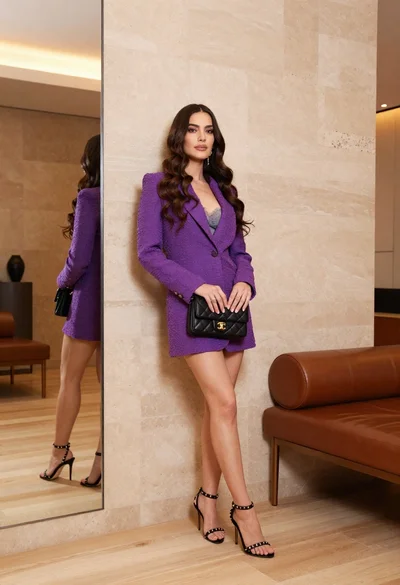
Woman in purple blazer dress leaning against beige wall indoors

Woman posing on terrace at golden hour by mediterranean buildings
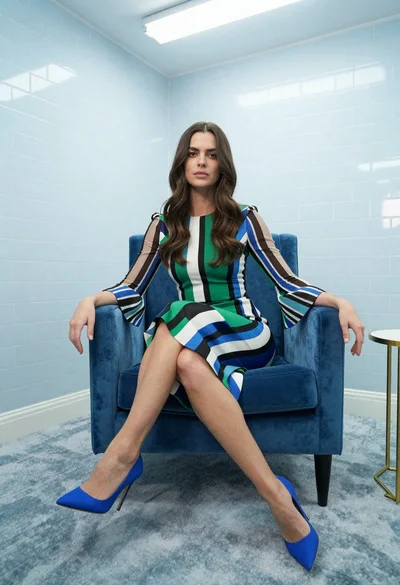
Woman in striped dress sitting on blue velvet armchair indoors

Young woman in mint green satin dress sitting on stone window ledge
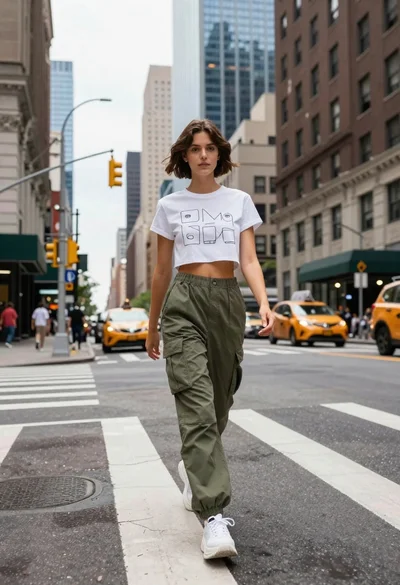
Young woman in white tshirt and cargo pants walking across city street
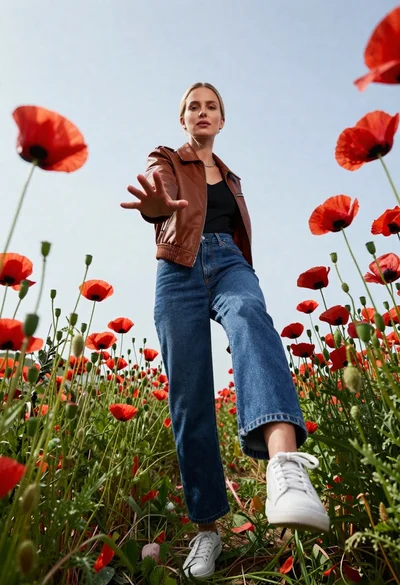
Fair skinned blonde woman in brown bomber jacket reaching from low angle
Young woman in white top and yellow skirt standing near vintage motel