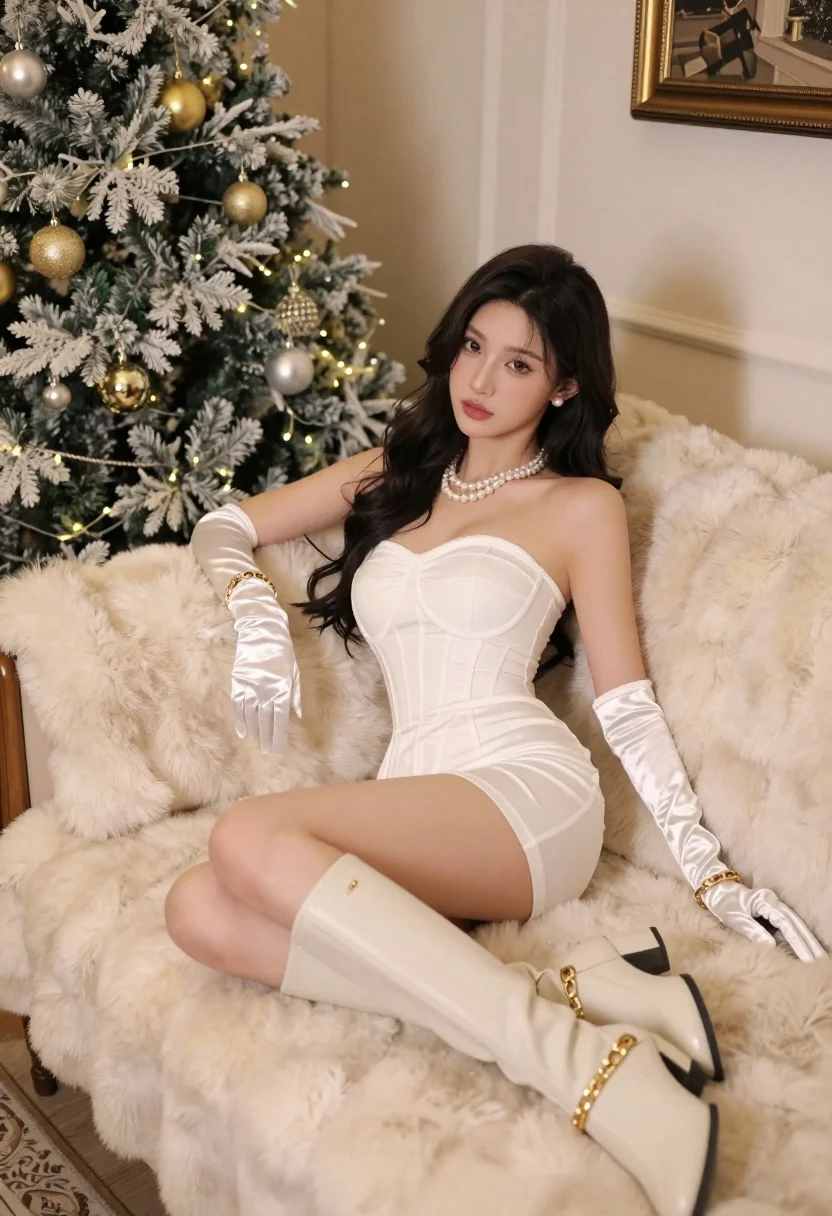
Woman in white strapless minidress on cream fur sofa near christmas tree
Prompt
A woman in a white strapless dress reclines on a plush cream-colored fur sofa next to a decorated Christmas tree.

Subject: A woman with long dark hair and fair skin is the central figure, looking directly at the camera with a calm expression.

Clothing: She wears a fitted white strapless mini-dress with a corset-style bodice, long white satin opera gloves, pearl necklaces, gold bracelets, and tall cream-colored boots with chain detailing.

Action: She is seated in a relaxed pose on the sofa, leaning back slightly with one arm resting along the back of the couch and her legs extended to the side.

Environment: The setting is an indoor room featuring a large Christmas tree decorated with gold and silver ornaments and warm fairy lights to the left, a beige wall behind her, and a framed picture hanging on the wall.

Camera: The shot is taken from a slightly low angle looking up at the subject, utilizing a shallow depth of field that keeps the woman in sharp focus while softly blurring the background elements.

Lighting: The scene is illuminated by warm, soft lighting that creates a cozy holiday atmosphere, with highlights reflecting off her skin and the white textures of her dress and gloves.

Style Details: The image has a high-end fashion photography aesthetic characterized by elegant composition, rich color grading, and a polished, luxurious feel.
Description
This prompt is useful for creating holiday catalog imagery, luxury editorial spreads, and festive portraiture featuring formal wear. The combination of 'warm, soft lighting' with the 'white strapless mini-dress' and 'cream fur sofa' establishes a cohesive, opulent mood that prevents harsh shadows while ensuring the delicate textures remain visible against the backdrop of gold and silver ornaments.
Suggestions
- Change 'gold and silver ornaments' to 'deep emerald and ruby ornaments' for a richer holiday palette.
- Add 'bokeh effect from fairy lights' to enhance the background blur.
- Swap 'cream-colored fur sofa' for 'velvet chaise lounge' to alter the material feel.
Category
Tags
Fair SkinFemaleIndoorsLow AngleRealistic
Date added
July 12, 2026
Added by
PromptDexter Team
Related Prompts
More prompts with similar categories and tags.
Woman in black dress seated on beige sofa in minimalist interior room
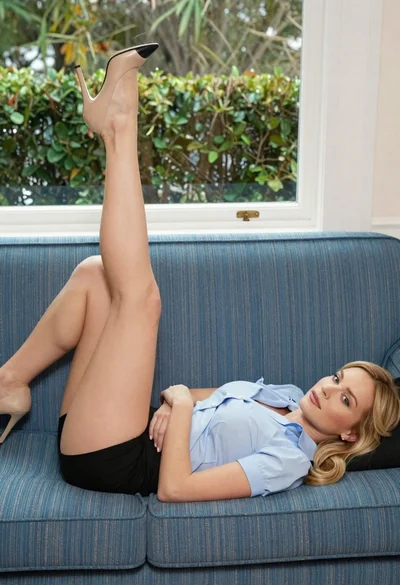
Blonde woman reclining on blue sofa indoors by large window
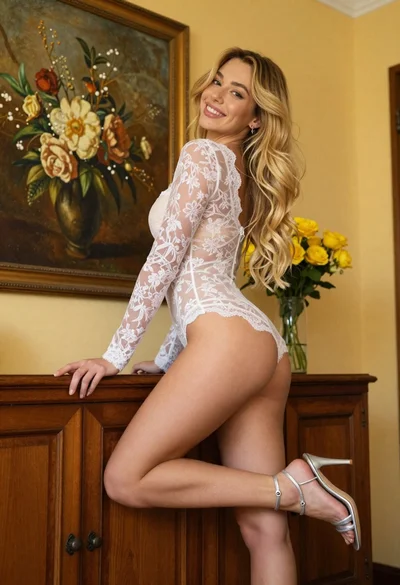
Young blonde woman in lace bodysuit leaning against wooden cabinet indoors
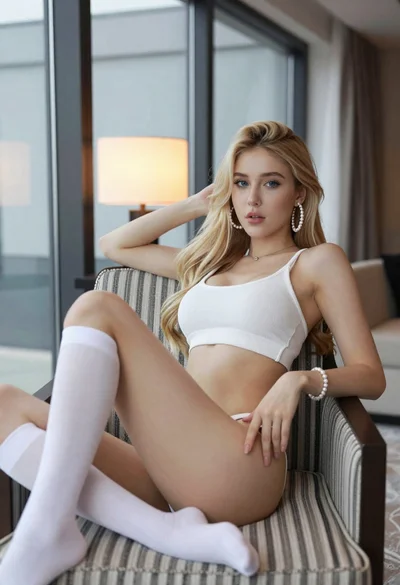
Blonde woman reclining on striped armchair in modern hotel interior
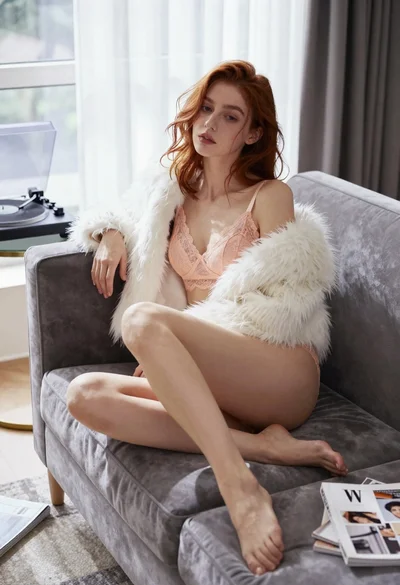
Young woman in lace lingerie seated on grey velvet sofa indoors
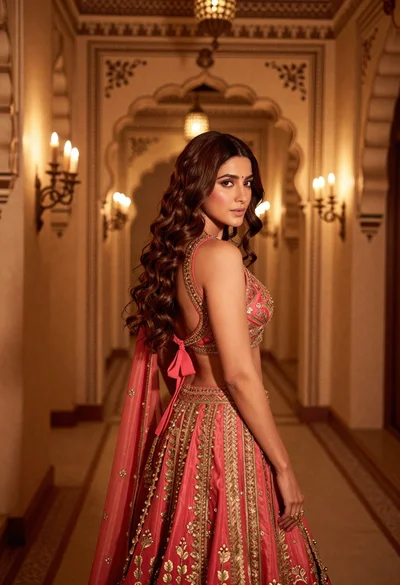
Woman in ornate lehenga choli looking back over shoulder indoors

Fair blonde woman sitting on vintage gold sofa in dimly lit room
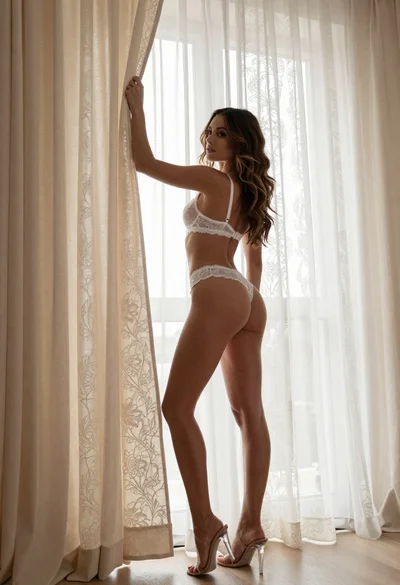
Woman in white lace lingerie holding cream curtains indoors low angle view

Poised woman in black gown posing indoors with dramatic low key lighting
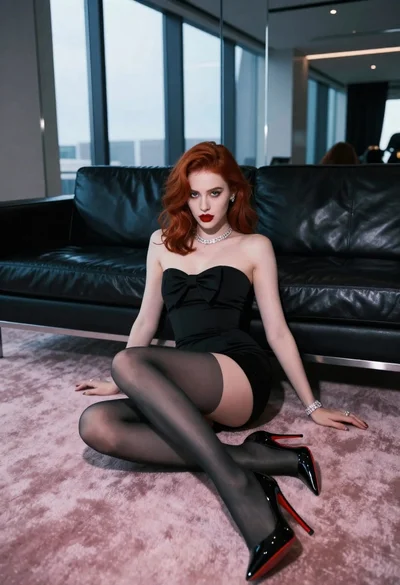
Glamorous woman with red hair sitting on pink carpet near black sofa