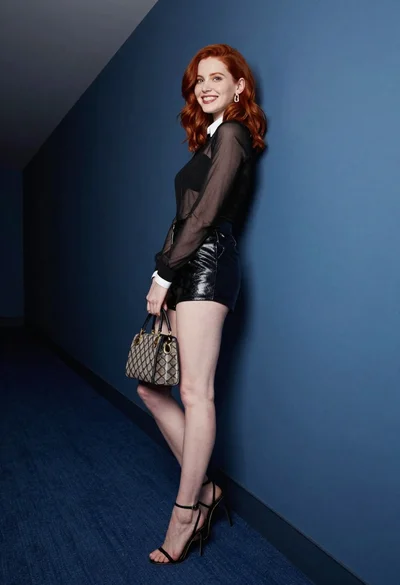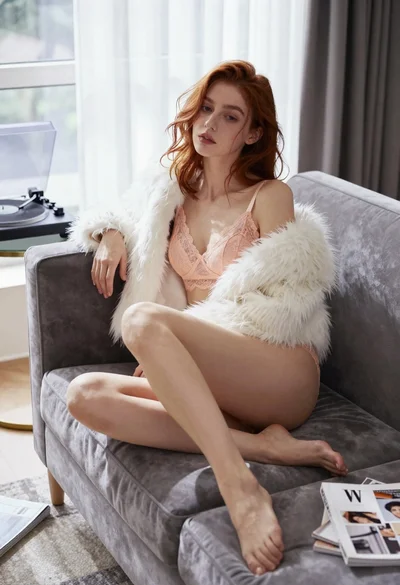

Glamorous woman with red hair sitting on pink carpet near black sofa
Prompt
A glamorous woman with red hair sits confidently on a plush pink carpet in front of a black leather sofa and reflective glass windows.

Subject: A woman with shoulder-length red hair, pale skin, and striking dark red lipstick gazes directly at the camera with a confident expression.

Clothing: She wears a strapless black mini dress featuring a large bow detail at the bust, sheer black pantyhose, and glossy black stiletto heels with distinct red soles. A sparkling diamond necklace rests on her collarbone, accompanied by a matching bracelet on her left wrist and a ring on her right hand.

Action: She sits with her legs crossed in a relaxed pose, leaning back slightly against the sofa with her arms resting along its sides.

Environment: The setting is an interior room featuring a large black leather sofa behind her and a floor-to-ceiling glass window or wall reflecting bright light from outside.

Lighting: The scene is illuminated by cool, high-contrast lighting that creates deep shadows and highlights the textures of the leather and carpet, giving the image a moody atmosphere.

Camera: The shot is taken from a low angle looking up at the subject, utilizing a wide lens to capture her full seated figure within the frame.

Style Details: The image exhibits a polished, high-fashion aesthetic with sharp focus on the subject and a cinematic color palette dominated by blacks, reds, and cool blues.
Description
This prompt is useful for creating editorial fashion editorials, luxury brand advertisements, and dramatic character portraits. The combination of 'cool, high-contrast lighting' with the 'black leather sofa' and 'reflective glass windows' establishes a moody atmosphere that accentuates the sharp focus on the subject while allowing the deep shadows to give weight to the luxurious textures.
Suggestions
- Change 'plush pink carpet' to 'deep burgundy velvet' for a richer color scheme.
- Swap 'strapless black mini dress' for 'velvet cocktail gown' to alter the texture.
- Adjust 'low angle looking up' to 'eye-level medium shot' for a more intimate portrait.
Category
Tags
BrunetteFair SkinFemaleFull BodyIndoorsLow AngleRealisticRed Hair
Date added
June 19, 2026
Added by
PromptDexter Team
Related Prompts
More prompts with similar categories and tags.
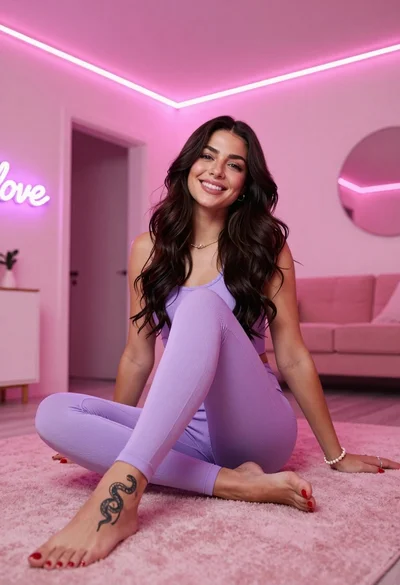
Smiling woman in purple athletic wear sitting on pink surface indoors
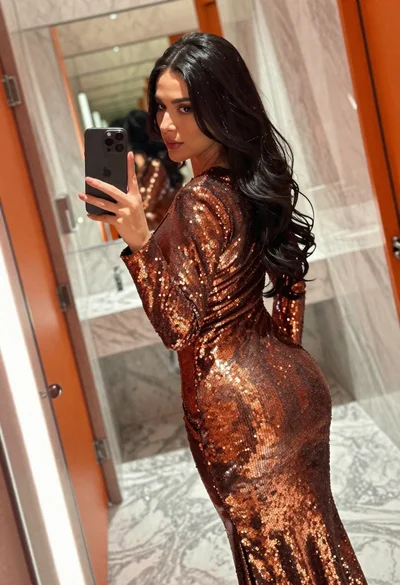
Woman in copper sequin dress taking a mirror selfie in luxurious bathroom
Woman with reddish hair posing on red tufted sofa indoors
Woman in ornate lehenga choli looking back over shoulder indoors
Woman in white lace lingerie holding cream curtains indoors low angle view

Smiling woman with red hair in floral twotoned dress outdoors

Poised woman in black gown posing indoors with dramatic low key lighting
Woman in black bodysuit and pink heels standing in an indoor hallway
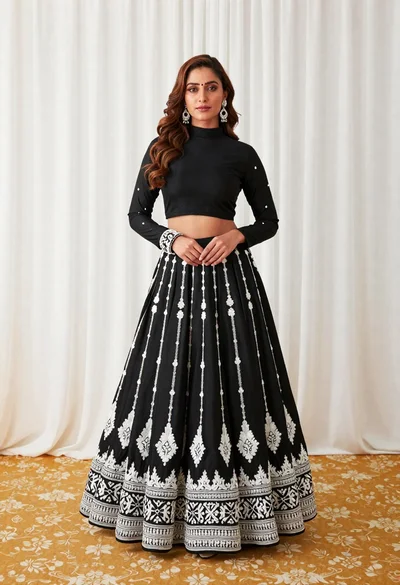
Full length portrait of woman in black traditional outfit indoors
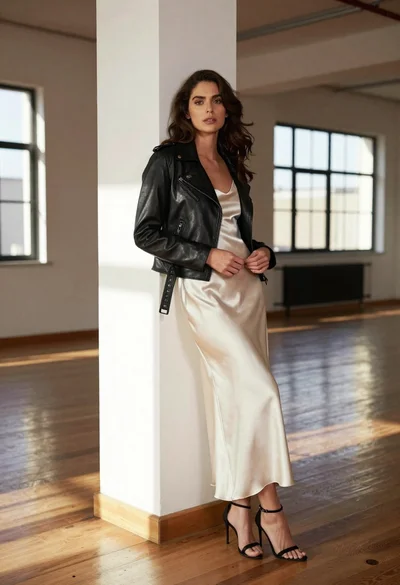
Woman in black moto jacket and cream slip dress against white pillar