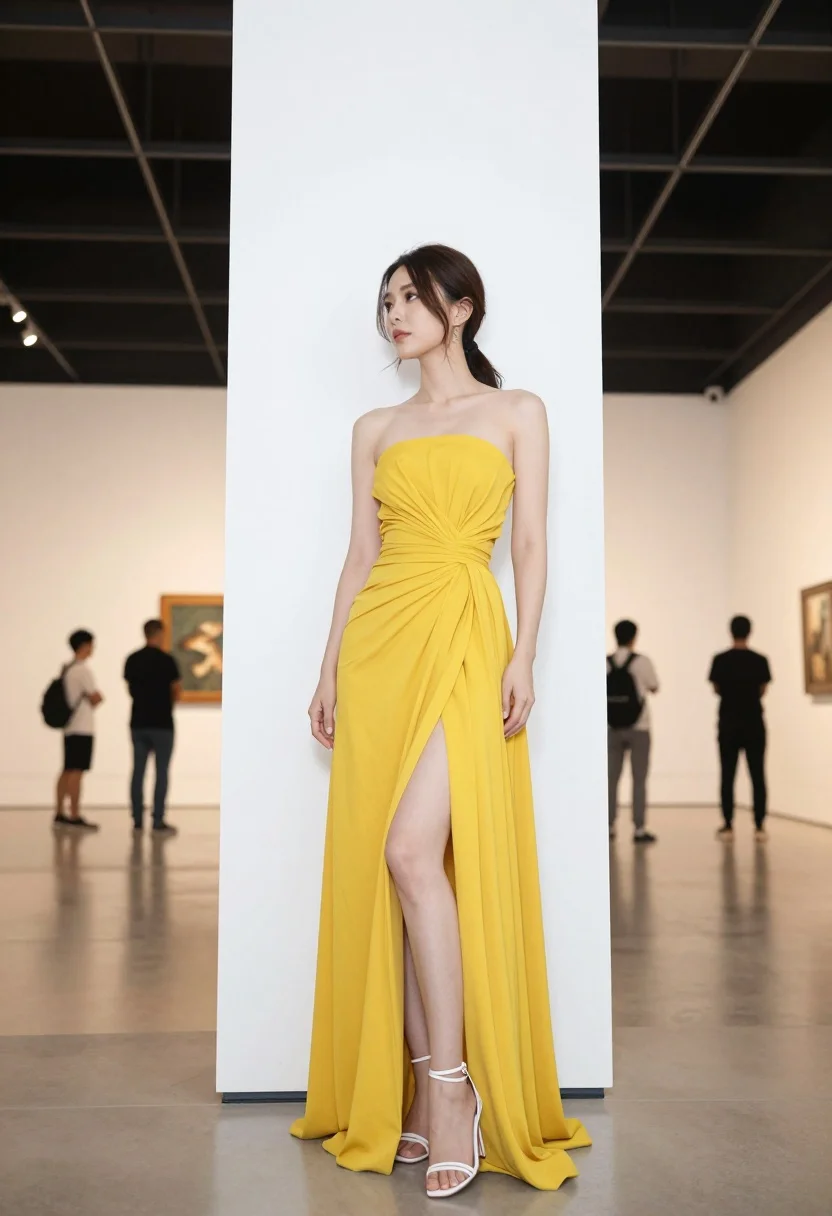
Woman in yellow dress leaning against pillar in bright art gallery setting
Prompt
A full-length shot of a woman standing elegantly against a white pillar in a spacious gallery.

Subject: A woman with dark hair pulled back into a ponytail, featuring loose strands framing her face, and a poised, confident expression.

Clothing: She wears a strapless, high-slit yellow dress made of flowing fabric that gathers at the waist, paired with white strappy high-heeled sandals.

Action: She stands in profile leaning slightly against a large white column, looking off to the side with a calm demeanor.

Environment: A bright, minimalist indoor space resembling an art gallery or museum with polished floors and a dark ceiling grid.

Camera: Shot from a low angle emphasizing her height and posture, utilizing a shallow depth of field that keeps the subject sharp while blurring the background figures.

Lighting: Soft, diffused overhead lighting creates gentle highlights on her skin and dress without harsh shadows, maintaining an airy atmosphere.
Second

Subject: Blurred figures of people are visible in the distant background observing art or walking through the space.

Objects: A large white cylindrical pillar stands directly behind her, serving as a structural element for her pose.

Text/Graphics: The text "LOVE" is faintly visible on the wall in the background.

Style Details: High-fashion photography aesthetic with clean lines, vibrant color contrast between the yellow dress and white surroundings, and a polished commercial look.
Description
This prompt is useful for creating high-fashion editorial spreads, architectural lifestyle photography, and magazine feature editorials showcasing bold color against minimalist backdrops. The combination of 'low angle' perspective with the 'white pillar' structure emphasizes verticality and poise, while the 'soft, diffused overhead lighting' prevents harsh shadows that would distract from the vibrant contrast between the yellow dress and the white surroundings.
Suggestions
- Change 'yellow dress' to 'mustard yellow silk' for a richer tone.
- Replace 'dark hair pulled back into a ponytail' with 'loose wavy brunette hair' for more movement.
- Adjust 'low angle' to 'eye-level shot' if you want a less imposing feel.
Category
Tags
BrunetteFemaleFull BodyLow AngleRealistic
Date added
August 5, 2026
Added by
PromptDexter Team
Related Prompts
More prompts with similar categories and tags.
Young woman in tie dye outfit by turquoise pool under blue sky
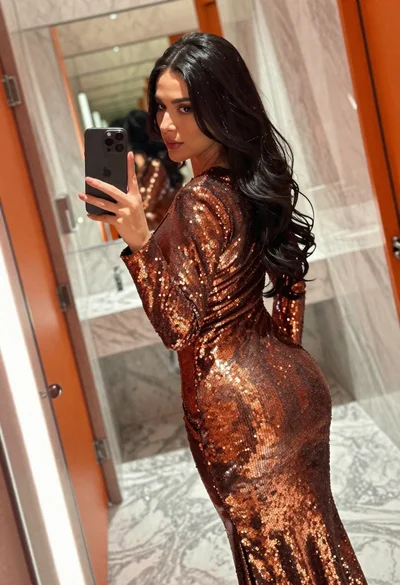
Woman in copper sequin dress taking a mirror selfie in luxurious bathroom
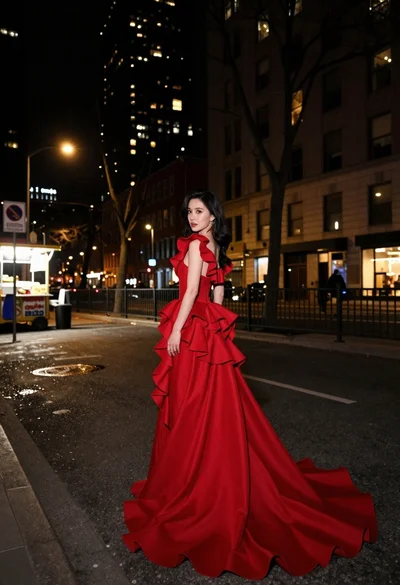
Woman in flowing red gown standing on a city street at night
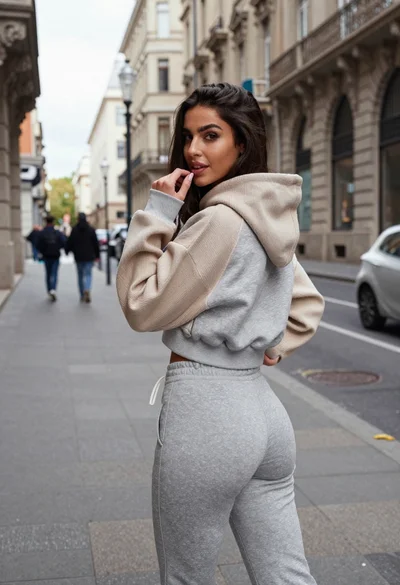
Young woman in two tone hoodie on european city sidewalk
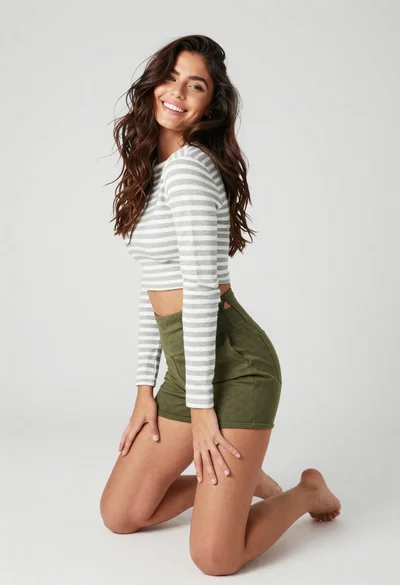
Smiling woman kneeling in striped crop top against white studio background
Woman in futuristic crystal bodysuit on glowing stage

Young woman in pink embroidered dress on white stone staircase outdoors
Glamorous woman with red hair sitting on pink carpet near black sofa
Woman in white outfit by pool at golden hour
Woman in black bodysuit and pink heels standing in an indoor hallway