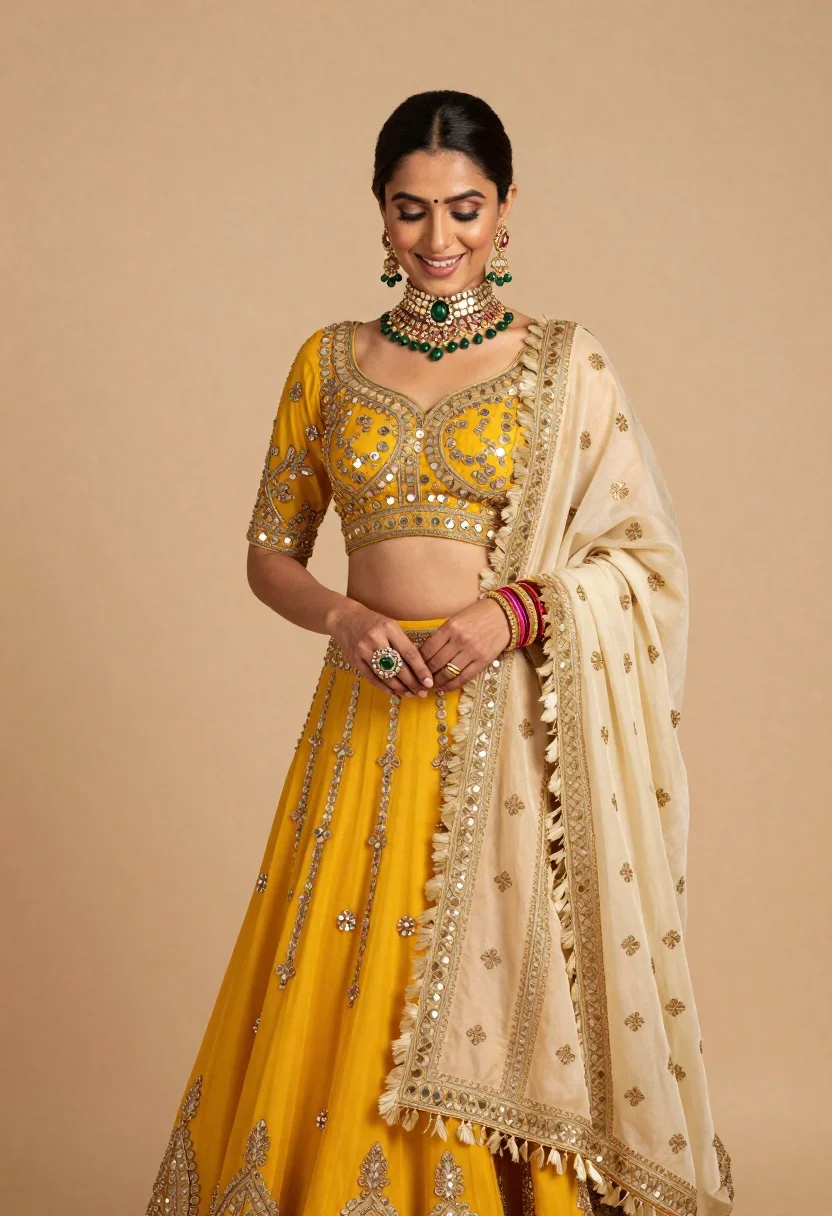
Woman in yellow lehenga choli bridal attire against beige studio backdrop
Prompt
A woman in traditional Indian bridal attire stands against a soft beige background.

Subject: A woman with dark hair styled in a sleek low bun and side part, featuring a radiant smile and downcast eyes.

Clothing: She wears an elaborate yellow lehenga choli with heavy gold embroidery, sequin work, and mirror detailing on the bodice, paired with a cream-colored dupatta draped over her shoulder that features intricate golden patterns and fringed edges.

Action: Her hands are gently clasped in front of her waist, showcasing a large ring with a green stone on her right hand and a stack of colorful bangles on her left wrist.

Environment: The setting is a minimalist studio environment with a solid warm beige backdrop that provides a neutral contrast to the vibrant yellow outfit.

Lighting: Soft, diffused lighting illuminates the subject from the front, creating gentle highlights on the jewelry and fabric textures while casting subtle shadows that define her features.

Style Details: High-fashion editorial photography style with a focus on rich textures, luxurious fabrics, and traditional Indian bridal aesthetics.
Description
This prompt is useful for creating high-end bridal catalog imagery, cultural fashion editorials, and luxury wedding vendor portfolios. The combination of 'soft, diffused lighting' and the 'solid warm beige backdrop' ensures that the intricate details of the yellow lehenga choli and gold embroidery remain visible without harsh shadows obscuring the rich textures required for these commercial applications.
Suggestions
- Change 'yellow lehenga choli' to 'marigold lehenga choli' for a deeper tone.
- Add 'bokeh background' to soften the studio setting further.
- Swap 'green stone' for 'ruby stone' to complement the gold embroidery.
Category
Tags
BrunetteDark SkinFemaleFull BodyPortrait ShotRealisticStudioTraditional Wear
Date added
June 19, 2026
Added by
PromptDexter Team
Related Prompts
More prompts with similar categories and tags.
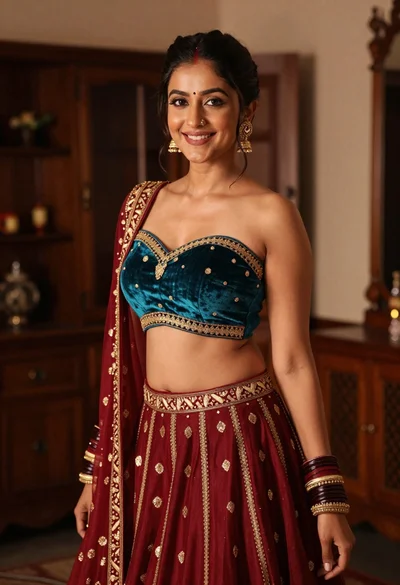
Young woman in teal lehenga choli smiling indoors with gold embroidery
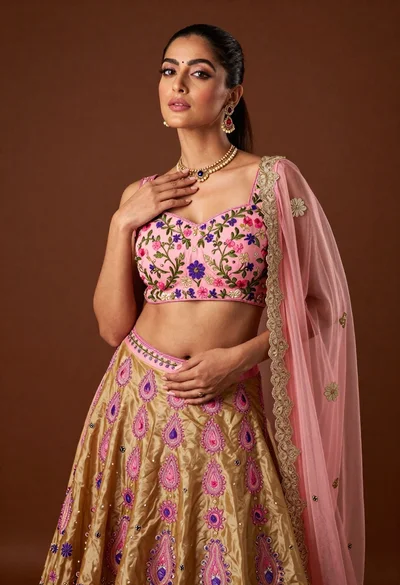
Confident woman posing in pink floral lehenga skirt studio portrait

Confident woman with dark wavy hair in floral top and red tulle
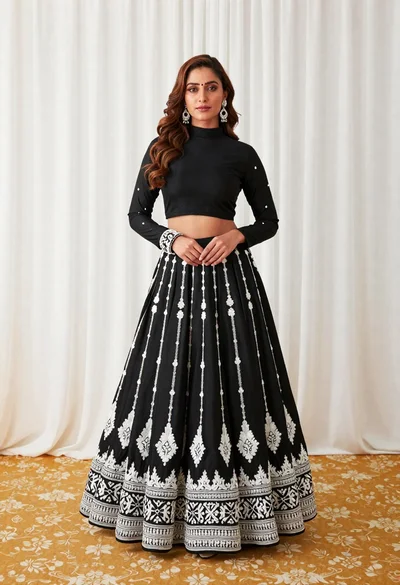
Full length portrait of woman in black traditional outfit indoors
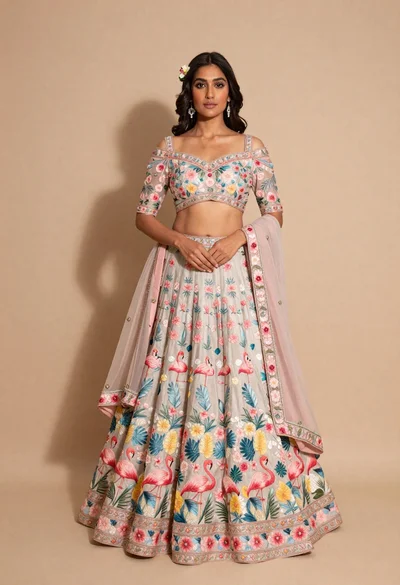
Full body portrait of young woman in embroidered pastel lehenga choli
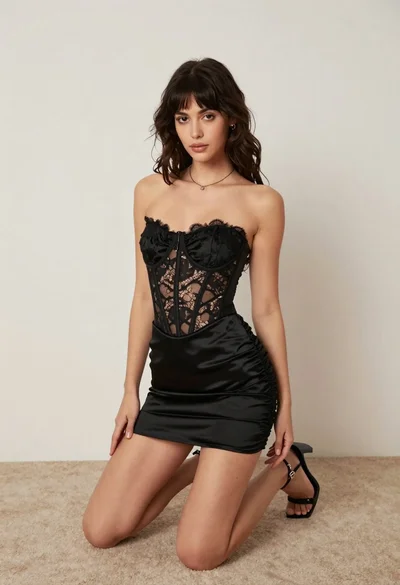
Woman kneeling on carpeted floor in black strapless mini dress
Confident woman in beige lace mini dress posing indoors with dark wavy
Full body portrait of woman in embellished black gown against dark studio
High fashion portrait of woman with red hair in black jacket
Fit woman in houndstooth strapless dress sitting on a draped ledge