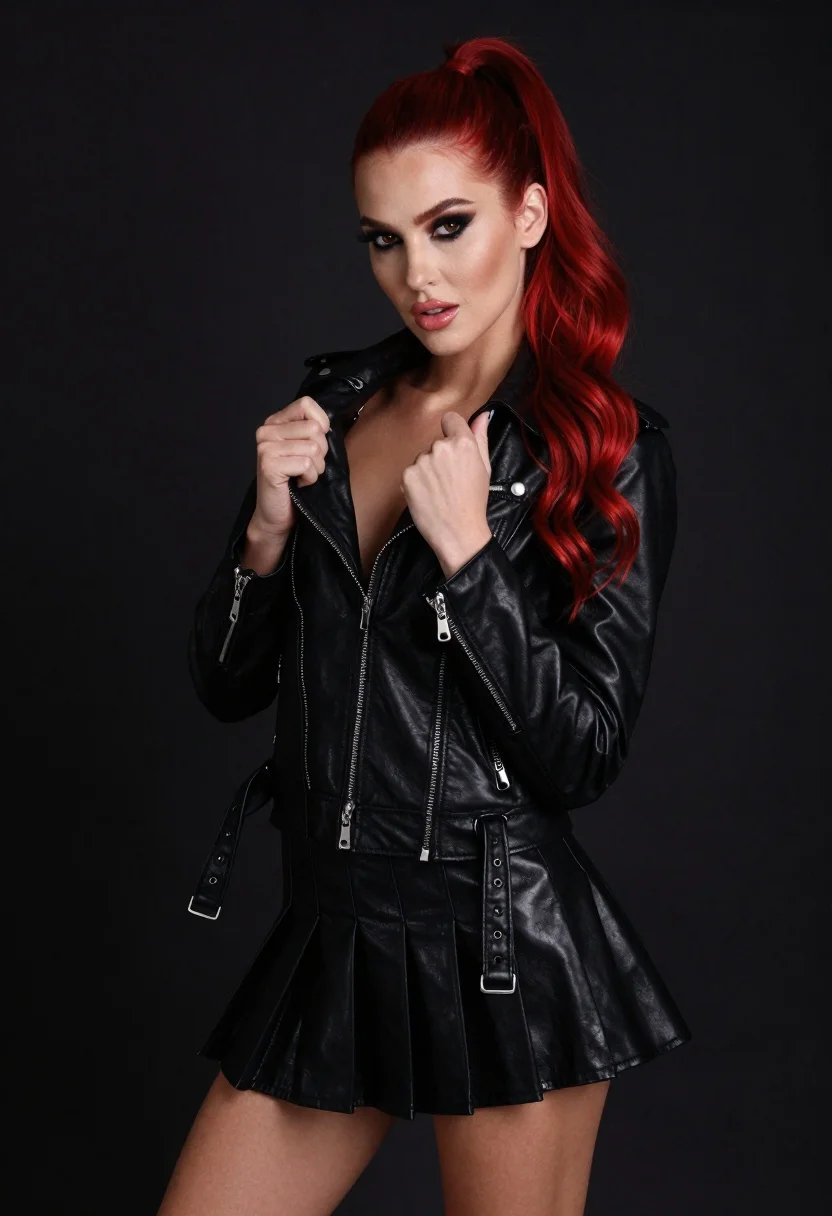
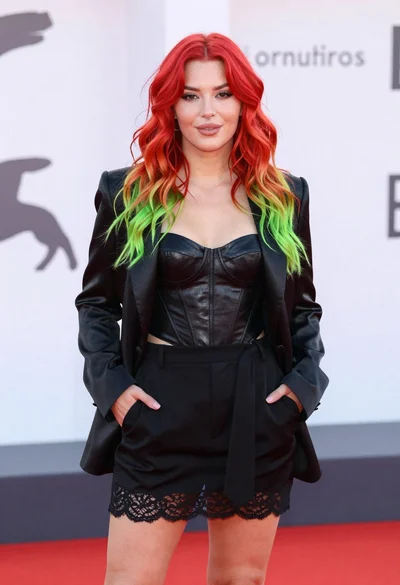
High fashion portrait of woman with red hair in black jacket
Prompt
A high-fashion portrait of a confident young woman with vibrant red hair styled in a long ponytail and loose waves, wearing a sleek black leather moto jacket and short pleated mini-skirt, gazing directly at the viewer with intense expression.

Subject: Young woman with vibrant red hair in long ponytail with loose waves cascading down back, bold dark eye makeup, glossy pink lips, intense direct gaze

Clothing: Sleek black leather moto jacket unzipped slightly to reveal hint of cleavage, short pleated mini-skirt

Accessories: Silver zippers visible on both jacket and skirt

Action: Hands gripping lapels of jacket near chest in poised confident gesture

Environment: Minimal studio environment against solid dark background emphasizing figure and outfit textures

Camera: Mid-torso to thighs framing with slight angle for dynamic composition, shallow depth of field blurring edges while keeping focus sharp on face and upper body

Lighting: Soft yet directional lighting from above creating defined shadows under chin and arms, highlighting facial features and fabric sheen

Style Details: Realistic skin textures, glossy leather material rendering, polished studio aesthetic, dramatic yet clean lighting typical of editorial fashion photography.
Description
This prompt is useful for creating high-end magazine editorials, character concept art for film, and luxury brand advertising campaigns. The combination of 'soft yet directional lighting from above' with the 'glossy leather material rendering' ensures that the jacket's sheen catches highlights dramatically while the 'solid dark background' prevents visual clutter, keeping all focus on the subject's intense gaze and outfit textures.
Suggestions
- Change 'vibrant red hair' to 'auburn waves' for a more muted tone.
- Add 'rim lighting from the side' to enhance separation from the background.
- Swap 'mid-torso to thighs framing' for 'full body shot' to show more of the skirt.
Category
Tags
Black HairBrown SkinBrunetteFemaleFull BodyPortrait ShotRealisticRed HairStudio
Date added
June 19, 2026
Added by
PromptDexter Team
Related Prompts
More prompts with similar categories and tags.
Glamorous portrait of woman with red hair in silver gown
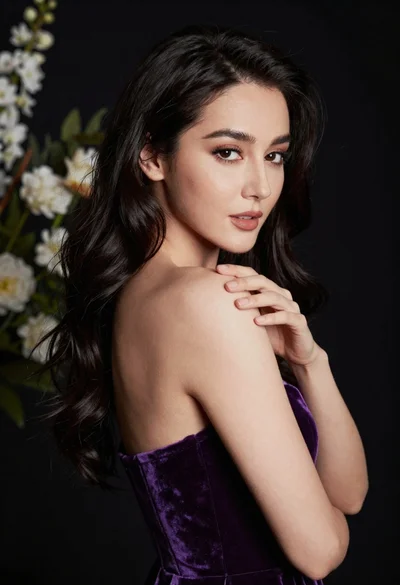
Glamorous portrait of woman with dark hair touching shoulder studio lighting
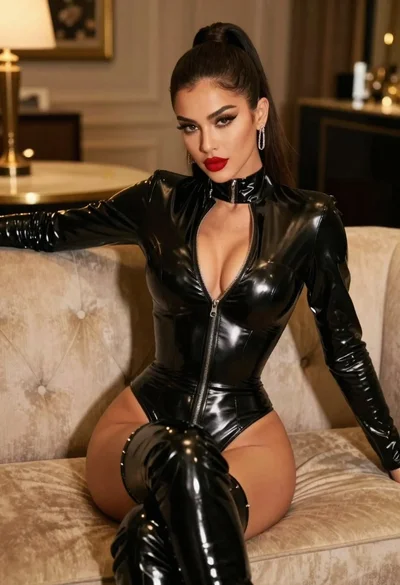
Glamorous model in black bodysuit sitting on beige sofa

Portrait of woman with red hair in navy blouse and green skirt

Studio portrait of smiling black man in white tuxedo
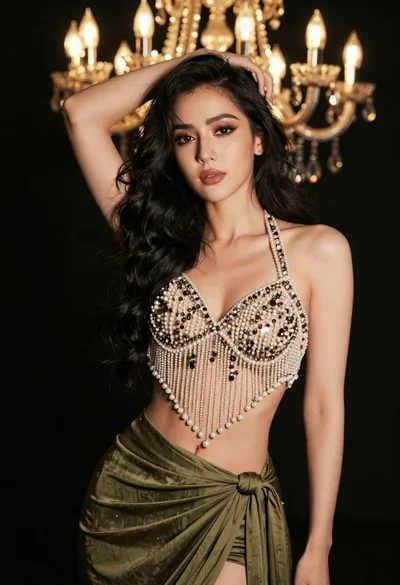
Glamorous woman posing in embellished top against dark chandelier background
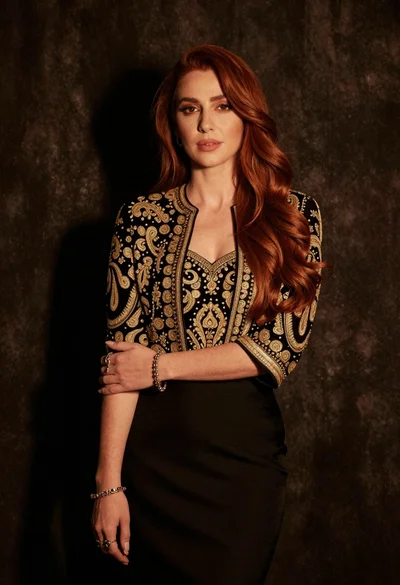
Medium close up portrait of woman in black embroidered jacket studio
Young woman with red to green hair posing confidently on white backdrop